Voice Settings
PSR-E323/YPT-320 Owner’s Manual 47
Reference
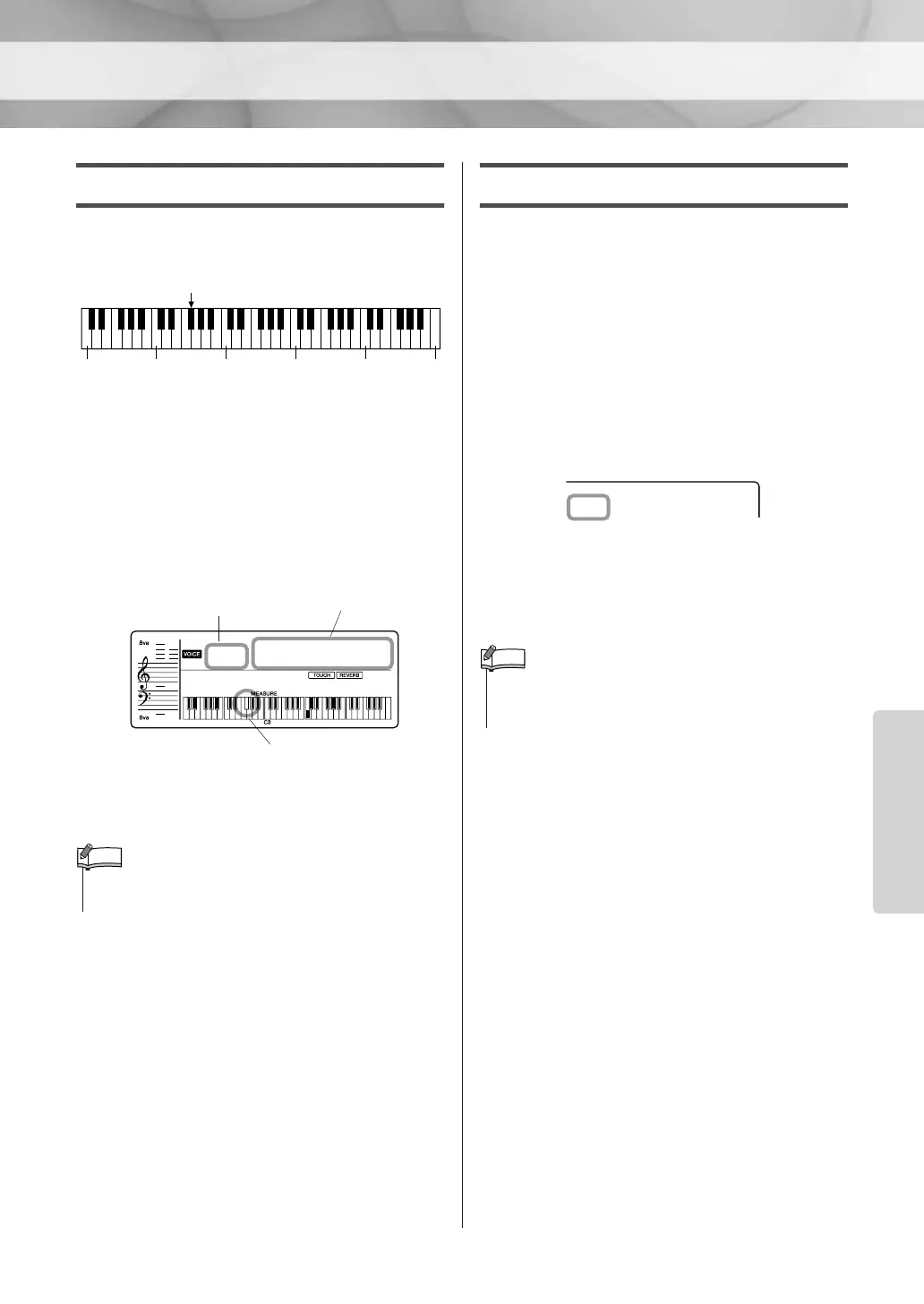
Setting the Split Point
The Split Point setting can be changed as
desired.
The initial default Split Point is key number 54
(the F#2 key), but you can change it to another
key. When you change the Split Point, the auto
accompaniment range also changes.
1 Press the [FUNCTION] button a number of
times until “SplitPnt” appears.
2 Set the Split Point by using the number but-
tons [0]–[9], [+], [-].
Adjusting the Voice volume
The Voice volume can be individually adjusted
for the Main, Dual, and Split Voices.
1 Press the [FUNCTION] button a number of
times until the required Voice volume item
appears.
Select “M.Volume” for Main Voice volume,
“D.Volume” for Dual Voice volume, or
“S.Volume” for Split Voice volume.
2 Set the Voice volume by using the number
buttons [0]–[9], [+], [-].
36 48 60 72 84 96
Split Point—default setting: 54 (F#2)
Currently selected Split Point
Split Point
Split Point
SplitPnt
054
001
• Press the [+] and [-] buttons simultaneously to instantly reset
the value to its default setting (54 or F
#
2).
NOTE
M.Volume
100
• Press the [+] and [-] buttons simultaneously to instantly reset
the value to its default setting. The default setting varies
depending on the Voice.















 To Next Page