22 PSR-E323/YPT-320 Owner’s Manual
Play with a Style
Quick Guide
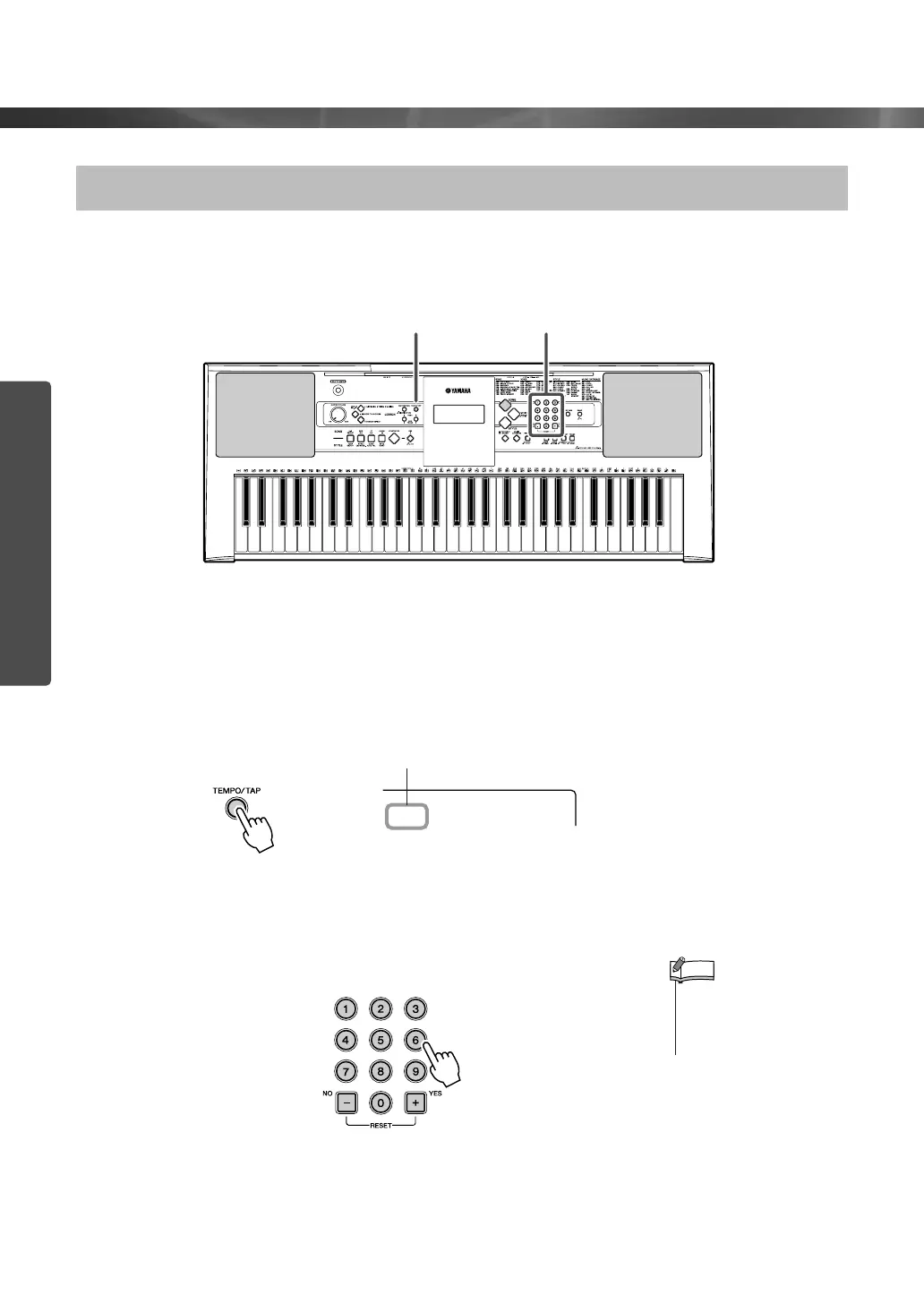
Styles can be played at any tempo you desire—fast or slow.
1
Press the [TEMPO/TAP] button to call up the Tempo setting in the
display after selecting a Style.
2
Set the Tempo by using the number buttons [0]–[9], [+], [-].
Changing the tempo of the Style
12
Current Tempo value
Tempo
070
• Press the [+] and [-] buttons
simultaneously to instantly
reset the value to the
default tempo of a Style.
NOTE















 To Next Page