PSR-E323/YPT-320 Owner’s Manual 17
Playing Songs
Quick Guide
2
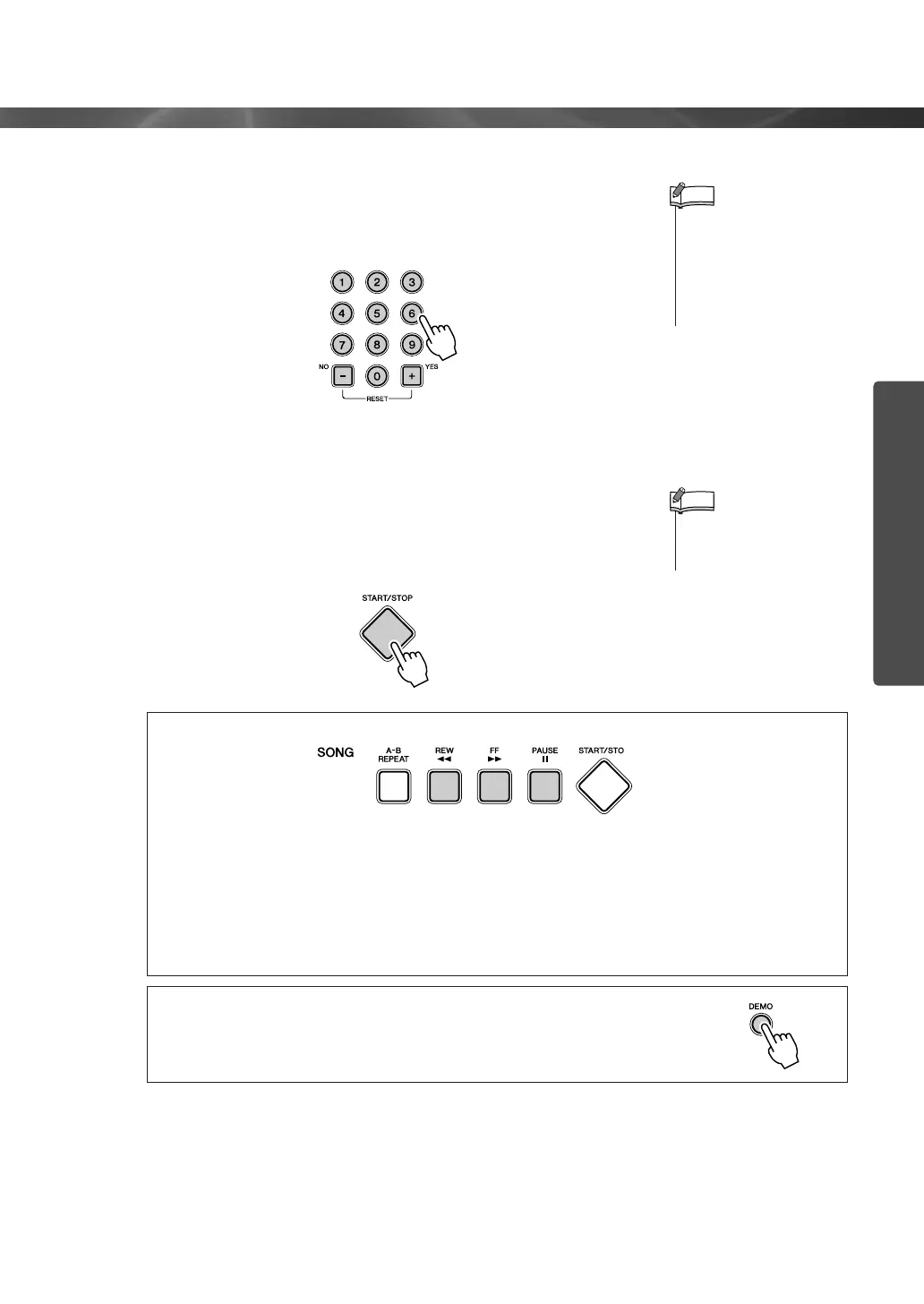
Select a Song.
Select the desired song by using the number buttons [0]–[9], [+],
[-].
Refer to the Song List on page 72.
3
Press the [START/STOP] button.
The Song will begin playing.
You can stop playback at any time by pressing the [START/
STOP] button.
● Rewind/Fast-forward/Pause
[REW] button ........... Fast-reverses the Song if pressed during playback (no sound is heard
during fast reverse). Decreases the measure number if pressed while
playback is stopped.
[FF] button................ Fast-forwards the Song if pressed during playback. Increases the
measure number if pressed while playback is stopped.
[PAUSE] button ........ Temporarily stops playback. Press this button a second time to resume
playback from the point at which it was stopped.
● Using the [DEMO] button
Press the [DEMO] button to play Songs 001, 002, 003, in sequence, and
playback will continue repeatedly starting again from the first Song 001.
You can stop playback at any time by pressing the [DEMO] button.
•You can play Songs
recorded from the instru-
ment or transferred from a
computer. The procedure
for playing these Songs is
the same as that of the
built-in Songs.
NOTE
• Songs can be played at any
tempo you desire—fast or
slow (page 22).
NOTE















 To Next Page