PSR-E323/YPT-320 Owner’s Manual 15
Changing the Voices
Quick Guide
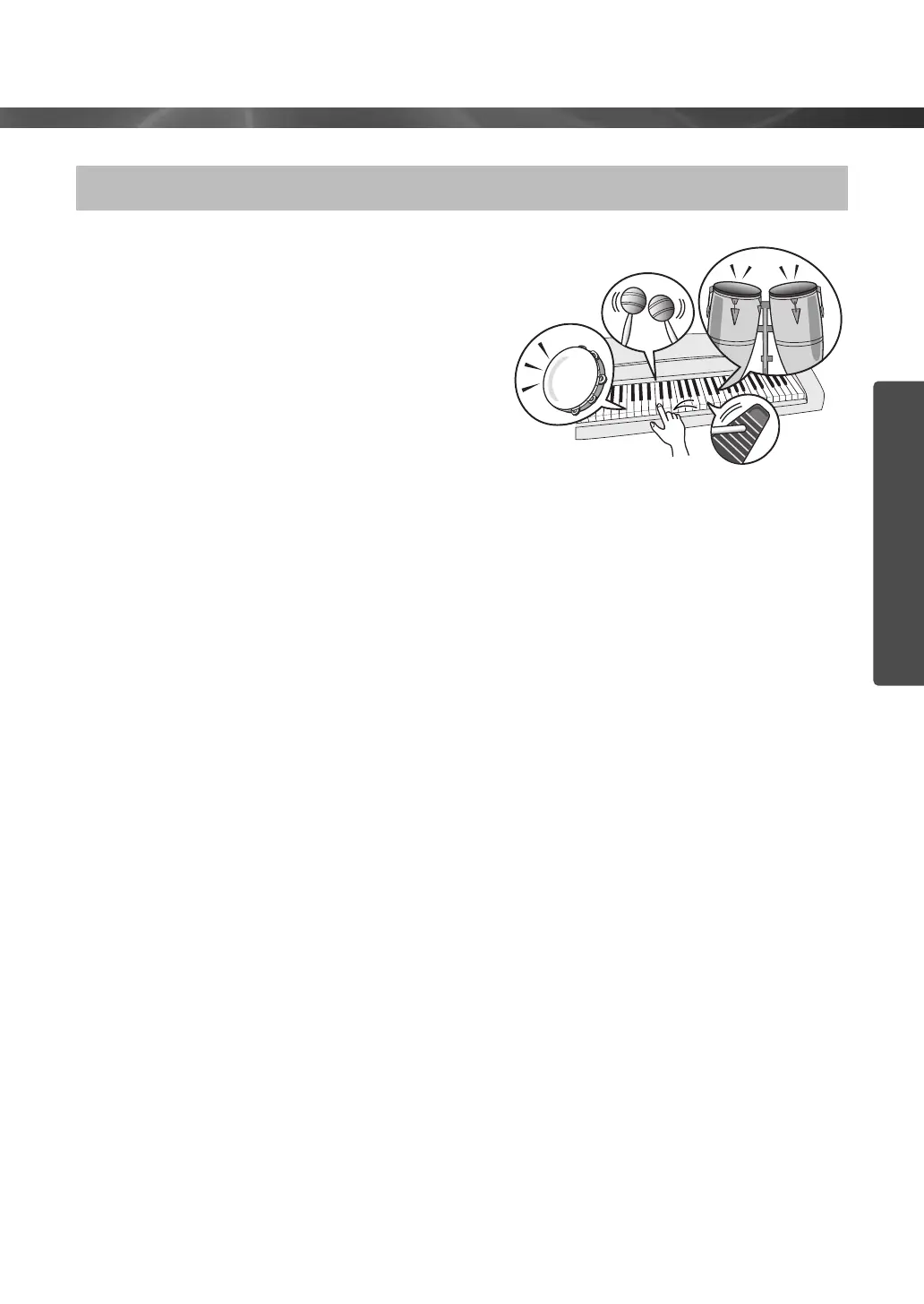
When Voice number 109 (Drum Kit) is selected in
step 2 on page 13, you can play different percussion
sounds directly from the keyboard.
To check which percussion sounds are assigned to
each key when you select Voice number 109, look at
the icons printed above the keys. You can select and
play the desired Drum Kit from 12 preset Drum Kits
(Voice number 109–121). Details on the instruments
and key assignments of each Drum Kit can be found
in the Drum Kit List on page 68.
Playing the Drum Kit Voice















 To Next Page