16 PSR-E323/YPT-320 Owner’s Manual
Quick Guide
Playing Songs
This instrument has 102 built-in Songs. For this instrument, the term “Song” refers to
the data that makes up a piece of music.
Listening to a Song.
1
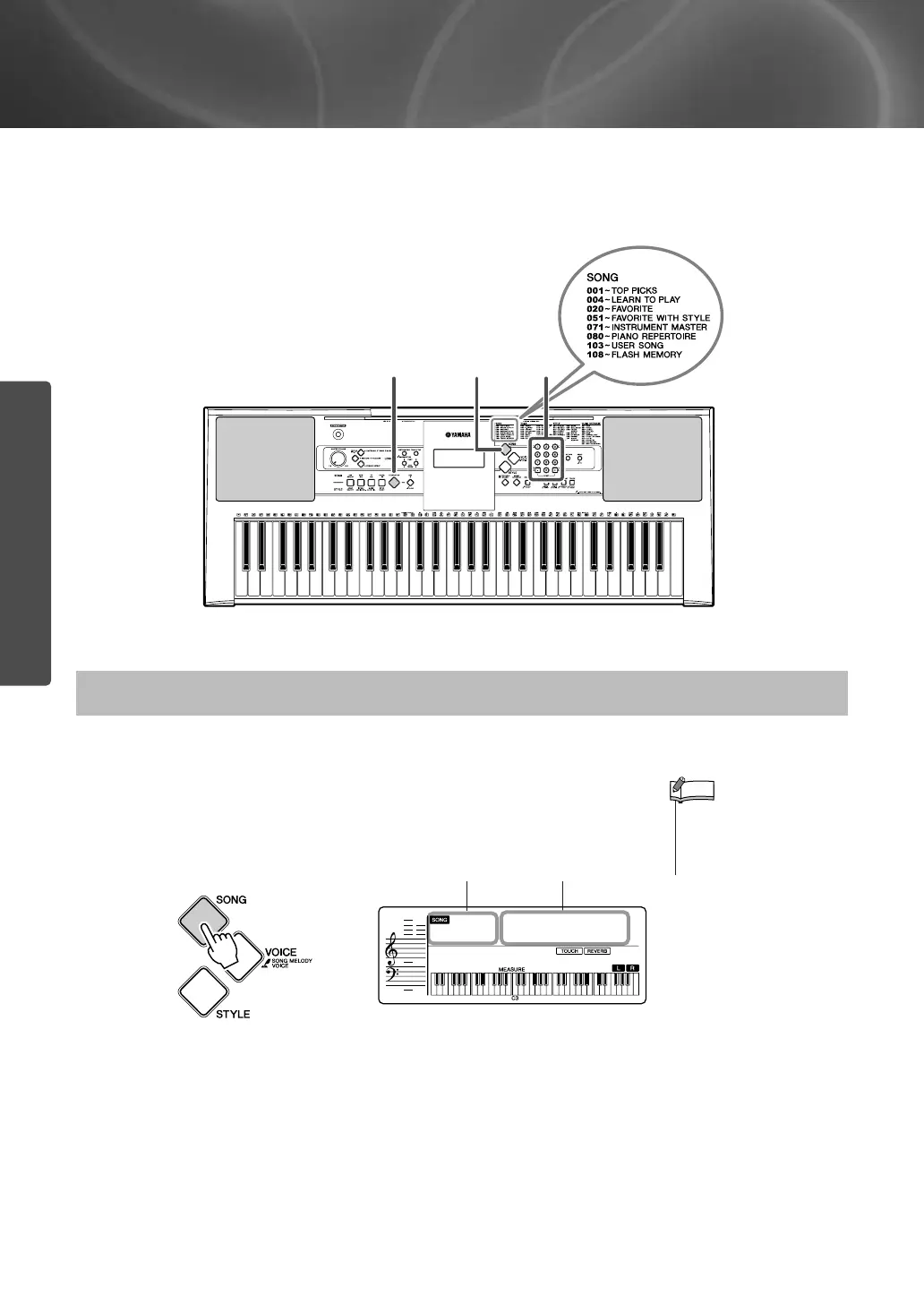
Press the [SONG] button.
The Song number and name are displayed.
Song number “004” is automatically selected whenever the
power is turned ON.
The songs are organized by category. For details, see page 72.
Select and Listen to a Specific Song
132
• When you want to select
the Song number 001–003,
use the number buttons
[0]–[9], [+], [-].
NOTE
Elise 1
004
-01
Song number Song name















 To Next Page