Record your own performance
40 PSR-E323/YPT-320 Owner’s Manual
Reference
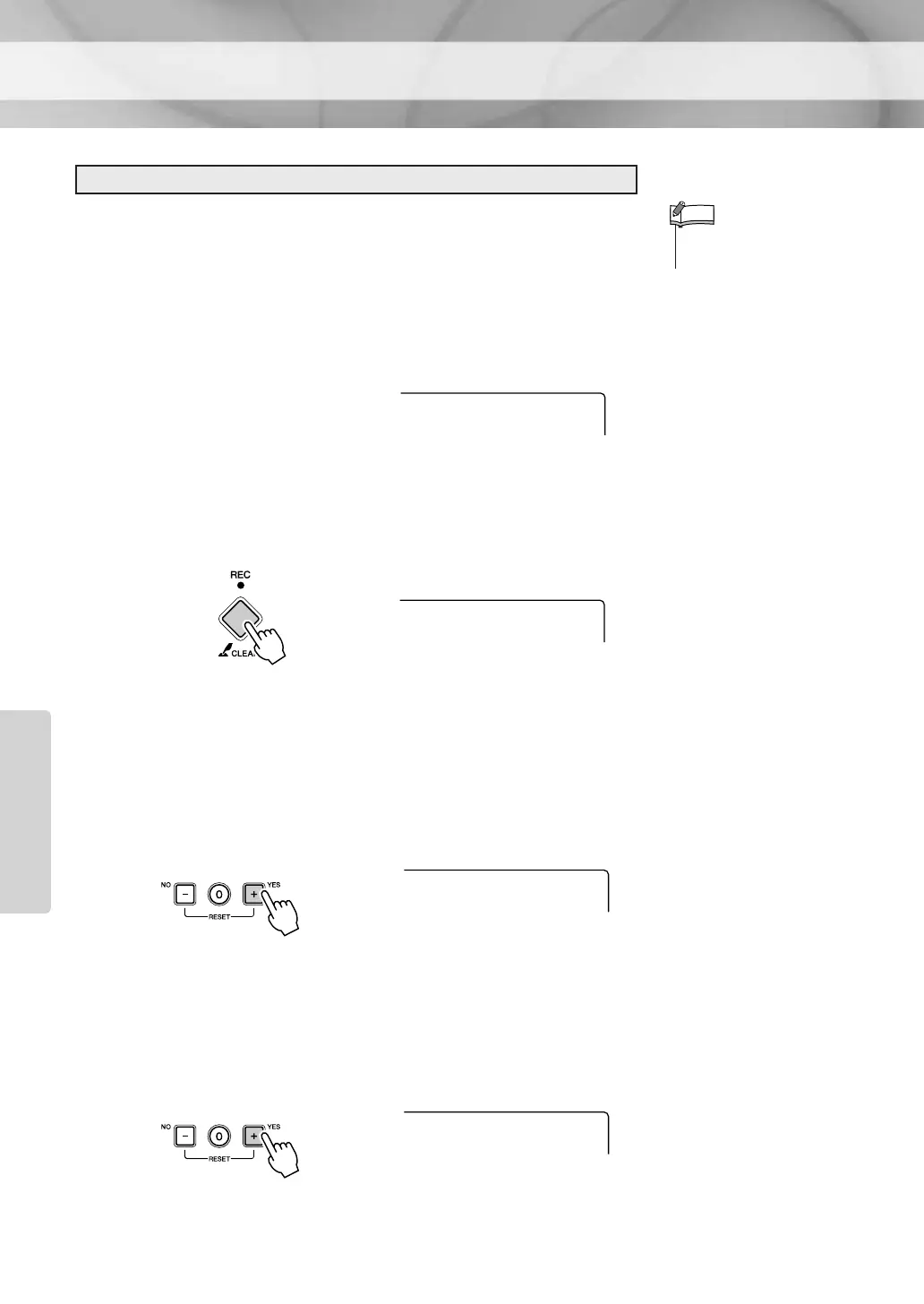
Deleting an entire User Song.
1 Press the [SONG] button and select the User Song you
want to delete by using the number buttons [0]–[9], [+],
[-].
2 Press and hold the [REC] button for longer than a sec-
ond.
The Song Delete display appears.
You can cancel the delete operation by pressing the [-/NO] button.
3 Press the [+/YES] button.
A confirmation message will appear on the display.
You can cancel the delete operation by pressing the [-/NO] button.
4 Press the [+/YES] button to delete the Song.
“Writing!” message will appear while the track is being deleted.
Deleting User Songs
•You cannot delete a specific
track from a User Song.
NOTE
User 1
103
ClrUser1
YES
Hold for longer
than a second.
Sure?
YES
Writing!















 To Next Page