EasyManua.ls Logo

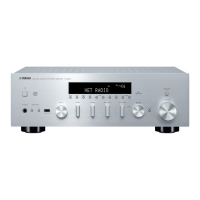
Yamaha R-N602 - User Manual

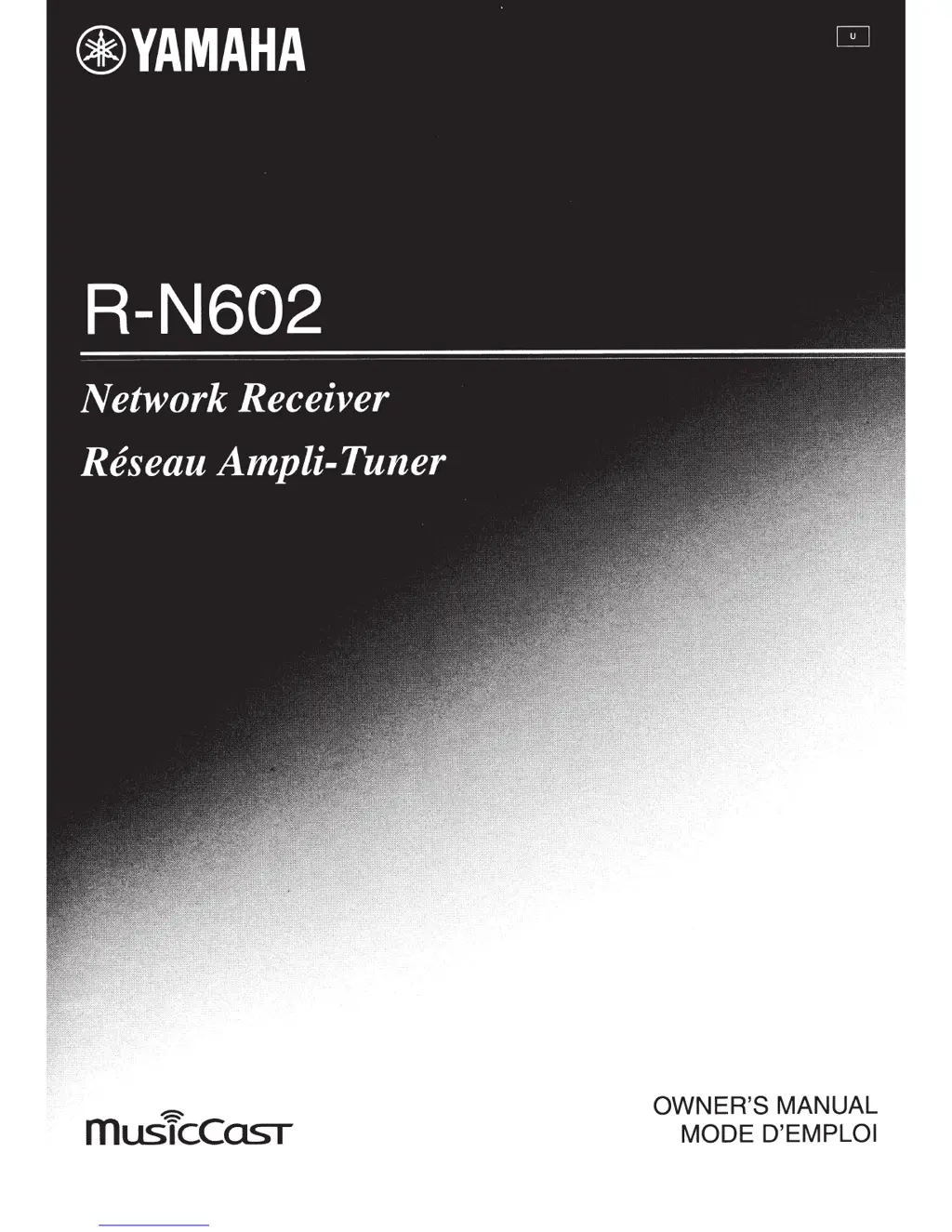
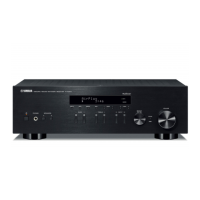
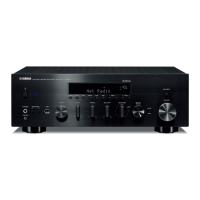
Yamaha R-N602
82 pages
Print Icon
To Next Page IconTo Next Page
Loading...
~
musicCOST
OWNER'S MANUAL
MODE
D'EMPLOI

Other manuals for Yamaha R-N602

Questions and Answers

  • G
    George RomeroSep 13, 2025
    Why does the Yamaha R-N602 Receiver network feature not function?
    • D
      David JordanSep 13, 2025
      If the network feature on your Yamaha Receiver isn't working, it could be that the network parameters (IP address) haven't been obtained properly. Enable the DHCP server function on your router and set “DHCP” in the “Setup” menu to “On” on the unit. If you want to configure the network parameters manually, check that you are using an IP address which is not used by other network devices in your network.
  • B
    Bobby CamposAug 25, 2025
    Why does the Yamaha R-N602 sound suddenly go off?
    • C
      Charles HarrisAug 25, 2025
      If the sound on your Yamaha Receiver suddenly cuts out, it could be due to a few reasons. The protection circuitry may have been activated because of a short circuit. In this case, set the speaker impedance to match your speakers. Alternatively, the unit may have become too hot, so ensure the openings on the top panel are not blocked. Also, check if the auto power standby function has turned the unit off; you can change the auto power standby setting in the Setup menu to turn it off.
  • G
    Gregory CollinsAug 25, 2025
    What to do if the Yamaha R-N602 remote control does not work?
    • S
      Sherry SingletonAug 26, 2025
      If the remote control for your Yamaha Receiver isn't working, make sure you are within a maximum range of 6 m (20 ft) and no more than 30 degrees off-axis from the front panel. Reposition the unit if direct sunlight or lighting is striking the remote control sensor. Also, replace all the batteries, if they are weak.
  • A
    aguilarandreaSep 23, 2025
    Why is the sound degraded when listening with headphones connected to my Yamaha R-N602?
    • D
      Dr. Sheila CharlesSep 23, 2025
      If the sound quality is degraded when listening with headphones connected to the CD player or tape deck via your Yamaha Receiver, make sure the receiver's power is turned on.
  • S
    Shane ChavezSep 14, 2025
    How to fix a “humming” sound from Yamaha R-N602?
    • J
      Jasmine GuzmanSep 14, 2025
      If you're hearing a humming sound from your Yamaha Receiver, ensure the audio plugs are firmly connected. If the problem persists, the cables may be defective. Also, if you're using a turntable, make the GND connection between the turntable and this unit.
  • H
    Heidi RiosSep 23, 2025
    Why is my Yamaha Receiver making a humming sound?
    • C
      Candice FarmerSep 23, 2025
      If you're hearing a humming sound from your Yamaha Receiver, first ensure that the audio plugs are firmly connected; if the problem persists, the cables may be defective. Also, if you're using a turntable, make sure it's properly connected to the GND terminal on the receiver.
  • J
    jamie67Sep 6, 2025
    Why won't my Yamaha Receiver connect to the Internet via wireless router?
    • G
      gregoryjimenezSep 6, 2025
      If your Yamaha Receiver cannot connect to the Internet via a wireless router, the wireless router may be turned off, so ensure it is turned on. The unit and the wireless router may be too far apart, so place them closer to each other. There may also be an obstacle between the unit and the wireless router, so move them to a location where there are no obstacles between them.
  • M
    Michael PetersonSep 7, 2025
    Why is there a lack of bass and ambience on my Yamaha Receiver?
    • B
      Brittany GonzalezSep 7, 2025
      A lack of bass and ambience on your Yamaha Receiver can occur if the + and – wires are connected in reverse at the amplifier or the speakers. Connect the speaker wires to the correct + and – phase.
  • B
    Brandon TerrySep 23, 2025
    Why is the volume level low when playing a record on my Yamaha R-N602?
    • G
      Glenn HarrellSep 23, 2025
      If the volume level is low when playing a record on your Yamaha Receiver, and you're using a turntable with an MC cartridge, the turntable should be connected to the unit through the MC head amplifier.
  • R
    Rose ParkerAug 31, 2025
    How to fix a Yamaha R-N602 Receiver that does not turn on?
    • B
      Becky DavisAug 31, 2025
      If your Yamaha Receiver isn't powering on, there are several potential causes. First, ensure the power cable is securely connected. Also, check that the speaker wires aren't touching each other, as this could activate the protection circuitry; if this happens, turn the power off and then back on. If the issue persists, try turning the power off and on again after 15 seconds; if that doesn't work, disconnect the power cable from the AC wall outlet and plug it back in. If the protection circuitry has been activated three times consecutively, contact your nearest Yamaha dealer or service center to request repair.

Summary

Introduction to the Yamaha R-N602

Front Panel Controls and Functions

Detailed explanation of the buttons and indicators on the unit's front panel.

Remote Control Functions

Details the buttons and their functions on the supplied remote control.

Preparation and Setup

Connections Overview

General instructions and cautions for connecting audio components and speakers.

Wireless Network Setup

Methods for connecting the unit to a wireless network (Wi-Fi).

Basic Operation Guide

Playing a Source

How to turn on the unit, select sources, and adjust volume.

Bluetooth Music Playback

How to pair and play music from a Bluetooth-enabled device.

Media Server (PC;NAS) Playback

Guide to sharing music files from PCs/NAS and playing them back.

USB Storage Device Playback

Instructions for playing music files from a USB storage device.

iPod Music Playback

How to connect and play music from an iPod using a USB cable.

Advanced Operation and Settings

Network Settings Configuration

Detailed setup for network connection, IP address, DMC control, and standby.

Additional Information and Support

Troubleshooting Common Issues

A guide to diagnosing and resolving common problems with the unit.

Yamaha R-N602 Specifications

General IconGeneral
Power Output80 W + 80 W (8 ohms, 20 Hz-20 kHz, 0.04% THD)
BluetoothYes (SBC / AAC)
AirPlayYes
TypeStereo Receiver
Audio Channels2.0
Impedance8 ohms
THD0.04% (20 Hz-20 kHz)
Signal-to-Noise Ratio100 dB (CD)
DLNAYes
DACBurr-Brown 192 kHz/24-bit
AM/FM TunerYes
Network ConnectivityEthernet, Wi-Fi
Streaming ServicesSpotify, Pandora, SiriusXM
InputsOptical, Coaxial, USB, RCA, Phono
OutputsHeadphone, Subwoofer
Dimensions435 x 151 x 392 mm
Weight9.8 kg
Speaker Impedance4 ohms
Supported Audio FormatsMP3, WMA, MPEG4 AAC, WAV, FLAC, AIFF, ALAC, DSD

Related product manuals