SPX2000—Owner’s Manual 65
Pitch
Pitch Change B (CLASSIC bank)
This is a pitch change effect based on earlier models of the SPX series. It is equivalent to the Dual Pitch effect of the PRESET
bank. The two effect sounds will be mixed and output.
Each aspect of the sound is controlled by the following effect parameters.
Effect sound 1: 1 PITCH, 1 FINE, 1 DLY
Effect sound 2: 2 PITCH, 2 FINE, 2 DLY
Output level: OUT LVL, MIX BAL.
Parameter details
■Basic parameters
Effect list
The following table shows the default parameter values for the effect belonging to the Pitch Change B type (CLASSIC bank).
Pitch Change C (CLASSIC bank)
This is a pitch change effect based on earlier models of the SPX series. It is equivalent to the Dual Pitch effect of the PRESET
bank. The two effect sounds will be output separately from the L and R channels.
Each aspect of the sound is controlled by the following effect parameters.
L channel effect sound: L PITCH, L FINE, L DLY
R channel effect sound: R PITCH, R FINE, R DLY
Output level: OUT LVL, MIX BAL.
Parameter details
■Basic parameters
Effect list
The following table shows the default parameter values for the effect belonging to the Pitch Change C type (CLASSIC bank).
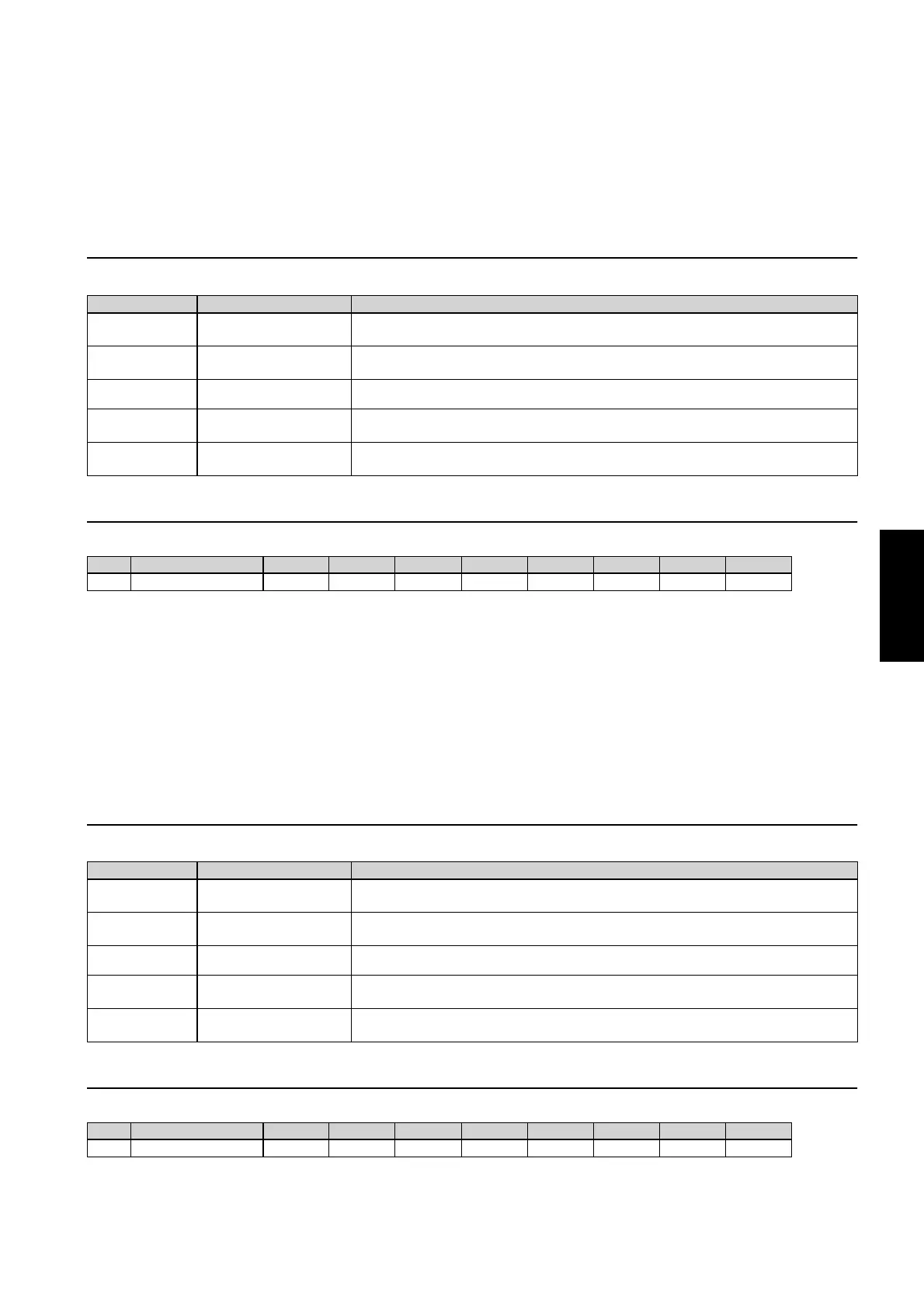
Parameter name Range Explanation
1 PITCH
2 PITCH
–12—+12
Amount of pitch change, set in semitone steps. Positive (+) settings make the pitch higher than the
original sound, and negative (–) settings make it lower.
1 FINE
2 FINE
–100—+100
Amount of pitch change, set in cents (1/100th of a semitone). Positive (+) settings make the pitch
higher than the original sound, and negative (–) settings make it lower.
1 DLY
2 DLY
0.0—1000.0 ms
Delay of the effect sound relative to the original sound.
OUT LVL 0—100%
Output level after the original sound and effect sound have been mixed. Decrease this value if you
want to lower the output. At a setting of 0% there will be no output.
MIX BAL. 0—100%
Balance between the original sound and effect sound. At a setting of 0% only the original sound
will be output; at a setting of 100% only the effect sound will be output.
No. Effect name 1 PITCH 1 FINE 1 DLY 2 PITCH 2 FINE 2 DLY OUT LVL MIX BAL.
20 PITCH CHANGE B 0 +8 0.1 ms 0 –8 20.0 ms 100% 100%
Parameter name Range Explanation
L PITCH
R PITCH
–12—+12
Amount of pitch change, set in semitone steps. Positive (+) settings make the pitch higher than the
original sound, and negative (–) settings make it lower.
L FINE
R FINE
–100—+100
Amount of pitch change, set in cents (1/100th of a semitone). Positive (+) settings make the pitch
higher than the original sound, and negative (–) settings make it lower.
L DLY
R DLY
0.0—1000.0 ms
Delay of the effect sound relative to the original sound.
OUT LVL 0—100%
Output level after the original sound and effect sound have been mixed. Decrease this value if you
want to lower the output. At a setting of 0% there will be no output.
MIX BAL. 0—100%
Balance between the original sound and effect sound. At a setting of 0% only the original sound
will be output; at a setting of 100% only the effect sound will be output.
No. Effect name L PITCH L FINE L DLY R PITCH R FINE R DLY OUT LVL MIX BAL.
21 PITCH CHANGE C 0 +8 0.1 ms 0 –8 0.1 ms 100% 100%



 To Next Page