NOTE
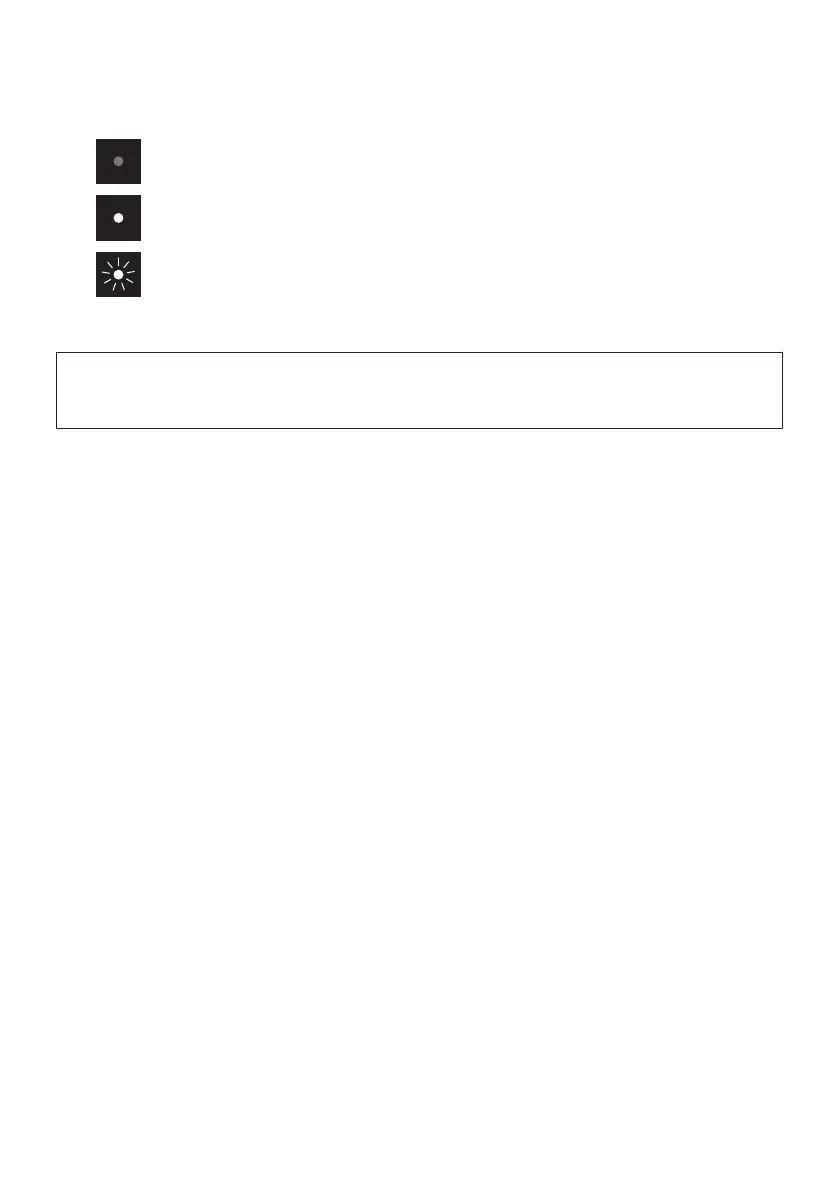
This document uses the following illustrations to show that indicators are off, glowing, or flashing.
e
Remote control sensor
NOTICE
(
If not using the product for a long period of time, be sure to unplug the power plug from the AC outlet. Even if the product is
turned off (standby) by the sound bar’s power button, a small amount of current is still flowing.
NOTE
(
To prevent unintended operation, do not place anything on the controls of the sound bar.
Enabling the Child Lock function prevents accidental operation.
(
The brightness of the indicators can be adjusted by pressing DIM.
Related links
(
“Part names of the remote control”(p.14)
(
“Surround playback”(p.35)
(
“Stereo playback”(p.36)
(
“Playing human voices at higher volume (CLEAR VOICE)”(p.39)
(
“Enabling/disabling the Child Lock function”(p.50)
(
“Changing the brightness of the indicators (Dimmer)”(p.47)
(
“List of indicator displays”(p.82)
11
PART NAMES AND FUNCTIONS > Part names of the sound bar (front/top)



 To Next Page