Other frequent actions
How to connect AV devices such as BD/DVD players
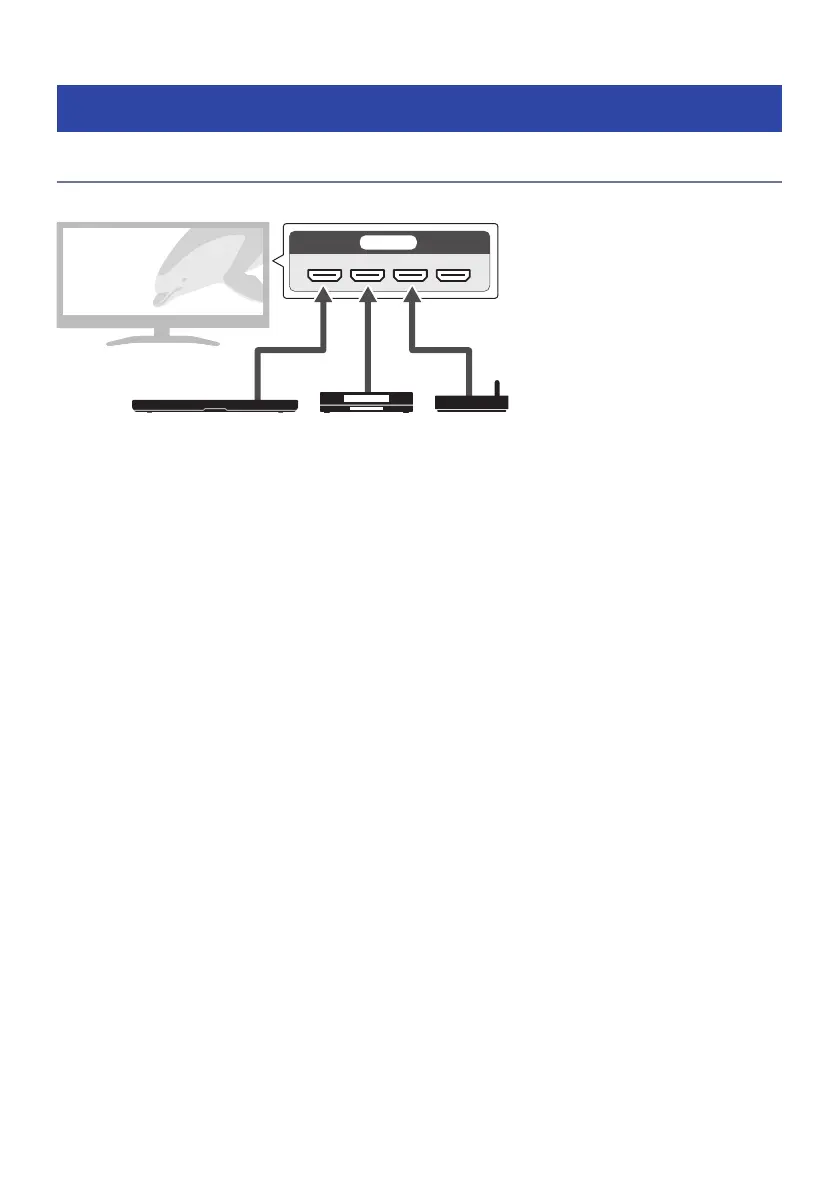
Connect AV devices, such as BD/DVD players and set top boxes, to the TV’s HDMI input jacks.
This sound bar AV devices
When playing audio from a TV or AV device via the sound bar, set the input sources as follows:
(
Sound bar’s input source: TV
(
TV’s input source: AV device playing the content
71
TROUBLESHOOTING > Other frequent actions



 To Next Page