Turning on the sound bar
Turn the sound bar on and off (standby).
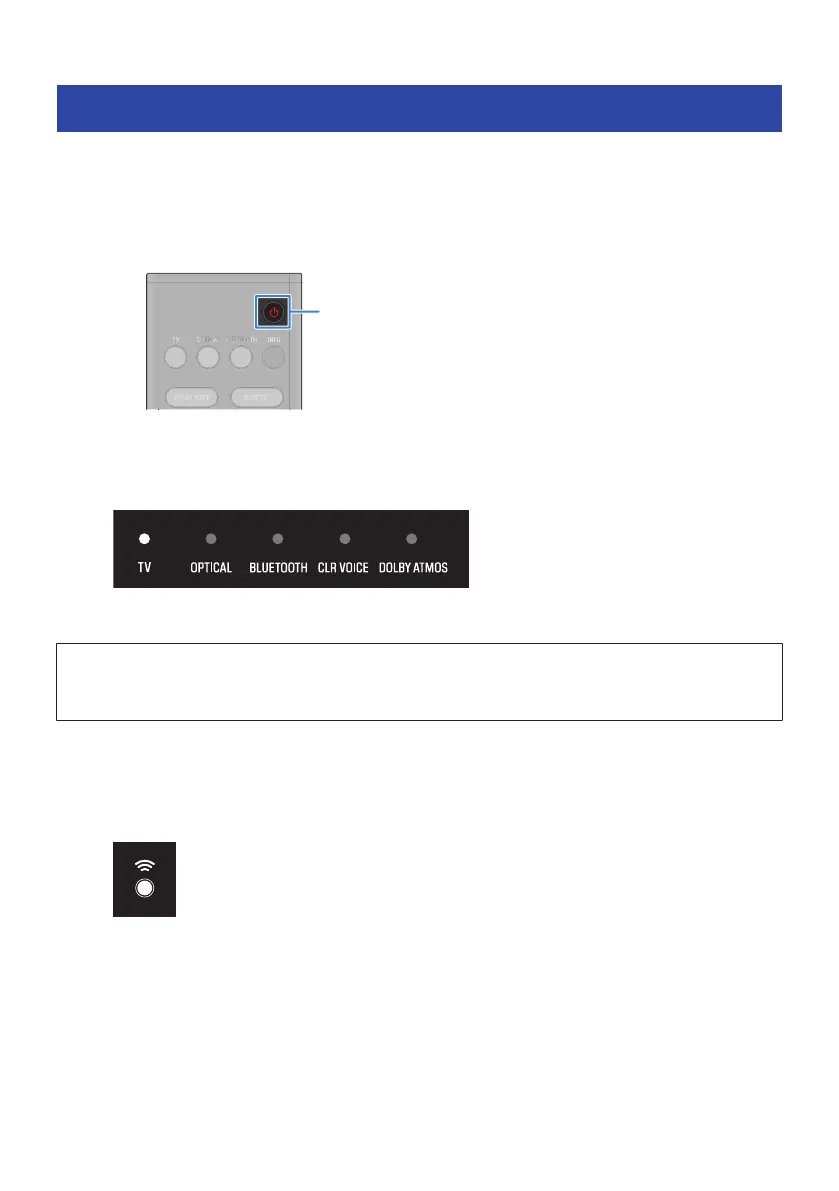
1 Press z (power) button.
Pressing the button turns the sound bar on and off.
When the sound bar is turned on, all the indicators glow, and then some indicators remain
glowing to show the statuses of settings.
When the sound bar is turned off, the indicators go off.
NOTICE
(
If not using the product for a long period of time, be sure to unplug the power plug from the AC outlet. Even if the product is
turned off (standby) by the sound bar’s power button, a small amount of current is still flowing.
NOTE
(
The same control operation can also be performed from the sound bar’s power button.
(
When the sound bar is turned on, the sound bar and subwoofer are automatically connected wirelessly. When the connection is
established, the * indicator on the rear of the subwoofer glows.
30
PREPARATION FOR USE > Turning on the sound bar



 To Next Page