n
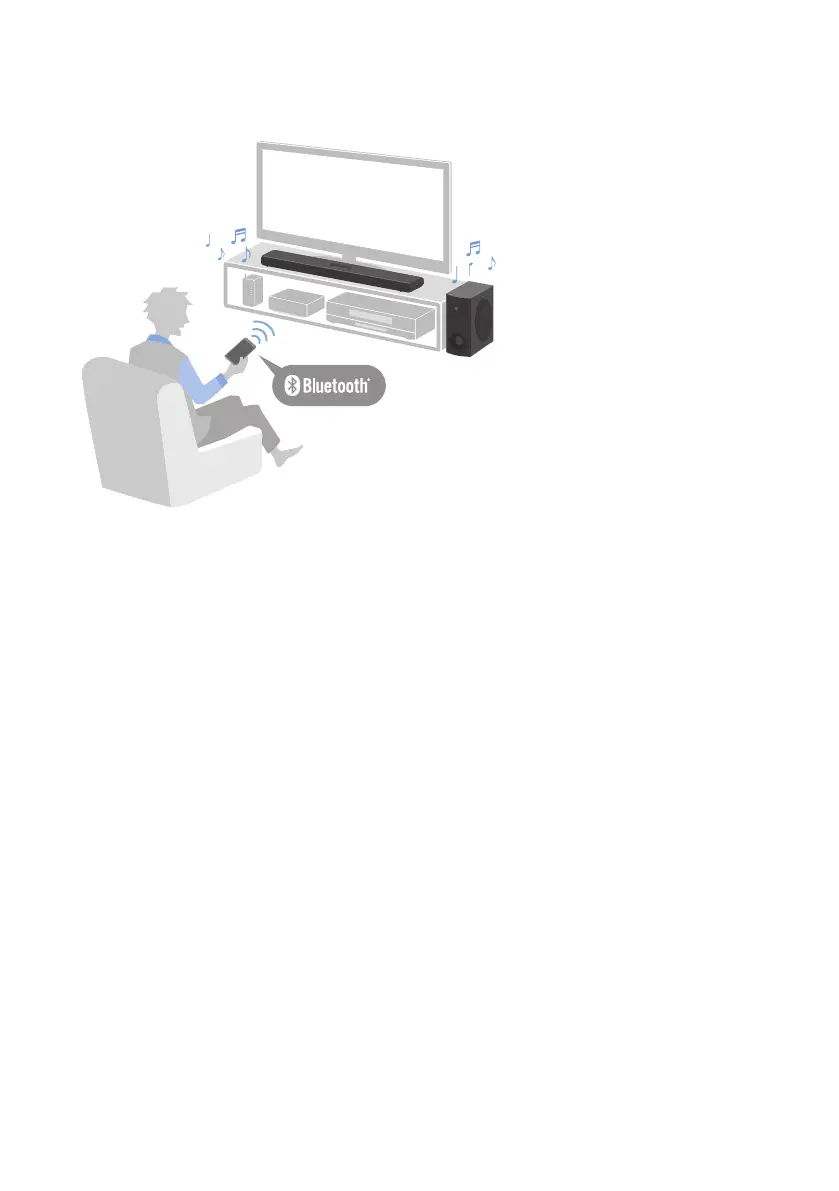
Easily play audio content from a Bluetooth device
Related links
“Listening to audio from a Bluetooth® device”(p.41)
n
Configure the sound to match the situation
Clear Voice
This function focuses on the acoustic image of human voices such as dialog and narration within the audio
and emphasizes the voices without changing the overall volume or individuality of the sound. Only the
human voices become easier to hear, and it gives a clear sense of localization to the human voices.
(
“Playing human voices at higher volume (CLEAR VOICE)”(p.39)
Bass Extension
This function focuses on the acoustic image of the bass portion and enhances bass sound. It allows you to
enjoy rich bass performance with a strong presence by adjusting the overall acoustic image of bass sound to
clarify without disturbing the balance of the overall sound.
(
“Enjoying rich bass sound (BASS EXT)”(p.38)
Tone control (via the app only)
This function separately adjusts the volumes of the high and low frequency ranges. It allows you to enjoy the
sound with your preferred audio balance.
(
“Adjusting the volume for frequency ranges separately (Tone control)”(p.40)
8
ABOUT THIS PRODUCT AND THE USER GUIDE > Features



 To Next Page