5
Placing Calls
Do one of the following:
• Tap the device CARD on the home page and call a number by using the dialpad.
The call will be made from the selected device.
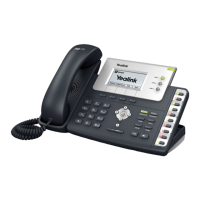
• Pick up the handset, press the Speakerphone key or tap , and call a number by using the
dialpad.
The call will be made from the default outgoing dialing device.
• When you are signed in to Skype for Business / Microsoft Teams on the connected device, place
calls using the Teams / Skype for Business client.
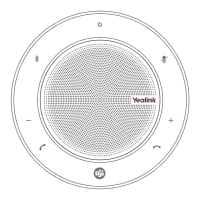
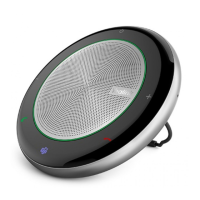
The MP50 phone will synchronize the call status.



 To Next Page
 Loading...