OPERATION
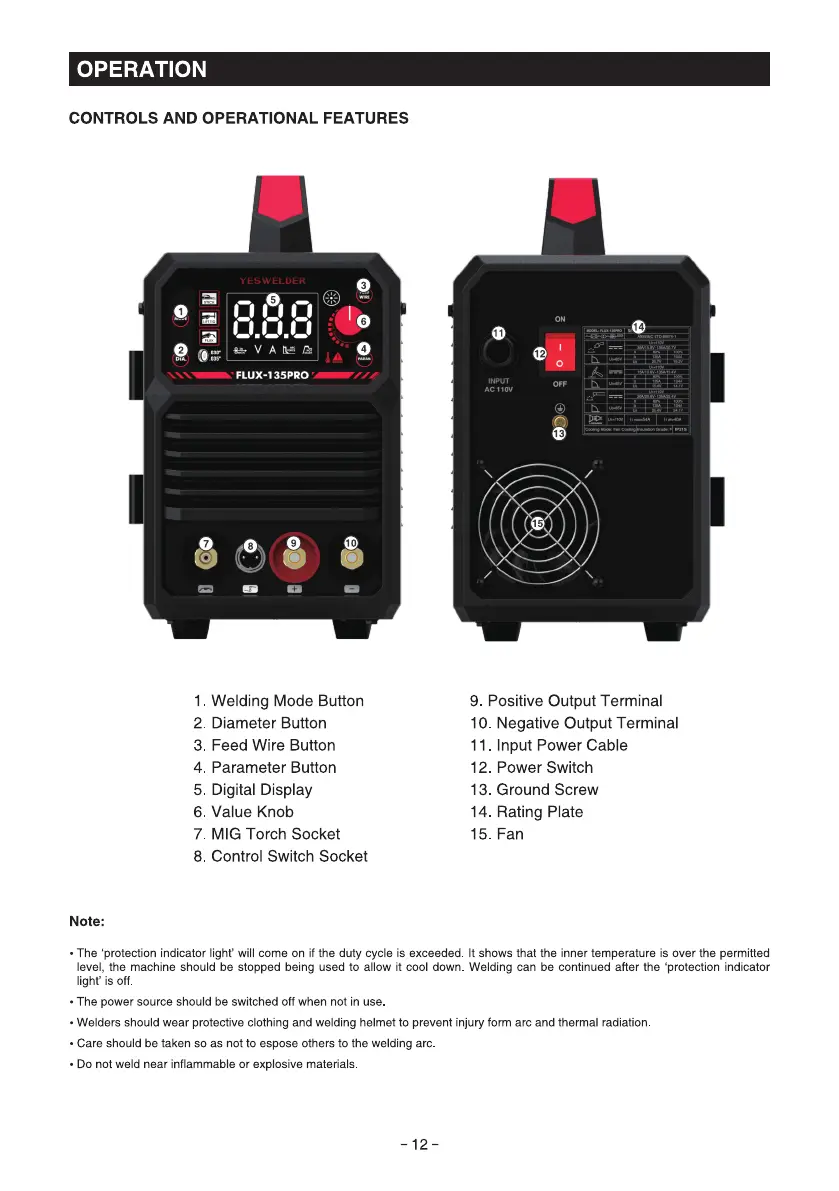
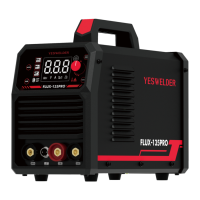
CONTROLS AND OPERATIONAL FEATURES
YLSWLLDLR
88.8
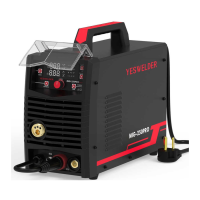
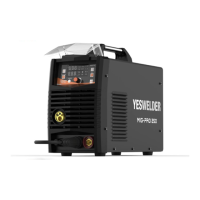
FLUX-135PRO •
Welding Mode Button
Diameter Button2
3 Feed Wire Button
Parameter Button
4
5. Digital Display
6 Value Knob
MIG Torch Socket
7
Control Switch Socket
8
Note:
AC Ilov
9. Positive Output Terminal
Negative Output Terminal
10
II. Input Power Cable
Power Switch
12
13. Ground Screw
14
Rating Plate
Fan
• The 'protection indicator light' will come on if the duty cycle is exceeded. It shows that the inner temperature is over the permitted
level, the machine should be stopped being used to allow it cool down Welding can be continued after the 'protection indicator
light' is off.
• The power source should be switched off when not in use
• Welders should wear protective clothing and welding helmet to prevent injury form arc and thermal radiation
• Care should be taken so as not to espose others to the welding arc
• Do not weld near inflammable or explosive materials
-12-



 To Next Page