EasyManua.ls Logo

Youshiko YC9386 - User Manual

Youshiko YC9386
23 pages
Print Icon
To Next Page IconTo Next Page
Loading...
1
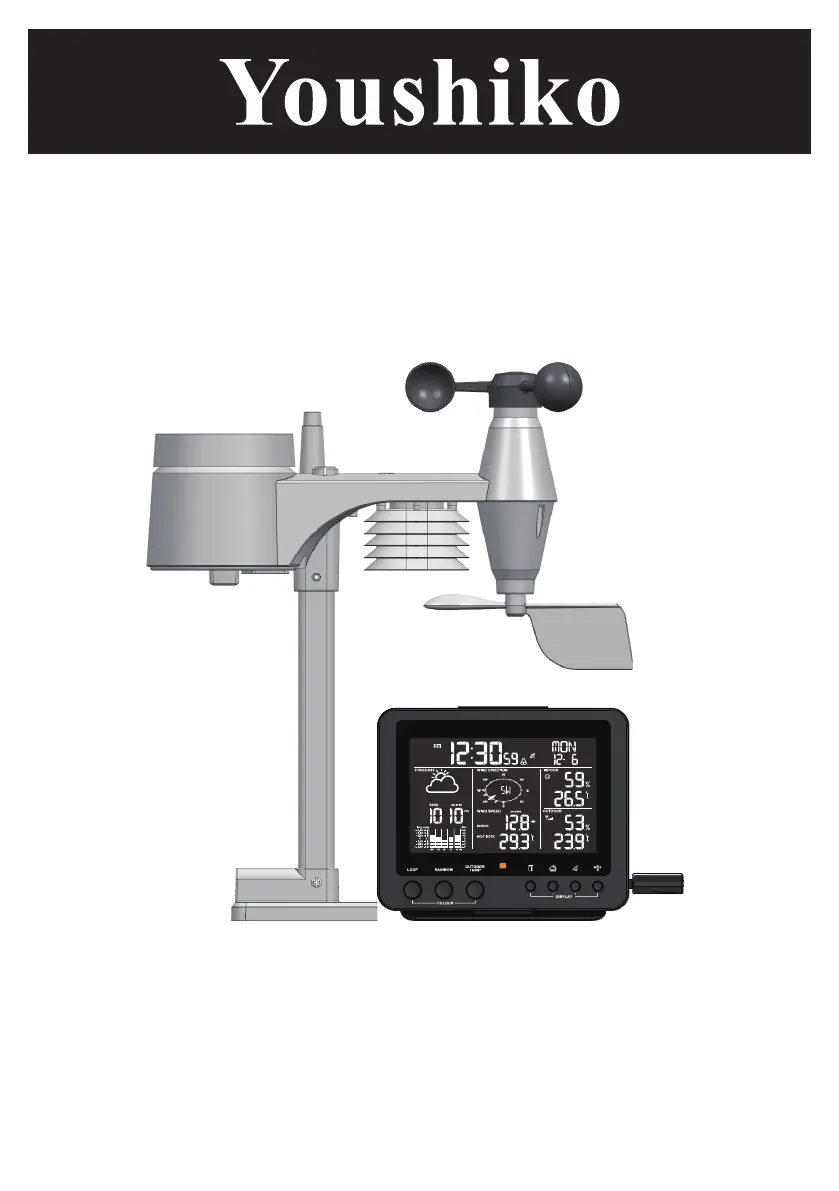
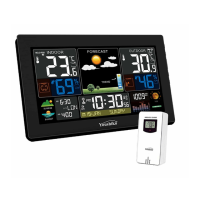
PROFESSIONAL WEATHER STATION
WITH WIRELESS 5-IN-1 SENSOR
Model: YC9386
USER MANUAL

Questions and Answers

Summary

OVERVIEW

LCD DISPLAY Overview

Overview of the weather station's main screen and its display elements.

LCD DISPLAY Functionality

INDOOR TEMPERATURE AND HUMIDITY

Explains how indoor temperature and humidity are displayed on the screen.

DISPLAY MAIN UNIT Operation

Sensor Pairing

How to pair the wireless 5-in-1 sensor with the main display unit.

Radio Controlled Clock

Weather Forecast & Pressure Settings

Rainfall & Wind Data

Wind Chill, Heat Index, Dew Point

History Data & Alerts

Max;Min Memory Function

How to check and reset maximum/minimum recorded weather data.

HI;LO Alert Setup

Setting up alerts for high/low conditions in temperature, humidity, and rainfall.

Sensor Reception & Comfort

Wireless Signal Reception

Information on the wireless range and potential signal issues.

Backlight & Maintenance

Cleaning the Rain Collector

Instructions for cleaning the rain collector part of the sensor.

Troubleshooting & Precautions

Troubleshooting Common Issues

Solutions for common problems like no measurement or signal loss.

Safety Precautions

Important safety warnings and handling instructions for the weather station.

EASY INSTALLATION FOR SENSOR

ASSEMBLY THE STAND AND POLE

Step-by-step guide for assembling the sensor stand and pole.

Youshiko YC9386 Specifications

General IconGeneral
TypeWireless Weather Station
ModelYC9386
BrandYoushiko
Indoor Temperature Range0°C to +50°C
Temperature Accuracy±1°C
Humidity Range20% to 95%
Humidity Accuracy±5%
Radio Frequency433 MHz
Power (Remote Sensor)2 x AAA batteries
Power SourceBattery
Weather ForecastYes
DisplayLCD
AlarmYes
CalendarYes
ForecastYes
Outdoor Temperature Range-20°C to +60°C
Power (Main Unit)2 x AA batteries (not included)

Related product manuals