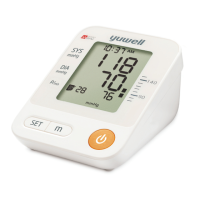
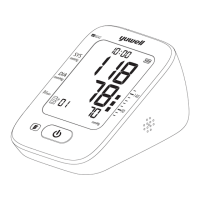
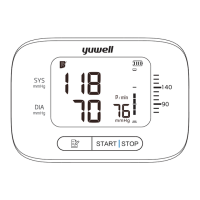
12 13
Time and date setting Voice volume and unit setting
Time and date setting
The monitor will store the measuring results
automatically by the management system. It is
necessary to reset time and date after
installing new batteries or connecting to DC
power. Please operate as following steps.
1. Year setting: Press the " " button and the
" " button for more than 3 seconds till the
number starts flashing.
2. The year increase once press the " "
button.
3. Press the " " button to switch to the
month setting.
4. Using the same way for other settings.
After finishing the voice volume setting, press
the " " button to enter the unit setting.
Press the " " button to choose unit between
mmHg and kPa.
setting.
Press " " button to finish
After finishing unit setting, press the " "
button to shut down.
Unit setting
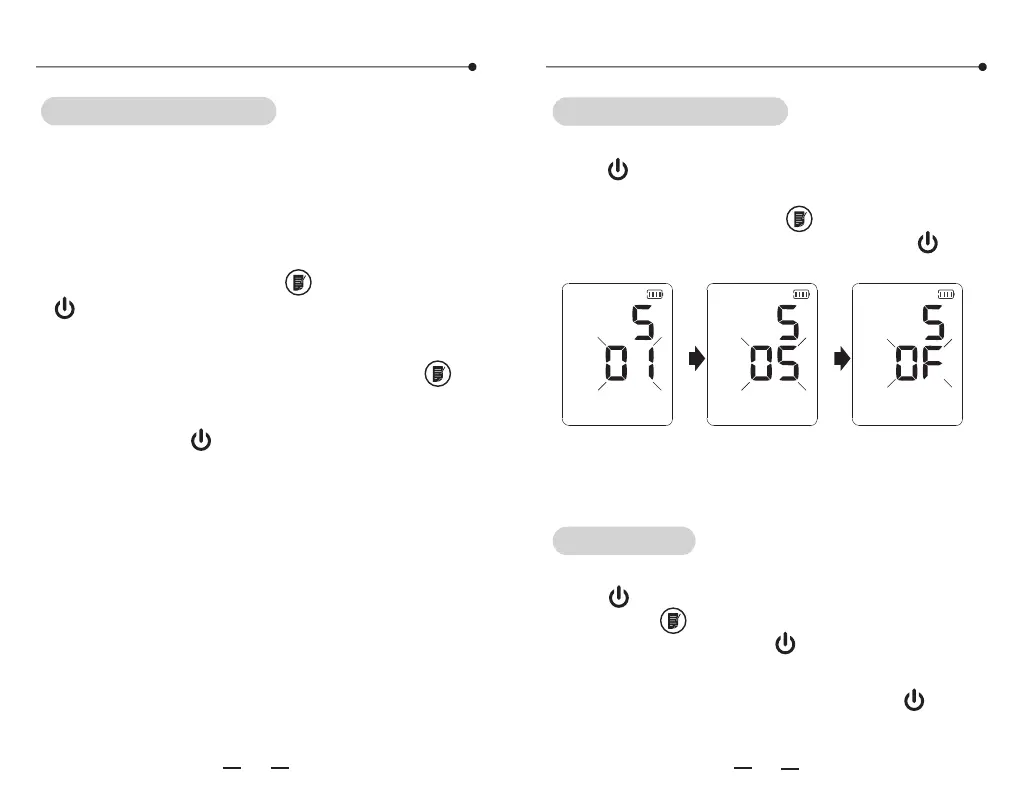
Voice volume setting
After finishing the time and date setting, press
the " " button to enter the voice volume
setting. The size of the sound ranges from 01
to 05 and OFF. Press the " " to choose sound
which you need. Finish by pressing the " "
button.
Attention:
In the condition of kPa unit, there is no voice
prompt for measurement result.
..


 To Next Page