EasyManua.ls Logo

Z-CAM E2 - Page 29

Z-CAM E2
48 pages
Print Icon
To Next Page IconTo Next Page
To Previous Page IconTo Previous Page
Loading...
4K / 3312 x 2760
60
ProRes 422
4K
75
ProRes 422 LT
3696 x 2772
60
ProRes 422 LT
3696 x 2772 (Low
Noise)
30
ProRes 422 HQ
C4K 2.4:1 /
3840 x 2160
50
ProRes 422 HQ
1080P50
C4K / 4K / 3696 x
2772 / 3312 x 2760
50
ProRes 422
C4K
60
ProRes 422
720P60
C4K (Low Noise) /
4K (Low Noise) /
C4K / 4K / C4K
2.4:1 / 4K 2.4:1
30
ZRAW
1080P30
Super 16
50
ZRAW
720P50
- Use EDID: Disable / Enable. This setting determines whether the camera
automatically reads the EDID information of the HDMI connected monitor.
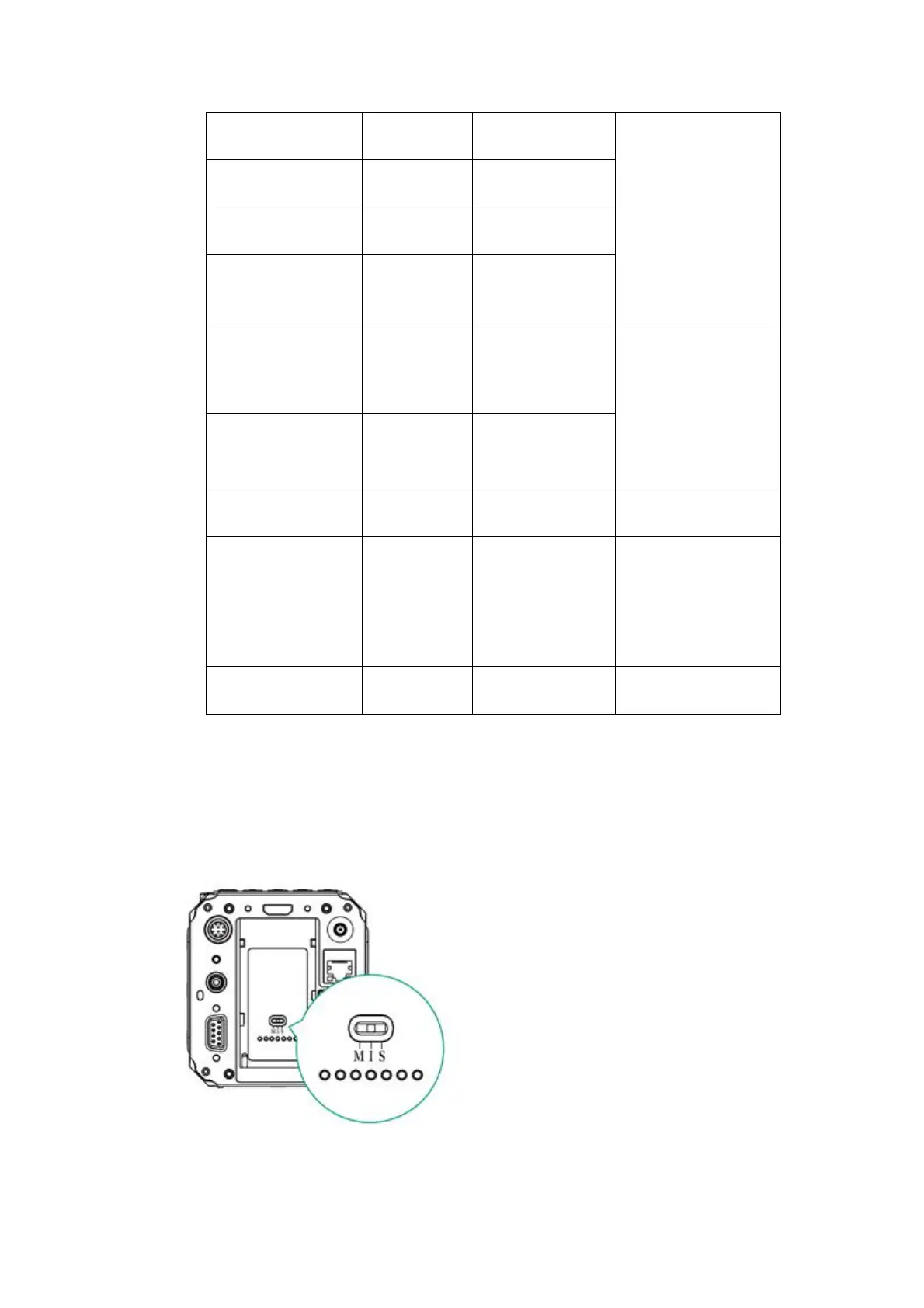
Multi Camera: Single / Master / Slave The status matches to the status of the
Camera Mode Switch on the back of the camera.
- Individual (I): The camera is working as an Individual device.

Other manuals for Z-CAM E2

Related product manuals