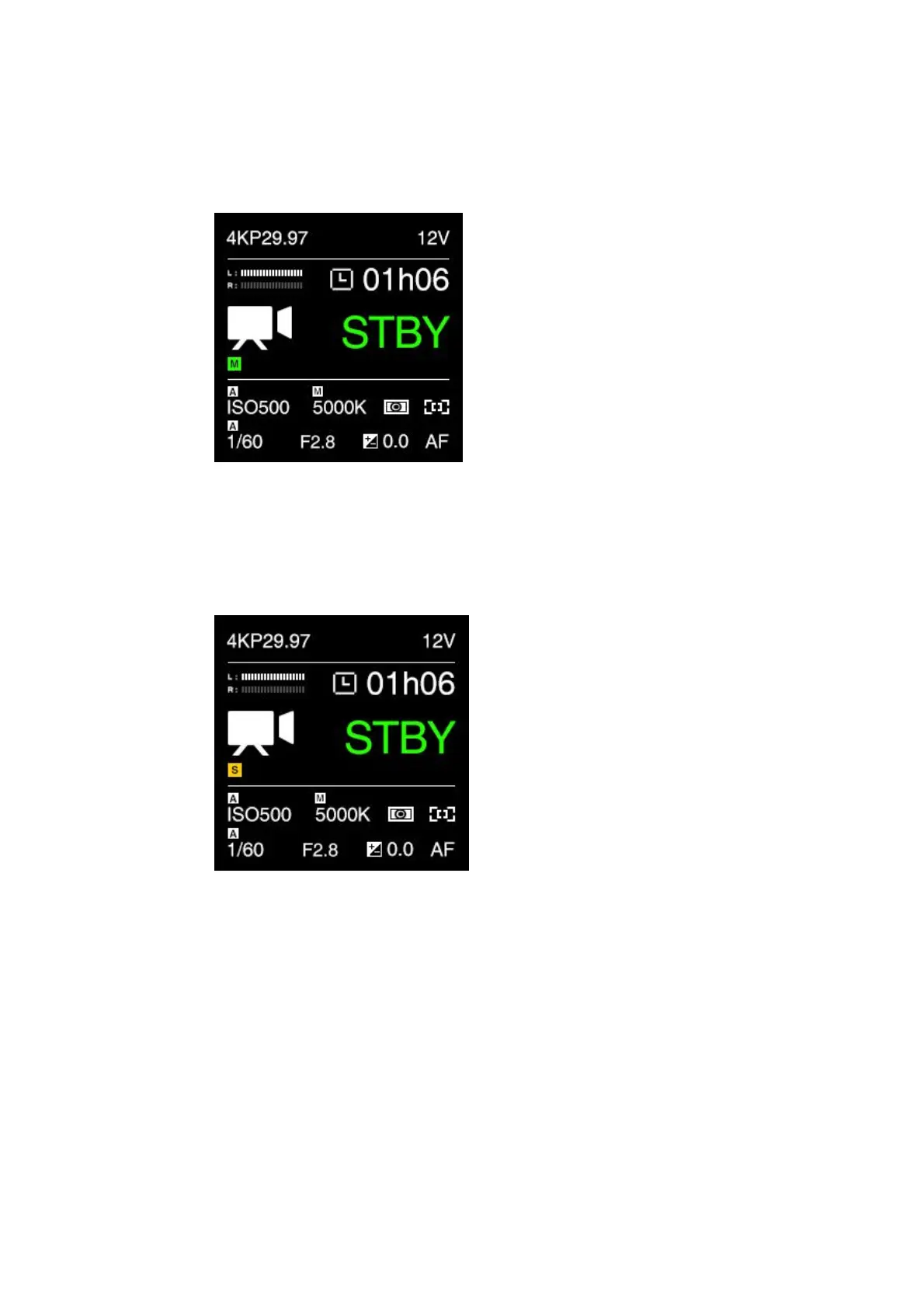
- Master (M): The camera is working as Master device in multi-camera
synchronization setup. It will trigger all the Slave ones to start / stop recording.
The “M” will show on the standby interface after restarting the camera.
- Slave (S): The camera is working as the Slave device in multi-camera
synchronization setup. It will be triggered by the Master one to start / stop
recording.
The “S” will show on the standby interface after restarting the camera.
UART Role :Controller / Pelco D / Multiplexer / Linear TC. It’s to set the camera’s
role in UART application.
- Controller: The camera will be controlled by UART command from a computer
through COM port.
- Pelco D:The camera will control the external device like a gimbal through COM
port with Pelco D protocol.
- Multiplexer:Need 3
rd
-party device to support.
- Linear TC: Connect the "time code adapter" through the COM interface
(additional purchase required) and input the time code from the external device.
Note: when changing the serial port function, you need to restart the camera to



 To Next Page