00:28
2024/02/01 10:28:52
WDR
00:28
2024/02/01 10:28:52
WDR
3 NAVIGATION
3.1 Recording Screen
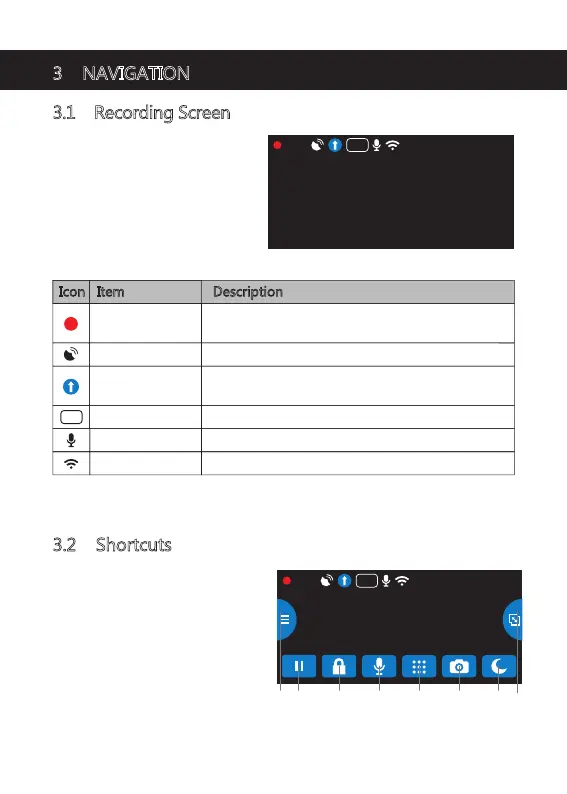
The Recording Screen is the default
screen after powering on the dash
camera.
3.2 Shortcuts
Tap anywhere on the Recording
Screen while recording or in standby
mode to bring up the Shortcuts.
Select oneof the following options:
Icon Item Description
Recording
A flashing red dot indicates the dash cam is
currently recording.
Indicates if GPS is activated or deactivated.
Indicates if WiFi is On or Off.
Drive Mode
Indicates current Mode.
(e.g. Drive, Scenic, Park or Standard)
Sound Recording Indicates if the microphone is On or Off.
WiFi
BA C D E GF H
-9-
GPS
WDR Indicates if WDR is activated.
WDR


 To Next Page