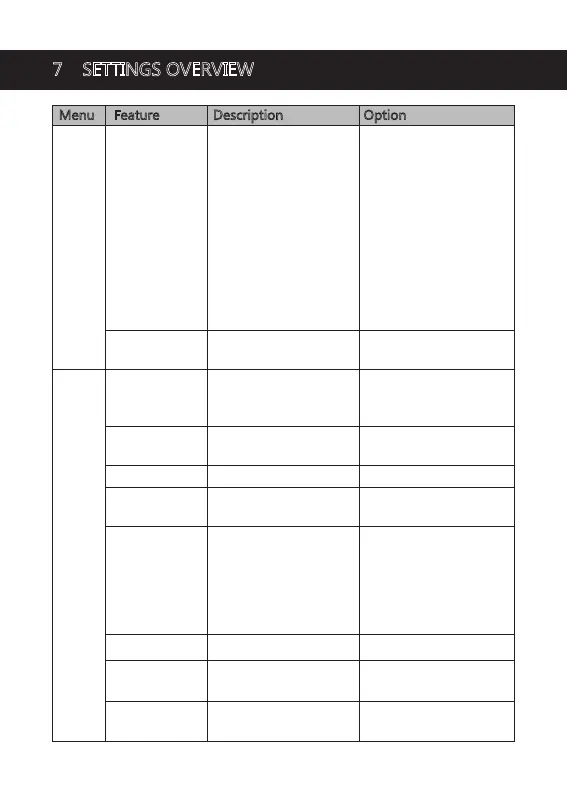
Menu Feature Description Option
Set the recording
resolution
Resolution
Front Camera+ Inner
Camera+Rear Camera
2K+1080P+1080P
1080P+1080P+1080P
Front Camera+ Inner
Camera/Rear Camera
4K+1080P
2K+1080P
1080P+1080P
Front Camera
5K/4K/2K/1080P
Menu
Set the duration of each
video file (see 4.5)
UseaQRCodescanner
toscanitanddownload
"
Z-DashCam "App
Loop Recording 1 min / 3 mins / 5 mins
Enable/disable audio
recording.
Sound Recording On / Off
To activate Parking Mode
and Motion Detection
functions, you need to
connect the dash cam to
your car battery with
additional Hardwire Kit
(Not included).
(See 4.8&4.9)
Parking Monitor
Off / Parking Mode /
Motion Detection
On / Off
Enable/disable GPS
GPS
On / Off
Enable/Disable Wide
Dynamic Range
(See 4.11)
WDR
0, 0.3, 0.7, 1, 1.3, 1.7, 2,
-0.3, -0.7, -1, -1.3, -1.7, -2
Set the Exposure of the
recordings
Exposure
App Download QRCode
Set languageLanguage
English / German /
Japanese / Chinese
Set date and time (see 4.1)Date / Time Date and Time
Settings
7 SETTINGS OVERVIEW
-23-


 To Next Page