Getting Started
Loading Roll Media
14
980611-001 Rev. B GX420d User Guide 6/4/08
Placing the Roll in the Media Compartment
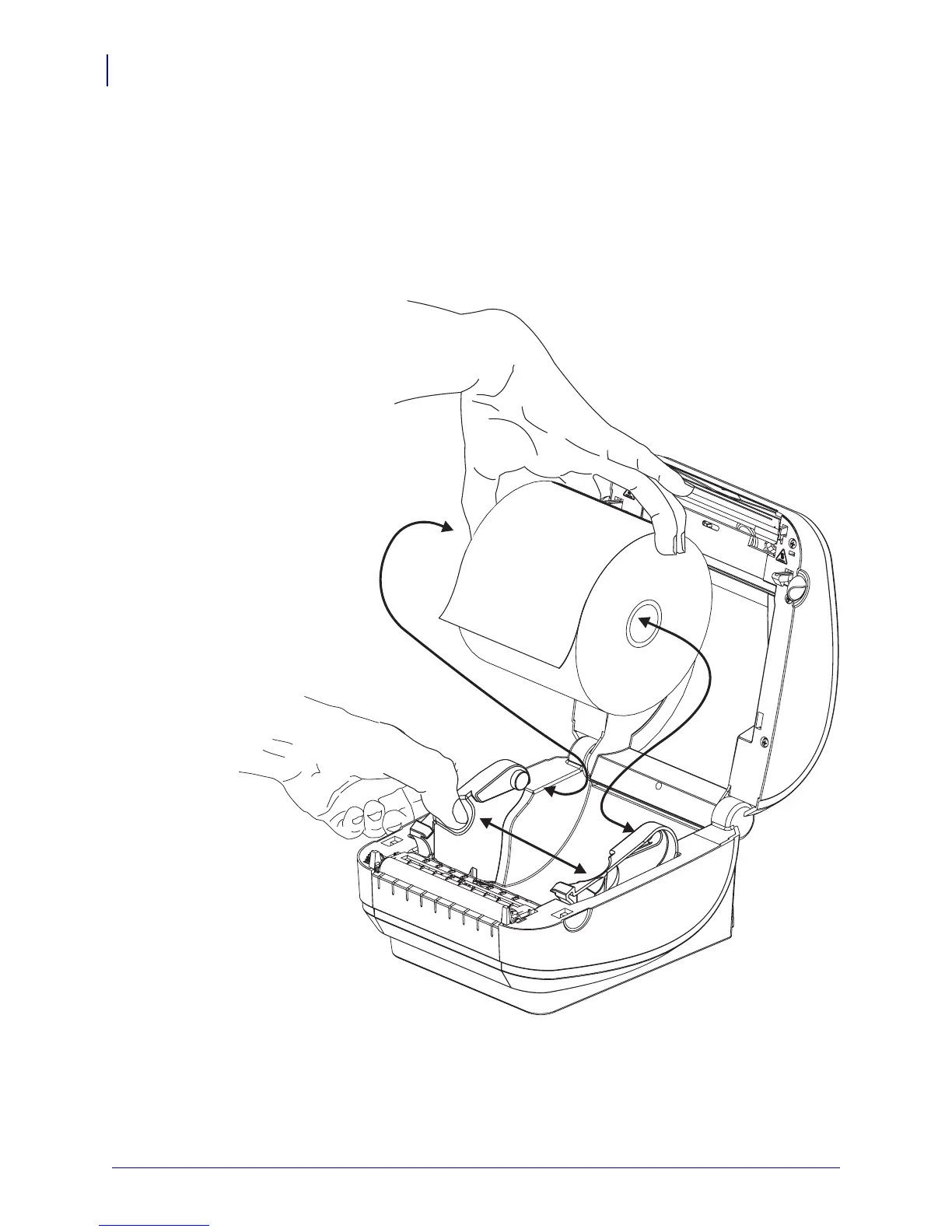
1. Open the printer. Remember that you need to pull the release latch levers toward the front
of the printer.
2. Open the media roll holders. Pull the media guides open with your free hand and place the
media roll on the roll holders and release the guides. Orient the media roll so that its
printing surface will face up as it passes over the platen (drive) roller.


 To Next Page
 Loading...


