15
Getting Started
Loading Roll Media
6/4/08 GX420d User Guide 980611-001 Rev. B
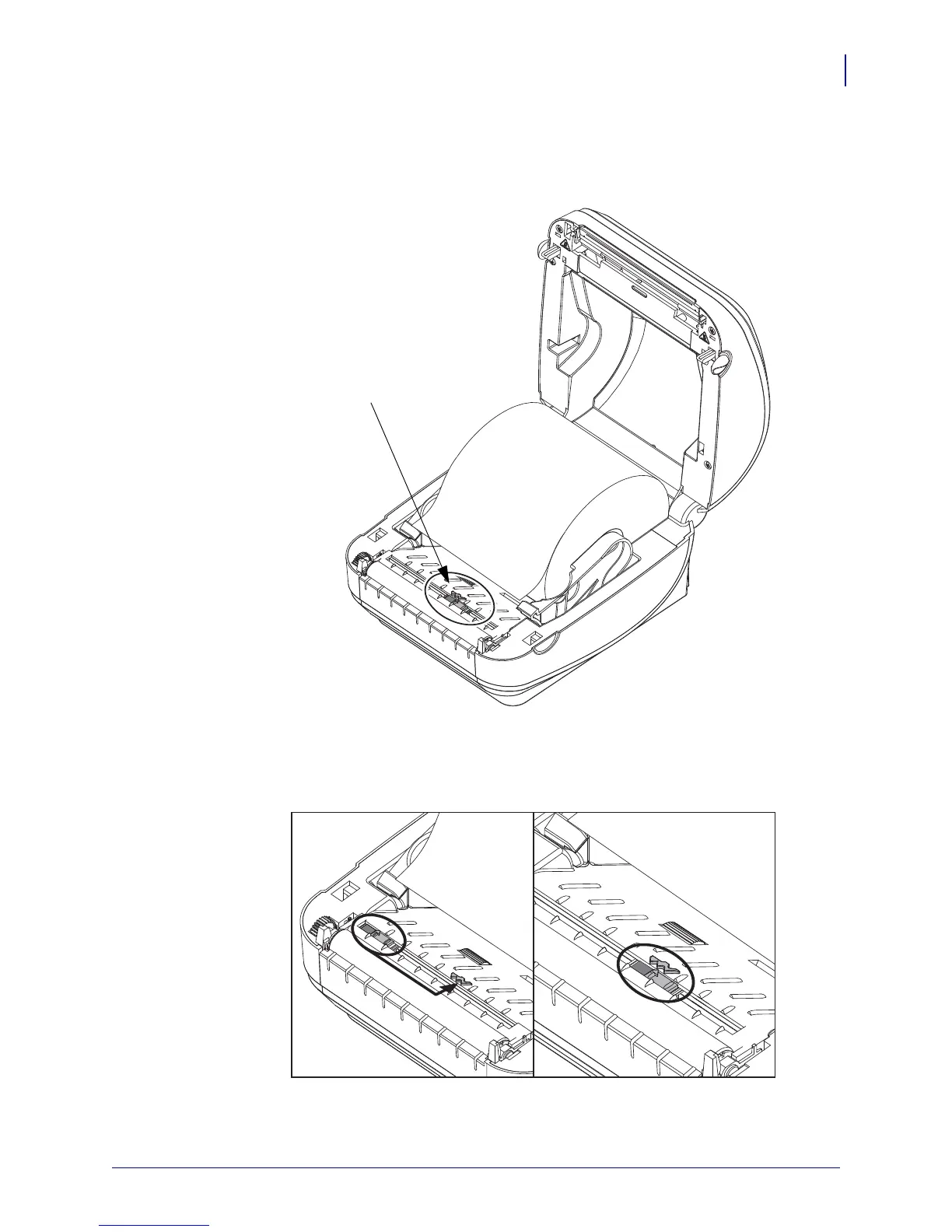
3. If your printer includes the moveable blackline sensor option, verify that the sensor is
aligned in the center default position. This is the standard operating position for media
sensing. When the sensor is moved from the default position, the printer will only detect
blackline, black mark and notched marker media.
Printer Optional:
Moveable
Blackline Sensor
Off Center
Blackline Sensing Only
Default - Gap (Web) Sensing
Standard Operating Position


 To Next Page
 Loading...


