73
Printer Setup and Operation
Install the Printer Driver and Connect the Printer to the Computer—USB
8/25/15 ZT400 Series™ User Guide P1066582-003
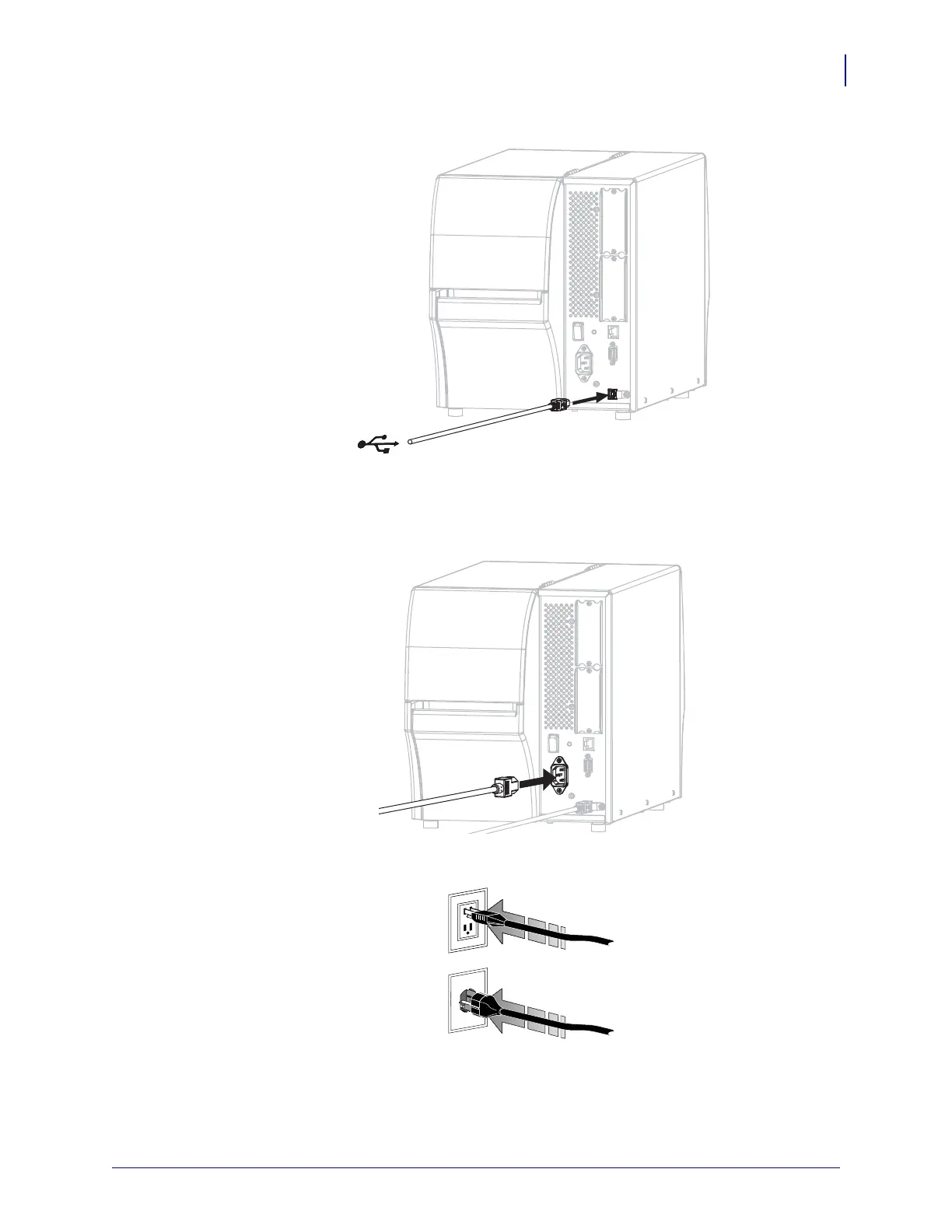
3. Connect the USB cord to the USB port on your printer.
4. Connect the other end of the USB cord to your computer.
5. Plug the female end of the A/C power cord into the A/C power connector on the back of
the printer.
6. Plug the male end of the A/C power cord into an appropriate power outlet.



 To Next Page