23
2.Long press key, until the pressure is OK.
7.9 VACUUM TEST
After a vacuum operation,if the A/C system can hold the vacuum state, that
means the system is OK, if it lost some vacuum, there should be existing the
leakage in somewhere. the operation is divided into two steps, first is vacuum,
second is vacuum test.
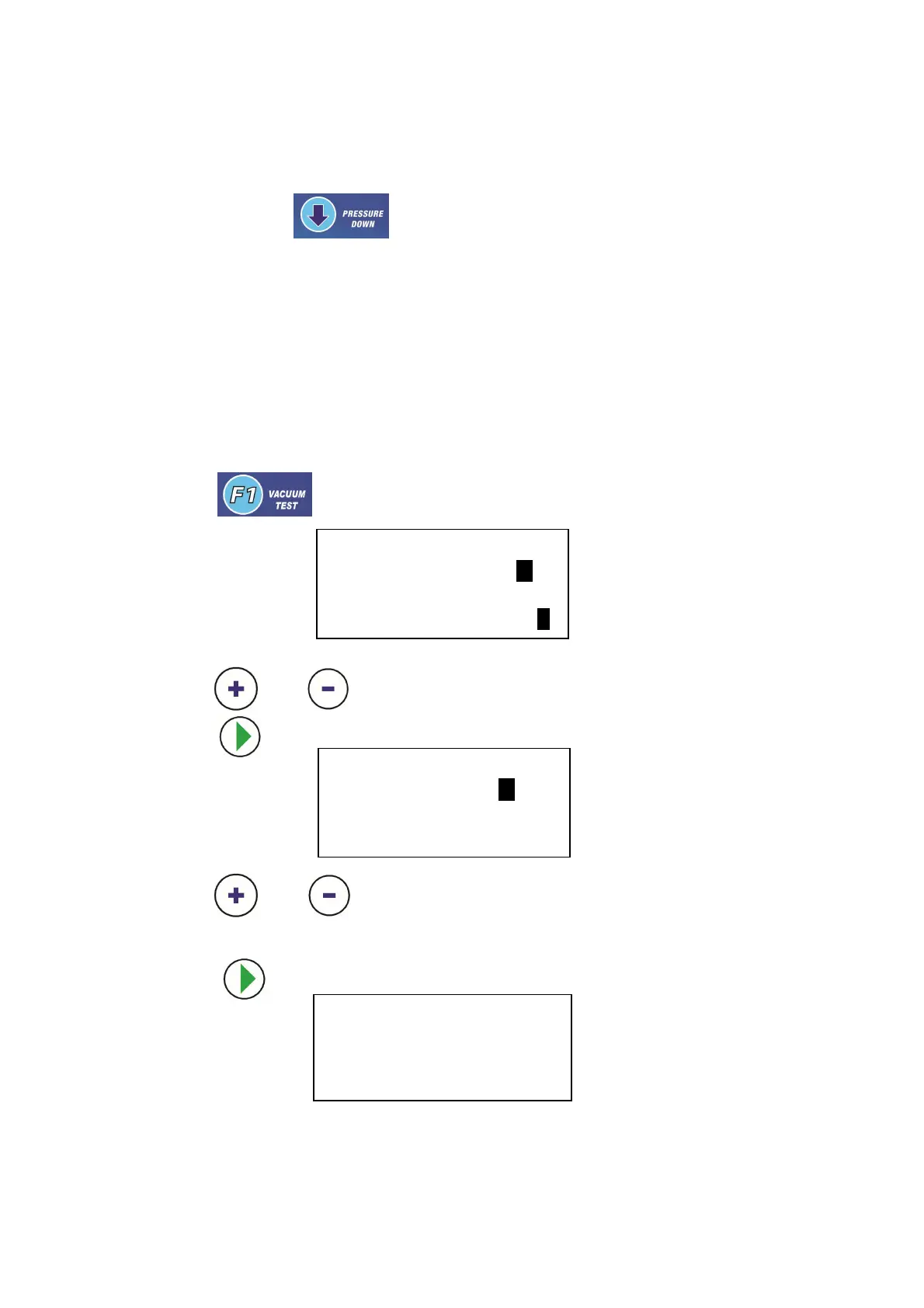
1. Press key ,the LCD show
Use the
and to adjust the vacuum time then NEXT
2. Press key ,then the LCD show
Use the and to set the test time then NEXT
3. Press key , vacuum start , and the LCD show
When vacuum is over ,the syetem begin to test ,and the LCD show
VACUUM TEST
VACUUM TIME 10:00
Press OK to next V
VACUUM TEST
TEST TIME 10:00
Press OK to start
VACUUM
RUNNING **: **


 To Next Page