3
1.2 For illustrating the symbols in this operation manual
Risk of damage to the machine or other material damage
Special information for using the device effectively
2 Scope of delivery
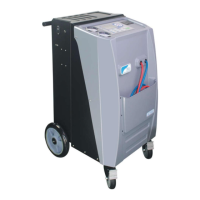
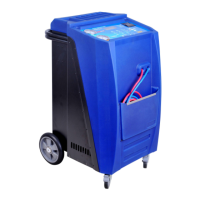
The Air-Con Service Station and its accessories are carefully checked
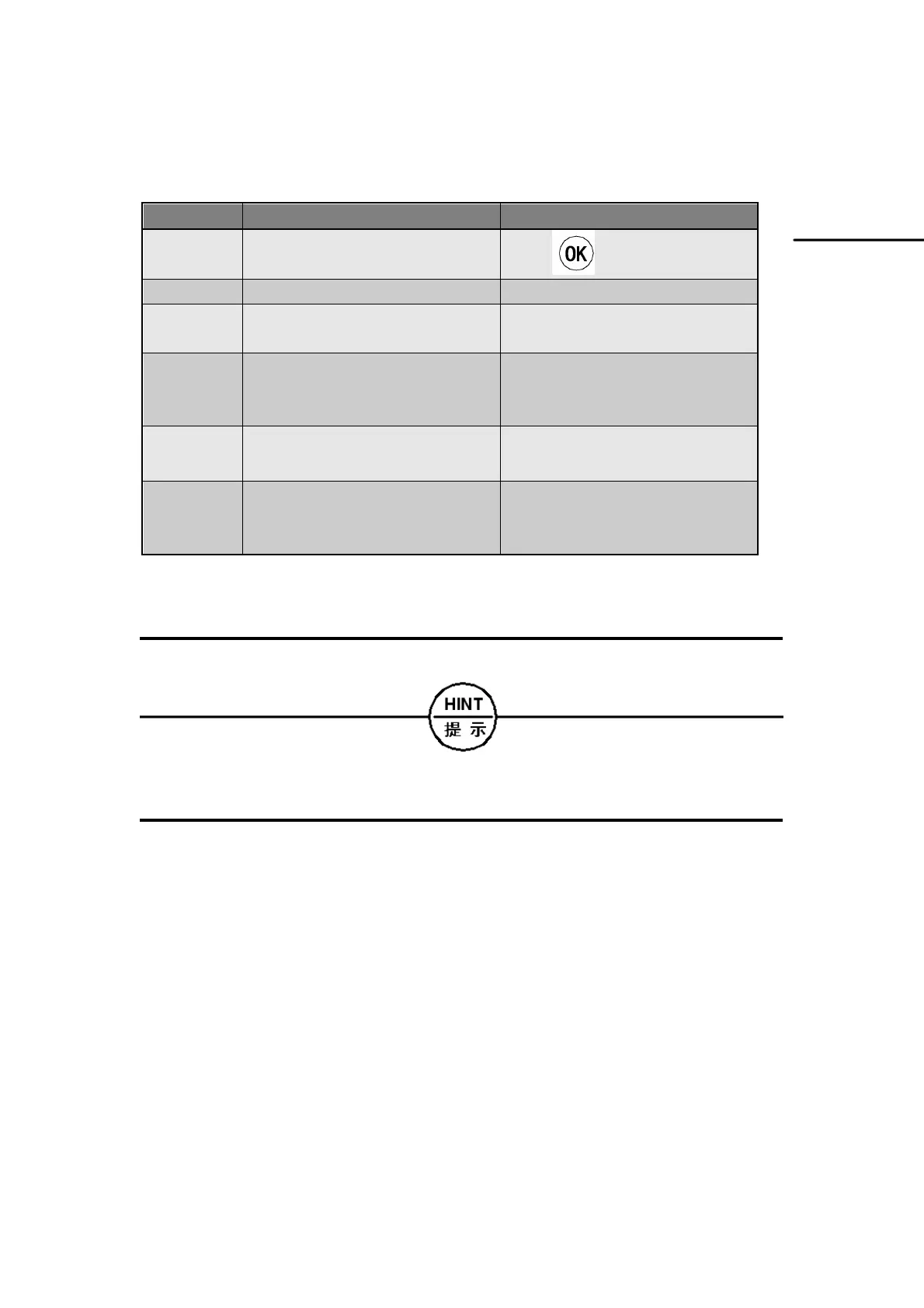
Format Meaning Example
KEY
Symbols used on the device
Press
„BOLD” Display messages „LANGUAGE”
■Text
■Text
List in any order
■Pressure monitor
■Pressure relief valves
1. Text
2. Text
3. Text
Actions to be carried out in the
order shown
1. Connect the device.
2. Switch on the device.
3. Press the selection button.
Text (1) Part number Use the keypad (7) to enter the
data.
Text (A) Part designations which refer to
the diagrams shown in the
section describing the work
Remove the filter cartridge (E)
on the left side.


 To Next Page