24
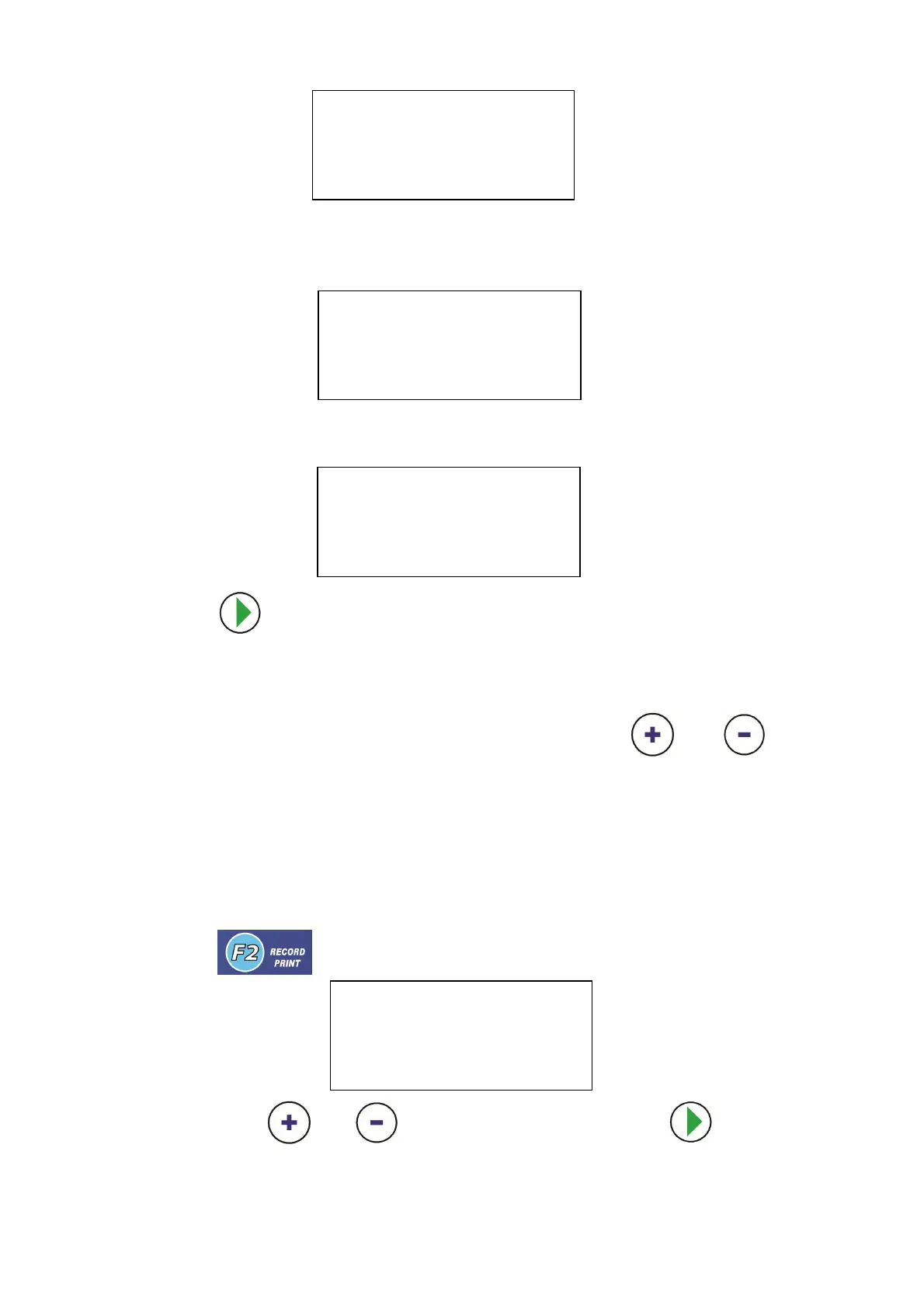
When test finished , if OK,the LCD show
If not OK,
4. Press key, to exit the program.
7.10 RECORD PRINT
It can show 3 records in all for the previous operation. Use and to
select page 1/3,2/3 or 3/3. The content of the record are:
RECY. The recovery and the recycle gas amount
VACU. The vacuum minutes
NEW OIL. The new oil injection amount
RECG. The recharge gas amount
If there is a printer on the equipment, this data can be printed out as a receipt for
customer.
1. Press key,the LCD show
You can press or key to select history and press key to print .
VACUUM TEST
VACUUM FINISHED 10:00
TESTING... 00:00
Press ESC to EXIT
VACUUM TEST
VACUUM FINISHED 10:00
TEST OK
Press OK to CONFIRM
HISTORY 1/3
RECY. 500g VACU. 10min
NEW OIL 20ml RECG. 500g
PRESS OK TO PRINT
VACUUM TEST
VACUUM FINISHED 10:00
TEST FAILED
Press OK to CONFIRM


 To Next Page