12
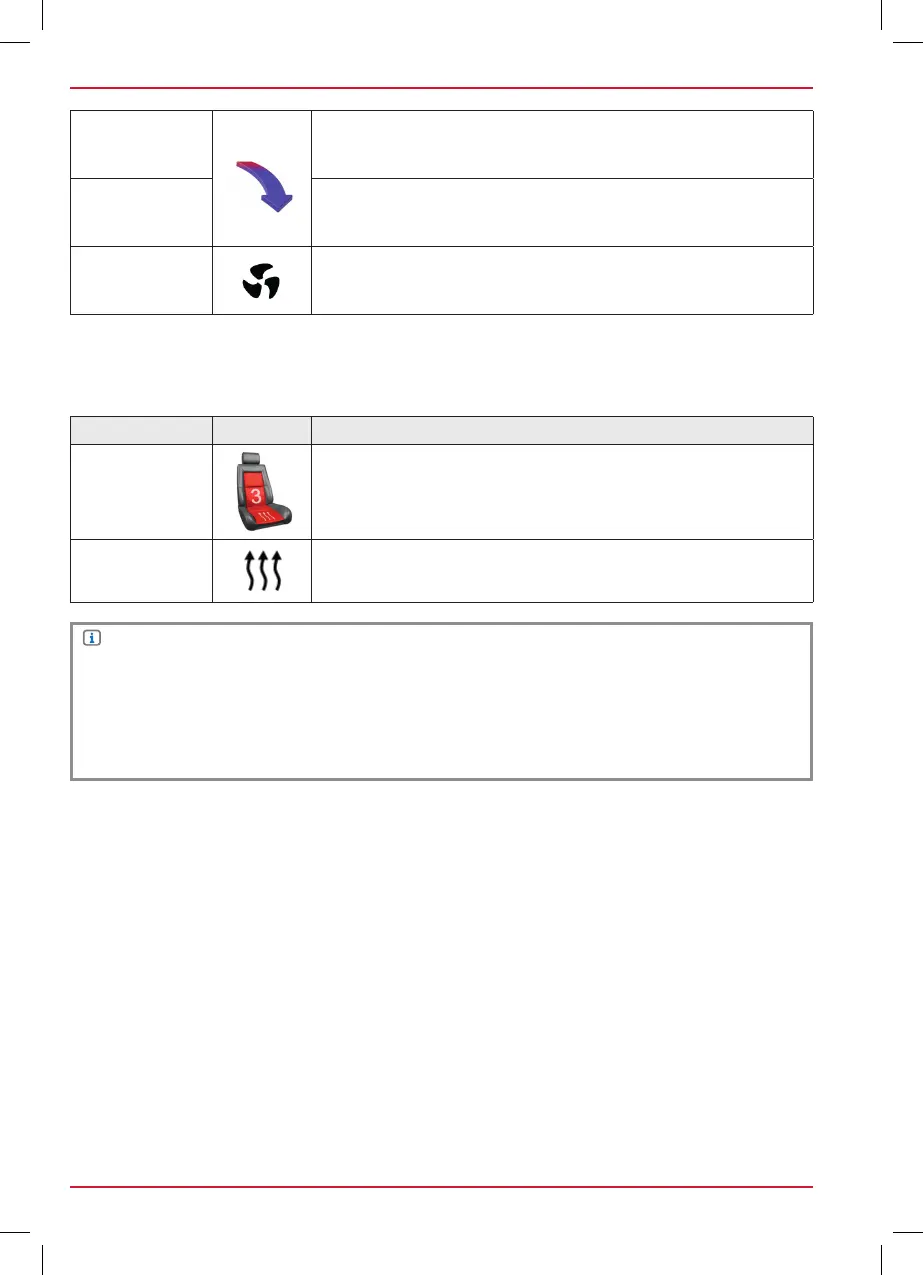
Temperature
arrows
Indication of current air flow:
Frontwindow – Center – Leg room
Temperature
Blue ca. LOW – 20.0 C
Yellow ca. 20.0 – 24.0 C
Red ca. 24.0 – HIGH
Ventilator setting
The digit behind shows the adjusted setting.
DYNAMIC INDICATION OF THE SEAT HEATER
Function Icon Operation
Seat heater
Indication of current seat heater setting.
In addition to the digit, the seat heater setting will be indicated in
three different colour gradations.
Setting
The seat heater setting will be displayed in combination with a digit.
NOTE
All functions related to the air conditioning are only indicators. It’s not possible to operate the air
conditioning with the ZENEC system.
The effective range of functions is depending on the vehicle manufacturer, vehicle type and
vehicle configuration. The ZENEC system supports all listed functions above. Differences from this
information, features or functions cannot be used for claims.



 To Next Page