7
SOUND SETTINGS
Function Icon Operation
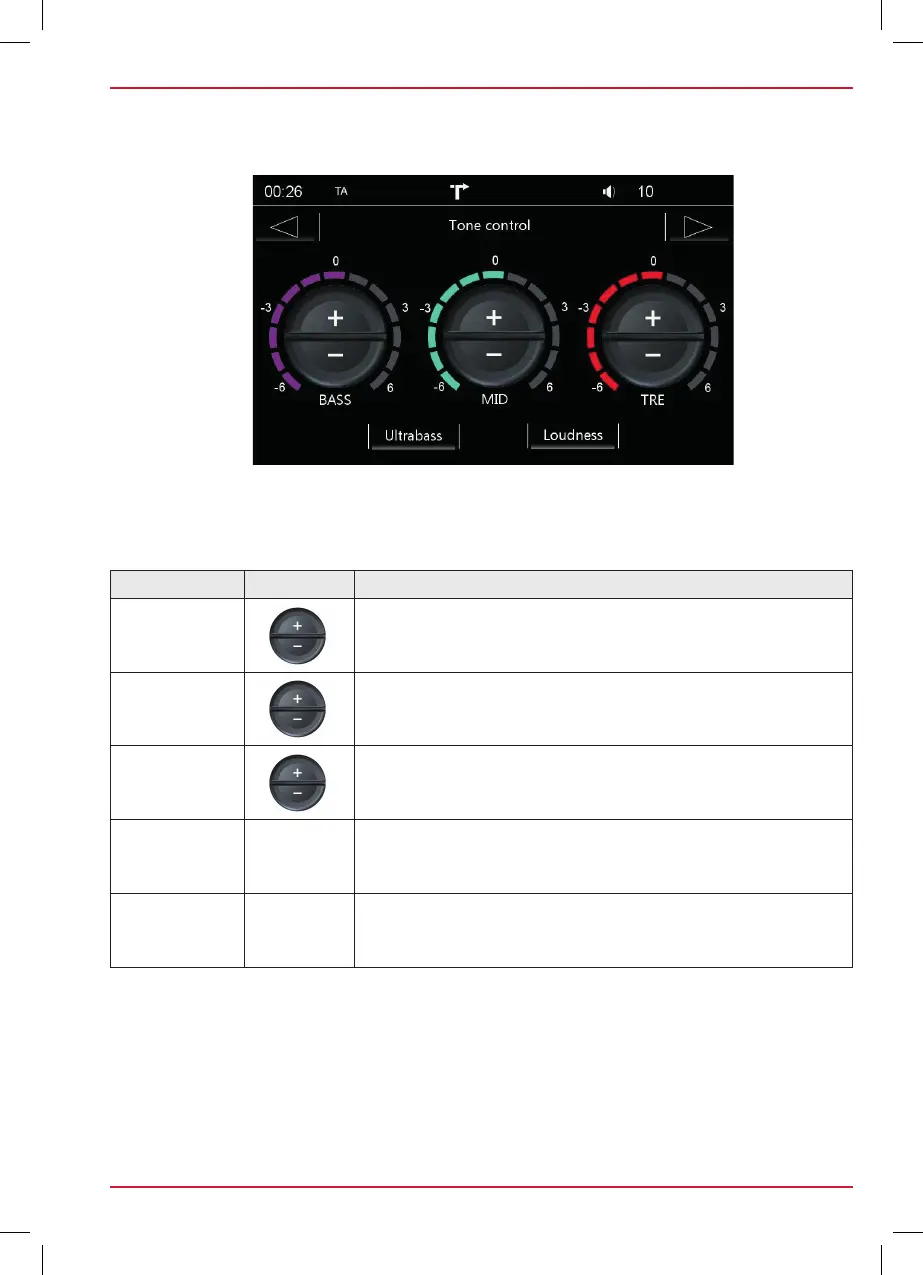
BASS
Touch to adjust the bass range from -6 to +6.
MID
Touch to adjust the mid range from -6 to +6.
TRE
Touch to adjust the treble range from -6 to +6.
Ultra bass Touch to add extra amplification to the bass output.
Loudness Touch to add extra amplification to the low and high output.
In this menu you can make the various sound settings. Tone control is available for each source
separately.
Fig. S / 03



 To Next Page