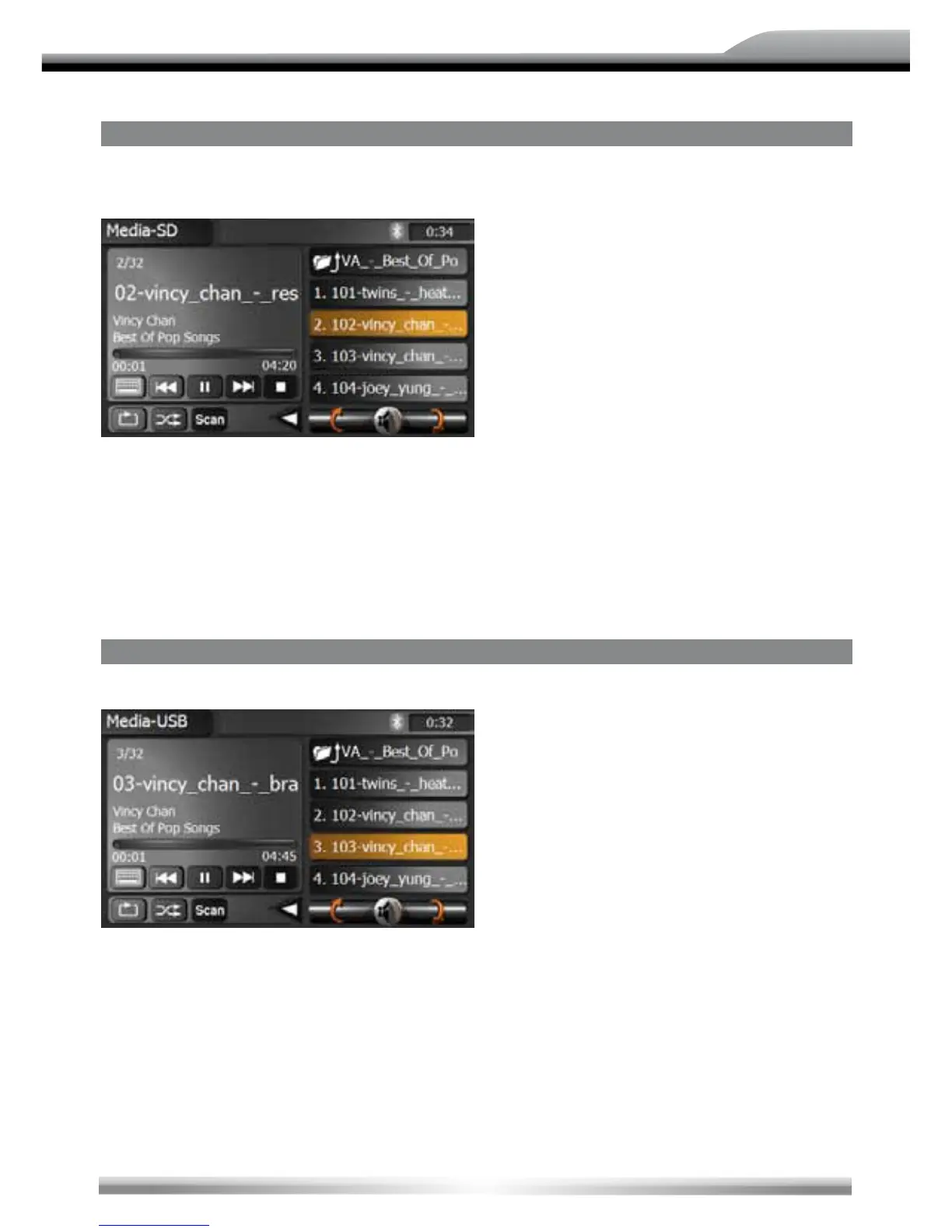
SD-CARD MODE
■ Insert the SD or SDHC card (up to 8 GB) into the SD-card slot and enter the SD card
mode.
NOTE:
■ The interface and the operation of the SD card mode is similar to the CD/MP3/WMA mode.
■ Depending on the folder structure and the content, the number of the available folders is
limited.
■ Please pay attention that the speed of the operation depends on the memory size of the SD or
SDHC card and the stored data volume.
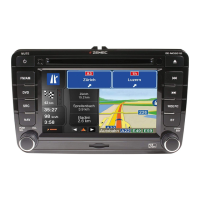
USb MODE
■ Insert the USB stick into the USB slot and enter the USB mode.
NOTE:
■ The interface and the operation of the USB mode is similar to the CD/MP3/WMA mode.
■ Depending on the folder structure and the content, the number of the available folders is
limited.
■ Please pay attention that the operation is depending on the memory of the USB device and
stored data volume.
■ The USB device must be compatible with FAT32 and the max. current for the connected USB
device must stay below 400 mA. Otherwise it's not possible to use it with this unit.


 To Next Page