24
BLUETOOTH MODE
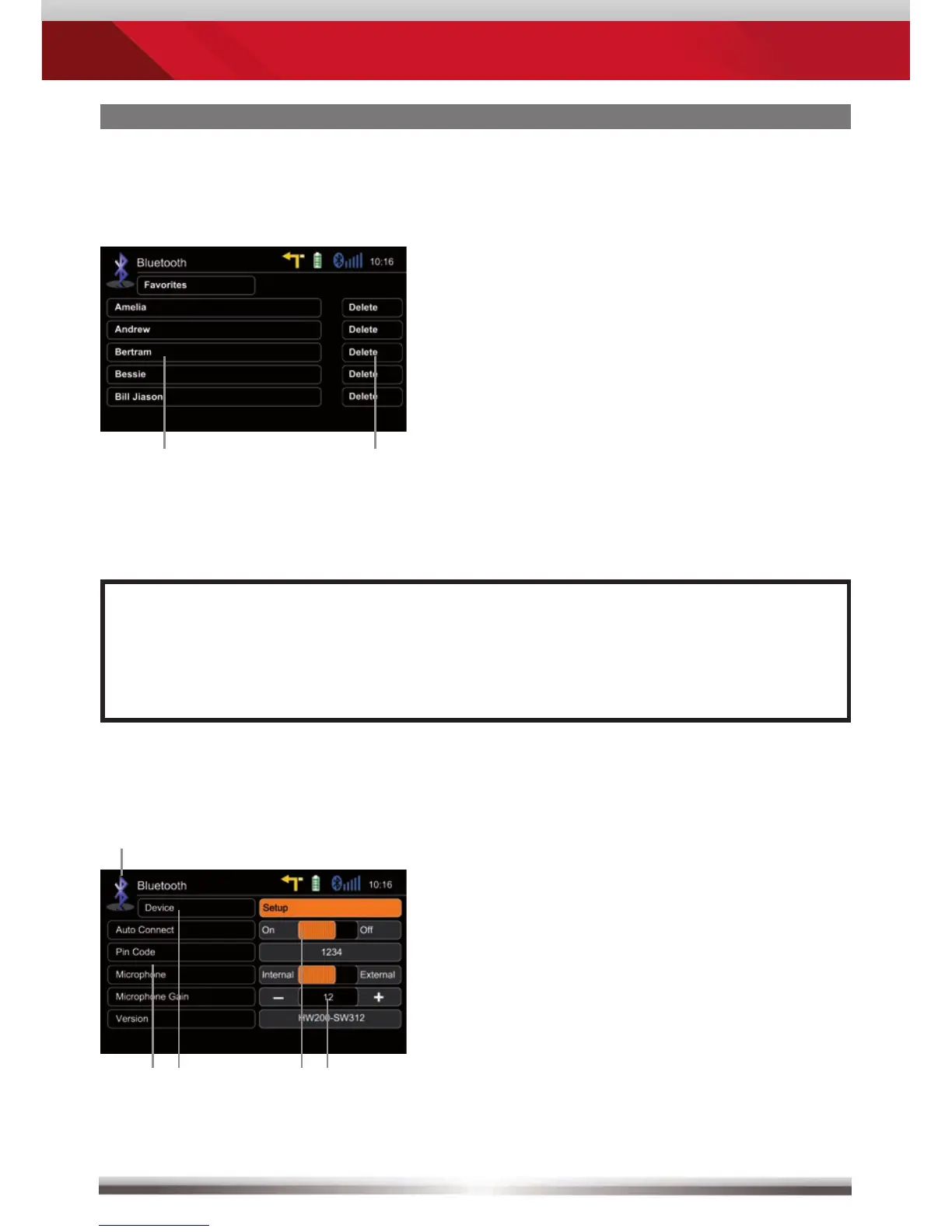
Setup settings:
Back to BT main menu
Options
BT device settings
Microphone selection
Tap +/- to adjust microphone gain
Manage favourites:
Tap on entry to call favourite
Delete favourite
Control elements:
NOTE:
■ Be aware that solely terminating the connection, or deleting a connected
mobile phone, does not affect the list of favorites. Favourites have to
be explicitly deleted one by one.



 To Next Page