42
EXTERNAL PLAYBACK & SOURCES
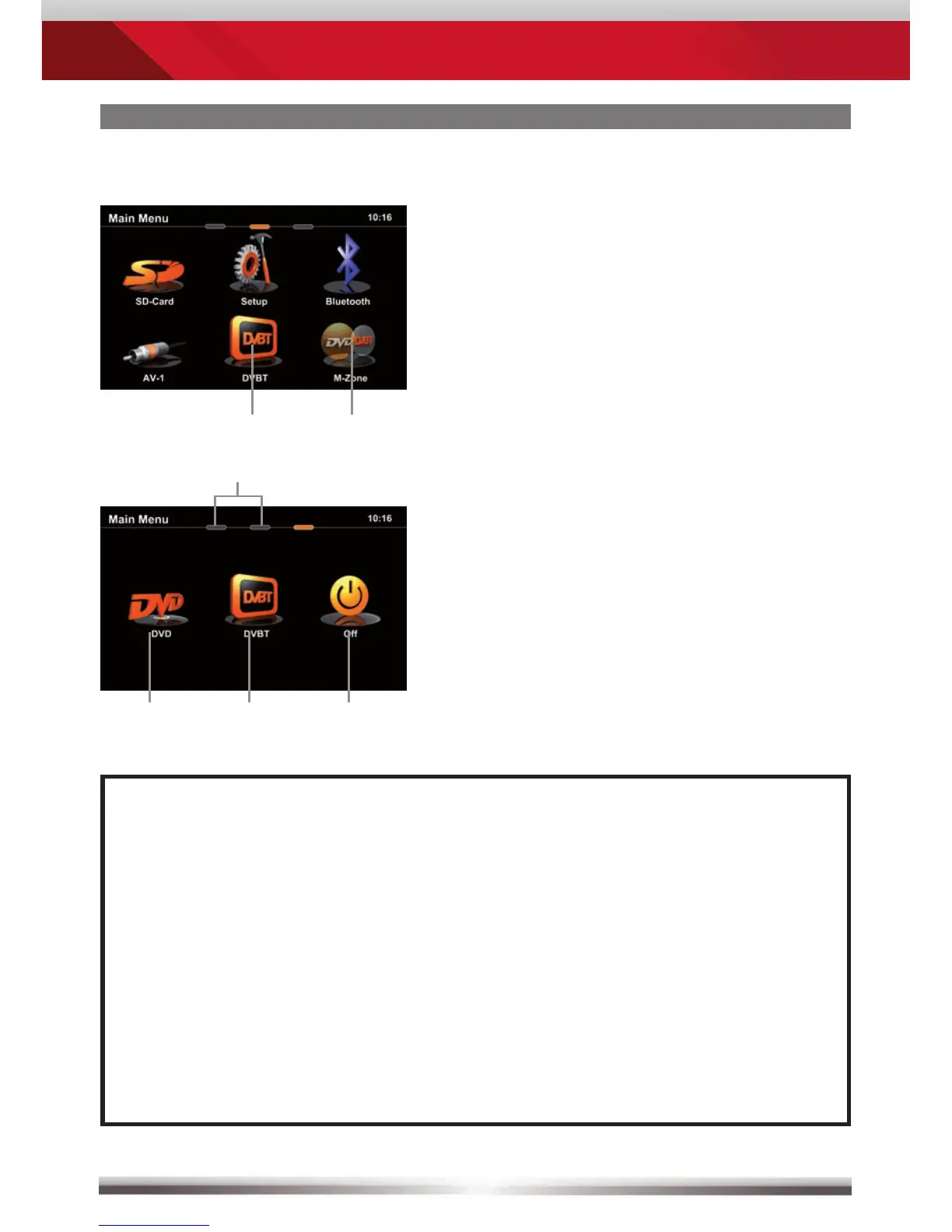
M-Zone
NOTE:
■ With deactivated M-Zone you will not see any signal on connected
M-Zone monitors (Blackscreen).
■ The M-Zone volume cannot be adjusted by the headunit. Use the control
elements of the connected peripherals (i.e. roof monitor) instead to adjust
the volume.
■ If the M-Zone and the front zone get both fed by one and the same
media source, the M-Zone stereo output will be muted.
■ The headunit does not memorize that the M-Zone has been activated
after shutting off. Therefore you have to reselect the M-Zone after
re-starting the headunit.
Control elements:
Direct access to main menu
Choose DVD
Choose DVB-T
Deactivate M-Zone
Control elements:
Direct access to DVB-T
Direct access to M-Zone



 To Next Page