30
SETUP: VIDEO
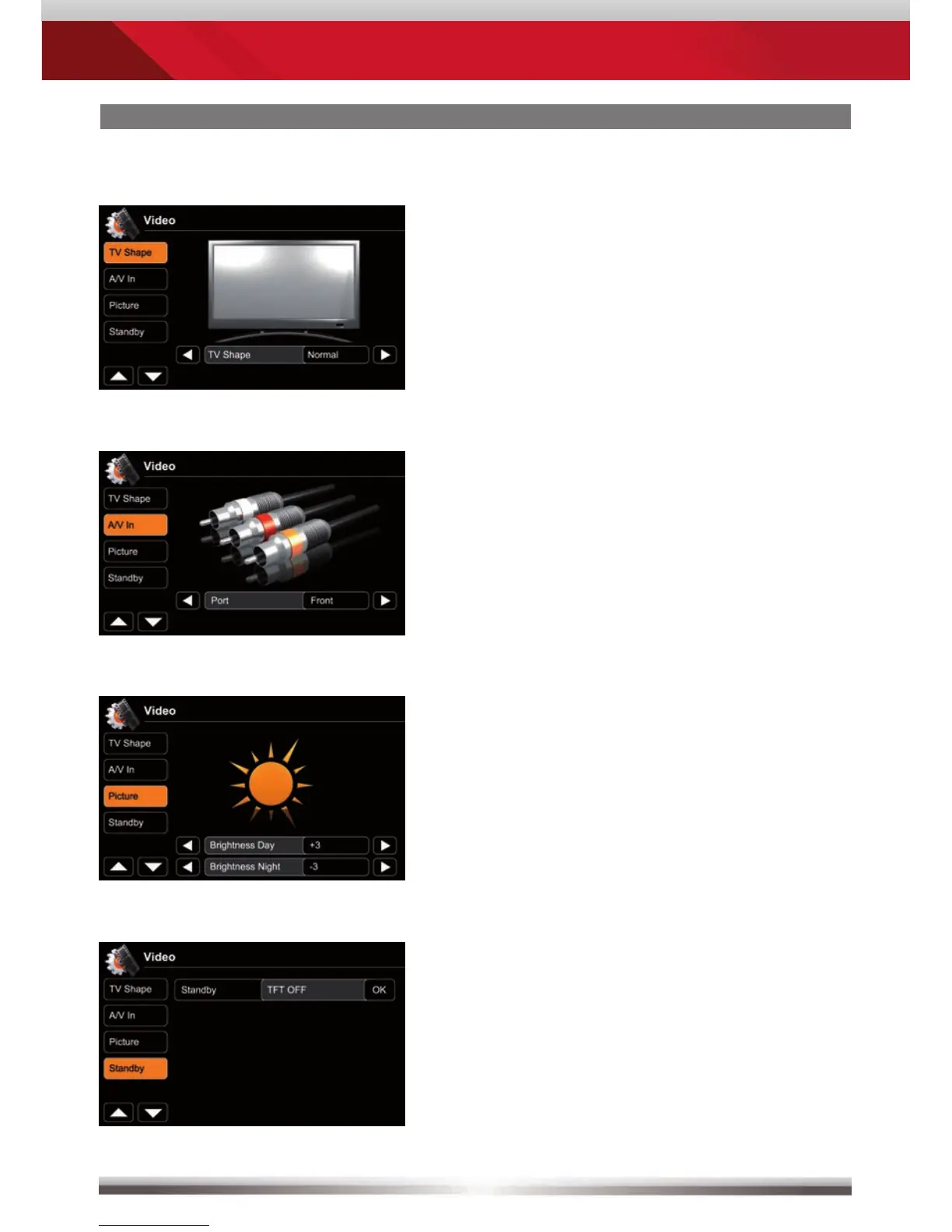
Animated picture visualises TV shape
settings.
Choose between front and rear
A/V In port. A/V In is equipped with a
PAL/NTSC auto switch.
Animated picture visualises your setting
during adjusting TFT screen brightness.
Day-/Night TFT screen brightness is
controlled by GPS time signal.
Standby activation turns screen OFF.
Apart from that, the device operates in
a normal manner.
Tap somewhere on screen to
reactivate it.



 To Next Page