32
SETUP: AUDIO
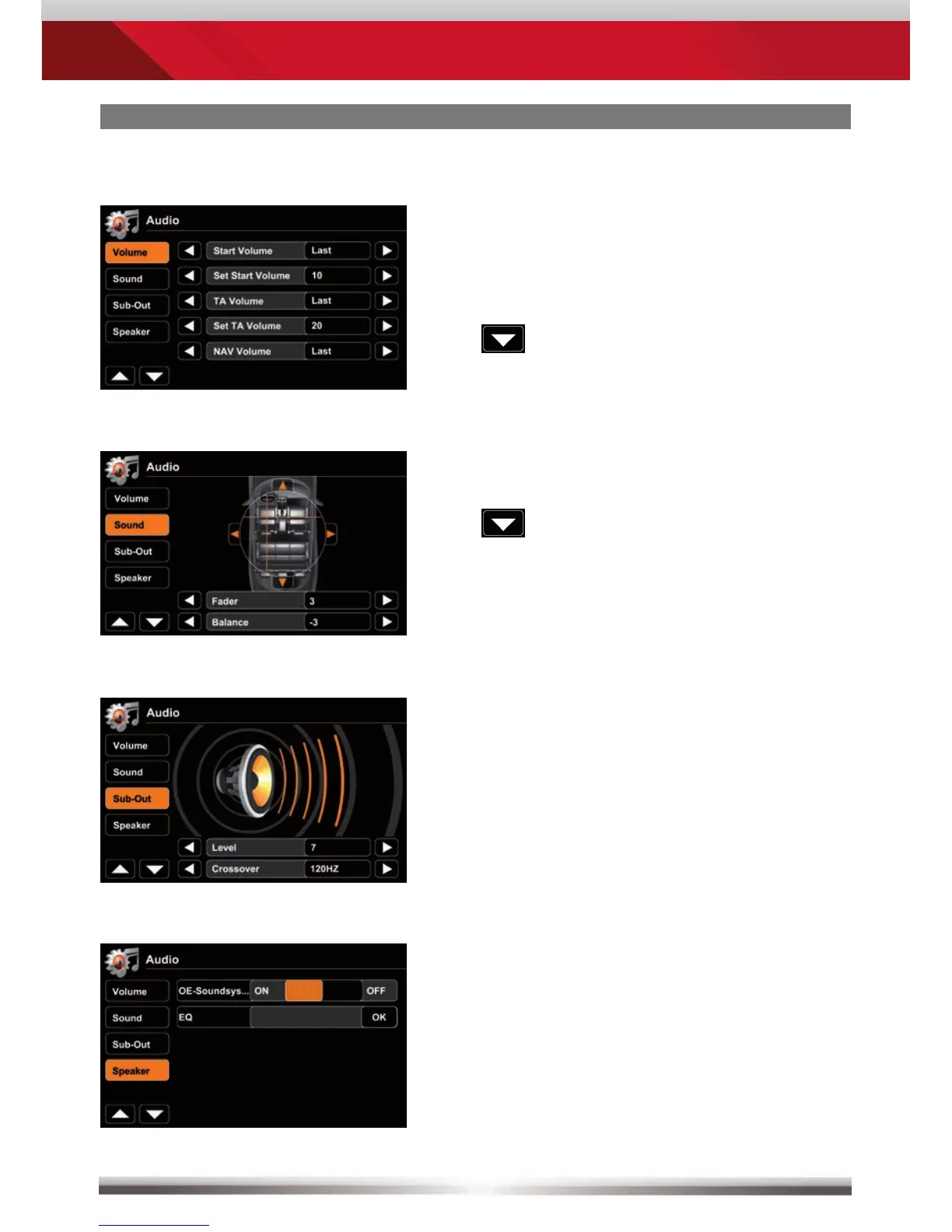
Audio mixer:
Choose "Last" to adjust to last volume.
Choose "Set" to adjust to an arbitrary
value.
Level adjustments for sources:
Adjust volume relative to other sources.
Animated picture visualises fader and
balance settings.
EQ frequency adjustments
Adjust EQ bands.
Animated picture visualises
sub-out level.
If your vehicle is already equipped with
an integrated OE Soundsystem,
activate parameter "OE Soundsystem"
in order to avoid audio distortion.
Tap "OK" at EQ to open equalizer page.



 To Next Page