36
SETUP: MISC
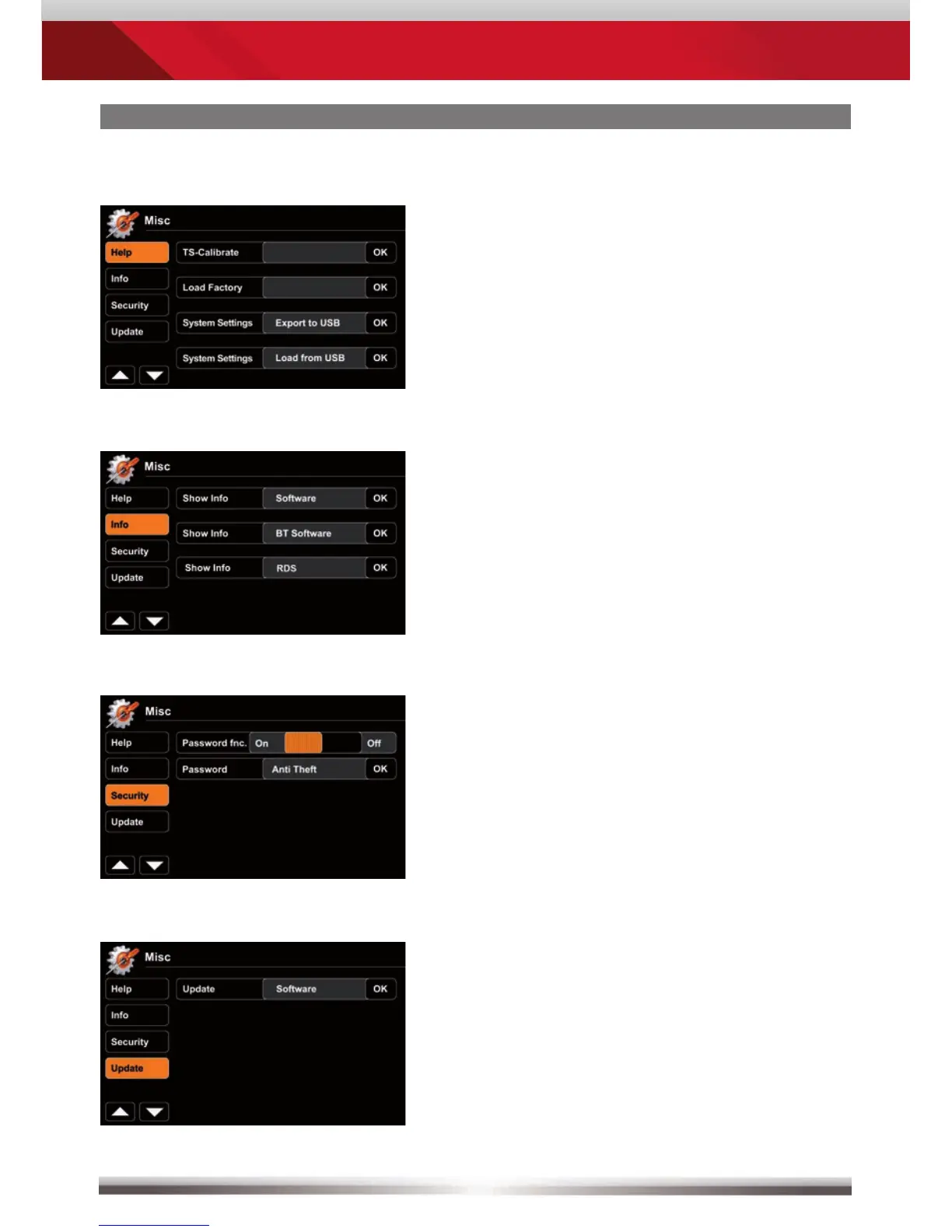
You may export/import your system
settings to/from a USB flash drive.
A feature, that comes in very handy
after a firmware update, or a complete
power disconnection.
Tap "OK" to display corresponding
software version.
Activate password function to
secure device in case of temporary
disconnection from power supply (theft).
Use an arbitrary 4-digit code. To reset
the code enter "0000" instead.
Press "OK" to launch a software update.
For preparations and details, consult the
accompanying update installation
instructions BEFORE you actually
update.



 To Next Page