3
Configuration
The station can operate in dierent modes: ICX-AlphaCom, Edge and SIP.
The default mode is Edge. The description in the rest of this document uses
the ICX-AlphaCom mode as an example.
There are two ways of configuring the IP Desk Master Station, either via the
station keypad or via a web browser.
For ICX-AlphaCom configuration, there are essentially three parameters
set:
• ICX-AlphaCom IP address
• Station directory number
• Station IP address
Configuration via Station Keypad
When the IP Desk Master Station is not connected to the ICX-AlphaCom
server, an oine menu is displayed. The oine menu can be used to
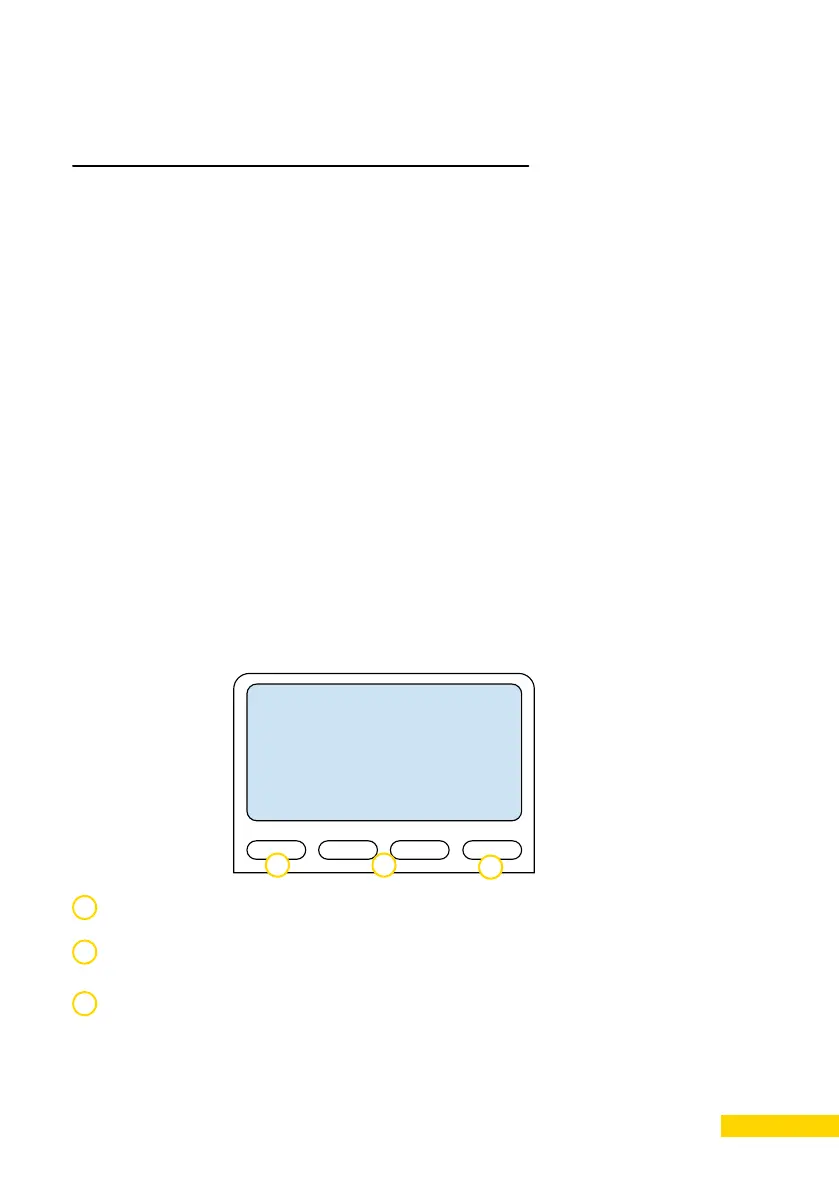
configure the station and is navigated with the 4 keys below the display.
The left key is used as a Setup, Select or OK key.
The right key is used as a Esc or Back key.
The middle keys are used to navigate according to the arrows on the
display.
1 3
1
2
3
2




 To Next Page