6
Configuration via Web Browser
IP Desk Master Station Web Interface
The IP Desk Master Station features an embedded web server, which
allows users to login via a standard web browser. At commissioning,
the IP station needs to be configured to enable it to subscribe to an ICX-
AlphaCom server. Connect a PC to the IP station via a PoE switch by using
network cables.
By default, the station is set to DHCP an will thus obtain an IP address from a
DHCP server. Obtain the actual IP address of the station by performing the
method described in the previous section under the heading Station Info.
After the IP properties have been updated, access the station by logging
into the web interface using a standard web browser:
Open a web browser
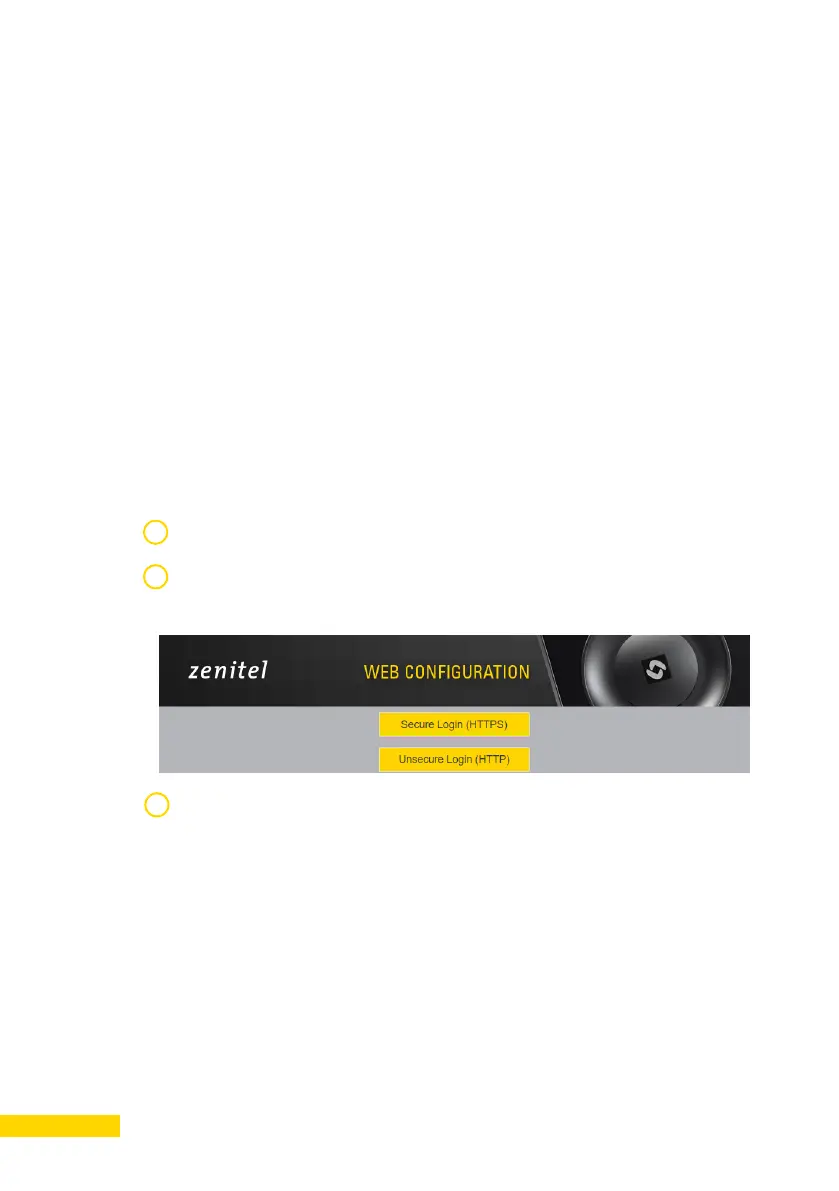
In the browser’s address bar, type IP address as listed in the Station Info
screen. The station login page will be displayed.
1
2
3
Log into the station by clicking Login. Default username/password:
admin/alphaadmin.
The Station Information page will now be displayed, showing the IP
station configuration.




 To Next Page