2
This document serves as a quick configuration guide for the IP Desk
Master Stations.
The information in this document pertains to following IP Stations:
About
Item Number Item Name Description
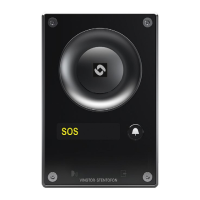
1008400090 IPDM-V2_P IP Desk Master V2_P
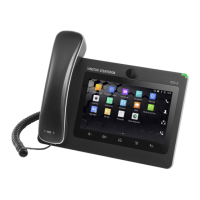
1008401090 IPDMH-V2_P IP Desk Master with Handset V2_P
1008401190 IPDMHB-V2_P IP Desk Master with Handset (black)-V2_P
For more information and instructions on configuration of the IPDM-V2_P
please go to https://wiki.zenitel.com/wiki/IP_Desk_Master_-V2-P.
For more information and instructions on configuration of the IPDMH-V2_P
and IPDMHB-V2_P please go to https://wiki.zenitel.com/wiki/IP_Desk_
Master_-V2-P_w/handset.
Installation
LAN
Network Connection & Power Supply
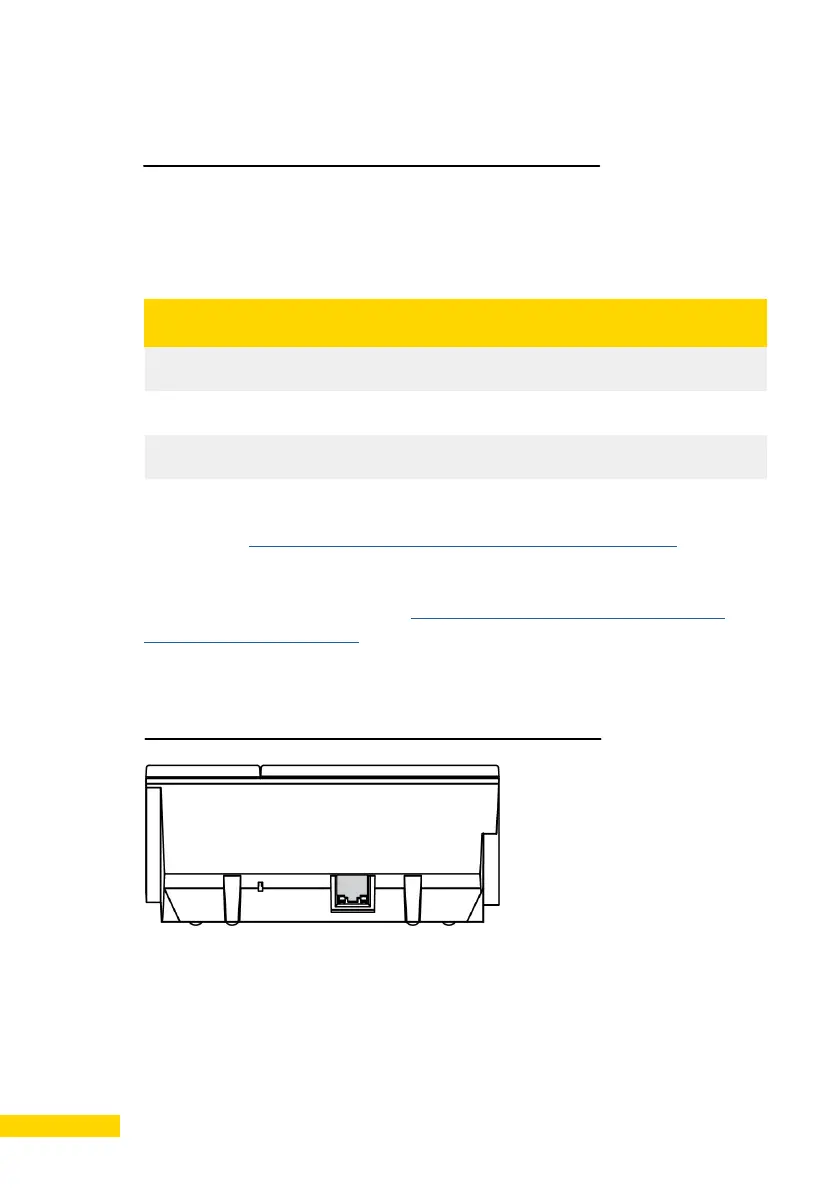
There is one RJ45 port on the IP Desk Master Station. (10/100 Mbps RJ45
port for LAN (uplink) connection). The LAN port serves as both network and
Power over Ethernet (PoE) connection.
The IP Station must be connected to a switch/hub which supports PoE.




 To Next Page