p/n 4000087299 v.I
If the trunk type is SIP client, you will have to enter the IP-address or hostname of the provider, as
well as the username, password and realm as supplied by your provider. The 6200 drop down defines
which 6200 unit in the network the Trunk Line shall be added to.
The "Behind NAT" checkbox should be checked if the 6200 unit the trunk is added to is behind a
network address translation layer and must traverse this in order to reach the server. If in doubt,
leave this checked. If the remote server uses multiple IP-addresses to initiate calls to the 6200 due to
load balancing, it is possible to resolve all the hostname addresses using the next checkbox. Please
note that if your provider changes their IP-addresses, you must re-send your configuration to the
6200 network in order to regenerate the trunk settings. If in doubt, leave this unchecked.
If the trunk type is a SIP server, you must define the user name, password and realm you have or will
use on the remote SIP client. You must also select which 6200 unit the client will be registered on.
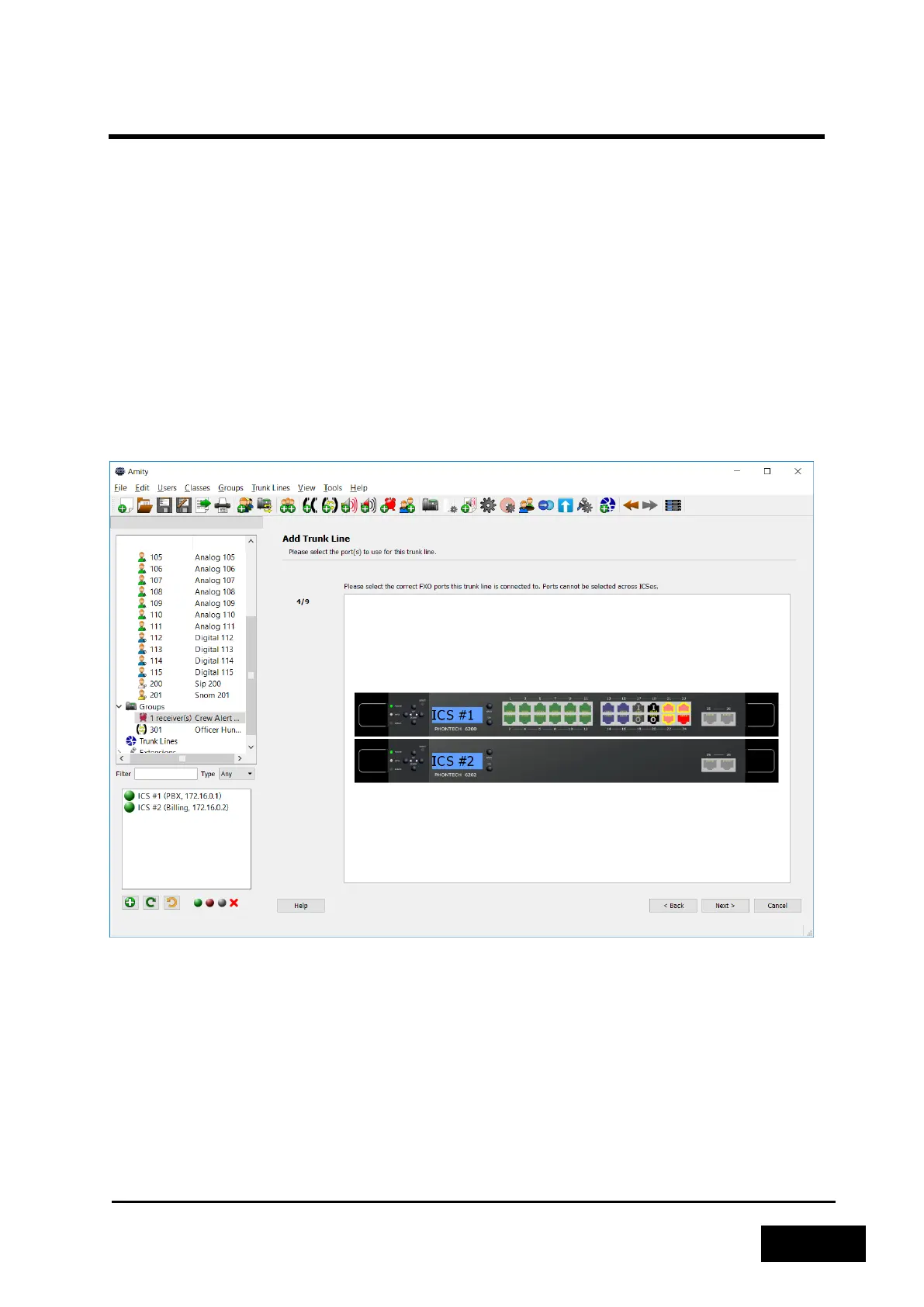
If the trunk type is FXO or E&M, you have to select which port(s) to use. You can optionally select
multiple FXO ports for load balancing.
Figure 2-25 - Selecting an FXO Port
The next step is to select what action to take when an incoming call is detected. The Phontech 6200
can call one or more extensions directly by selecting "Call an extension", give a switchboard-like
greeting by selecting "Switchboard" or use the supplied number to directly call the intended recipient
using "Direct Inward Dialing". Alternatively, incoming calls may be disabled.
Selecting the “Park incoming calls” option when “Call an extension” is selected will change the
behavior of how the incoming call is dealt with. First a preconfigured phone will ring and answer the
incoming call. As the call is answered, the system will notify the one who answered the call that a
parking number has been allocated for the caller. Once the one who answered the call hangs up, the
caller will be placed in the parking slot announced and another user can dial the configured retrieval



 To Next Page