p/n 4000087299 v.I
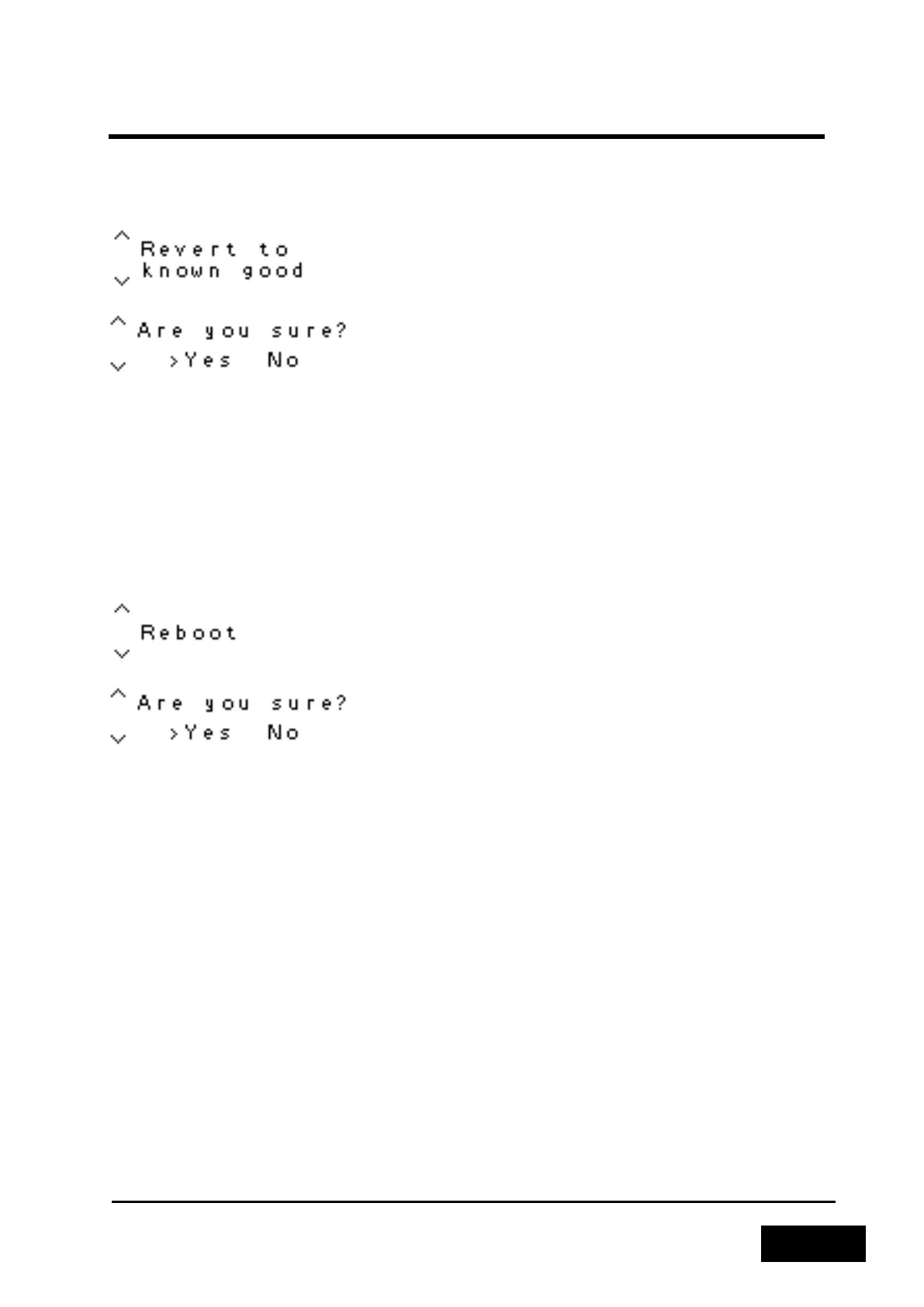
2.4.4.6.5 Revert to Known Good
Figure 2-95 - Revert to Known Good Menu
Figure 2-96 - Selecting the Revert to Known Good Menu
The Revert to Known Good function allows you to return to a previously set Known Good checkpoint
or, if no such point has been created, to the factory defaults. Upon running this function, the
Phontech 6200 unit will reboot and perform the rollback operation. This will take a few minutes.
Once this has been completed, the Phontech 6200 unit will reboot again into the Known Good
checkpoint. A Known Good checkpoint may be restored multiple times.
2.4.4.6.6 Reboot
Figure 2-97 - Reboot Menu
Figure 2-98 - Selecting the Reboot Menu
The Reboot function allows you to reboot the Phontech 6200 unit. After the Reboot operation, the
Phontech 6200 unit will return to its regular state.
2.5 CALL LOGGING WEB INTERFACE
The Phontech 6200 can be expanded to perform call logging and billing services. For this purpose, the
Phontech 6202, Billing Unit must be hooked up and configured together with the system.
This is described in the separate handbook: Users Manual for Phontech 6200 Call logging Interface



 To Next Page