p/n 4000087299 v.I
Many additional settings such as restricting access to dialling out over the trunk, different sounds and
other tweaks are changeable from the properties page for a trunk line. This is described in chapters
such as "Access Control", "Call Logging" and "Custom System Sounds".
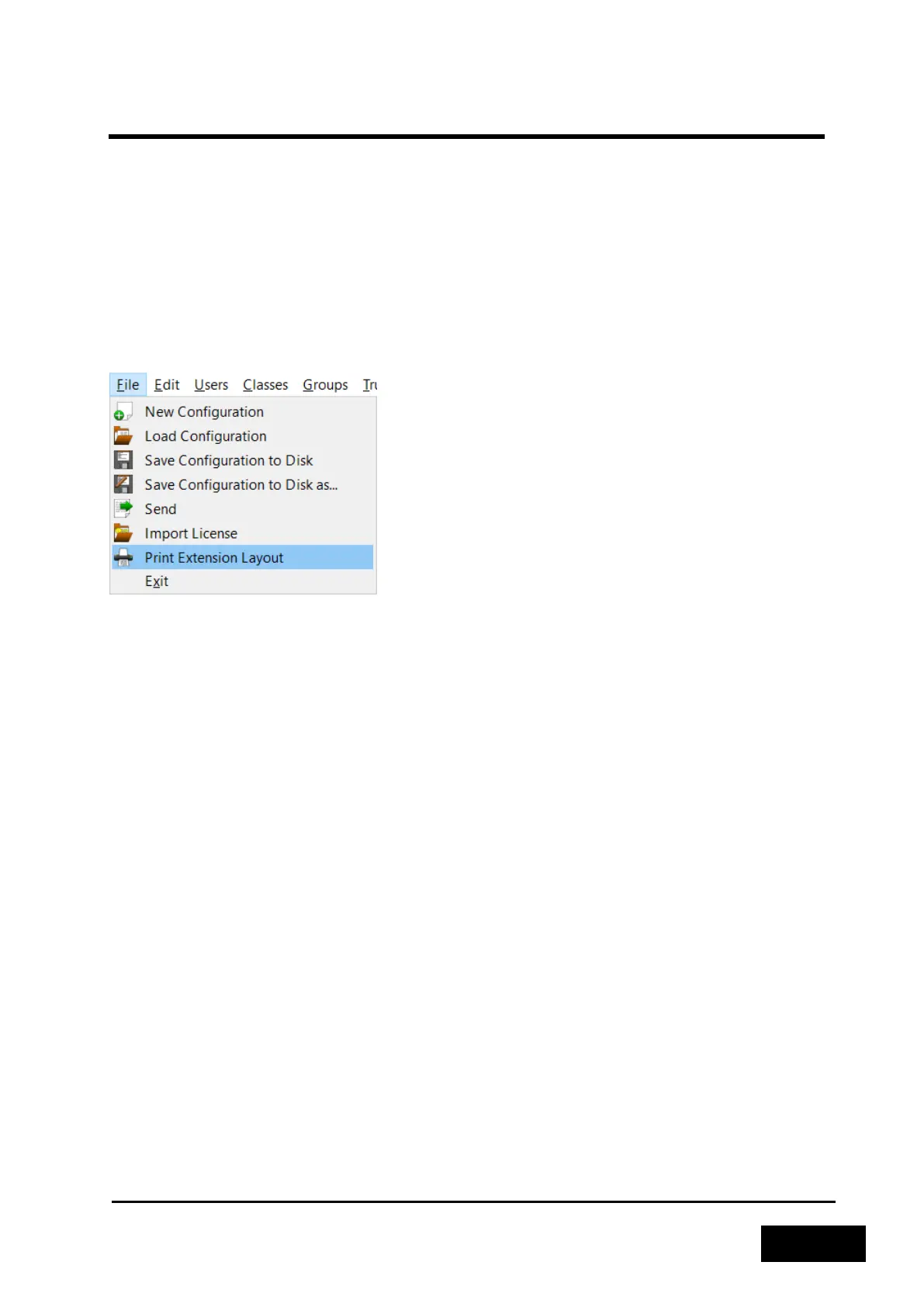
2.3.4.8 Printing the Configuration
In order to get a hard copy of the configuration, you may use the "Print Extension Layout" function.
This will give you a printout describing the current layout of the configuration, including extension,
type and port number or MAC address / SIP password. All of this is listed per 6200-unit and grouped
into physical extensions and VoIP extensions.
Figure 2-31 - Printing the Configuration
2.3.4.9 Mark as Good
If you are happy with the configuration at this point, it is useful to run the "Mark as Good" function
on the 6200 unit. Please consult the Phontech 6200 Firmware documentation for instructions on how
to run this function, or how to restore a known good image.
2.3.5 LESS COMMON TASKS
2.3.5.1 SIP licenses
To be able to use SIP telephone or Snom 300 telephones in your Phontech 6200 system, you have to
have a SIP license installed. This license will be provided to you by Zenitel AS. To check the current
status of your SIP license you can go to the "Help -> Info" item from the menu bar. If you click the
"Licenses" tab you should see the status of your license. If this tab is grayed out, you do not have any
license installed.



 To Next Page