p/n 4000087299 v.I
2.3.6.4 Factory Reset
This function will revert the Phontech 6200 unit to its factory state, and remove all configuration,
databases and settings contained on the Phontech 6200 unit. It is possible to perform this using the
front panel display of the Phontech 6200 unit.
Once this has been performed, the Phontech 6200 unit reverts to its factory defaults. This means
that you will have to run through the first run wizard again. Please consult the Phontech 6200
Firmware documentation for instructions on how to perform this operation.
2.3.6.5 Choose Network Interface
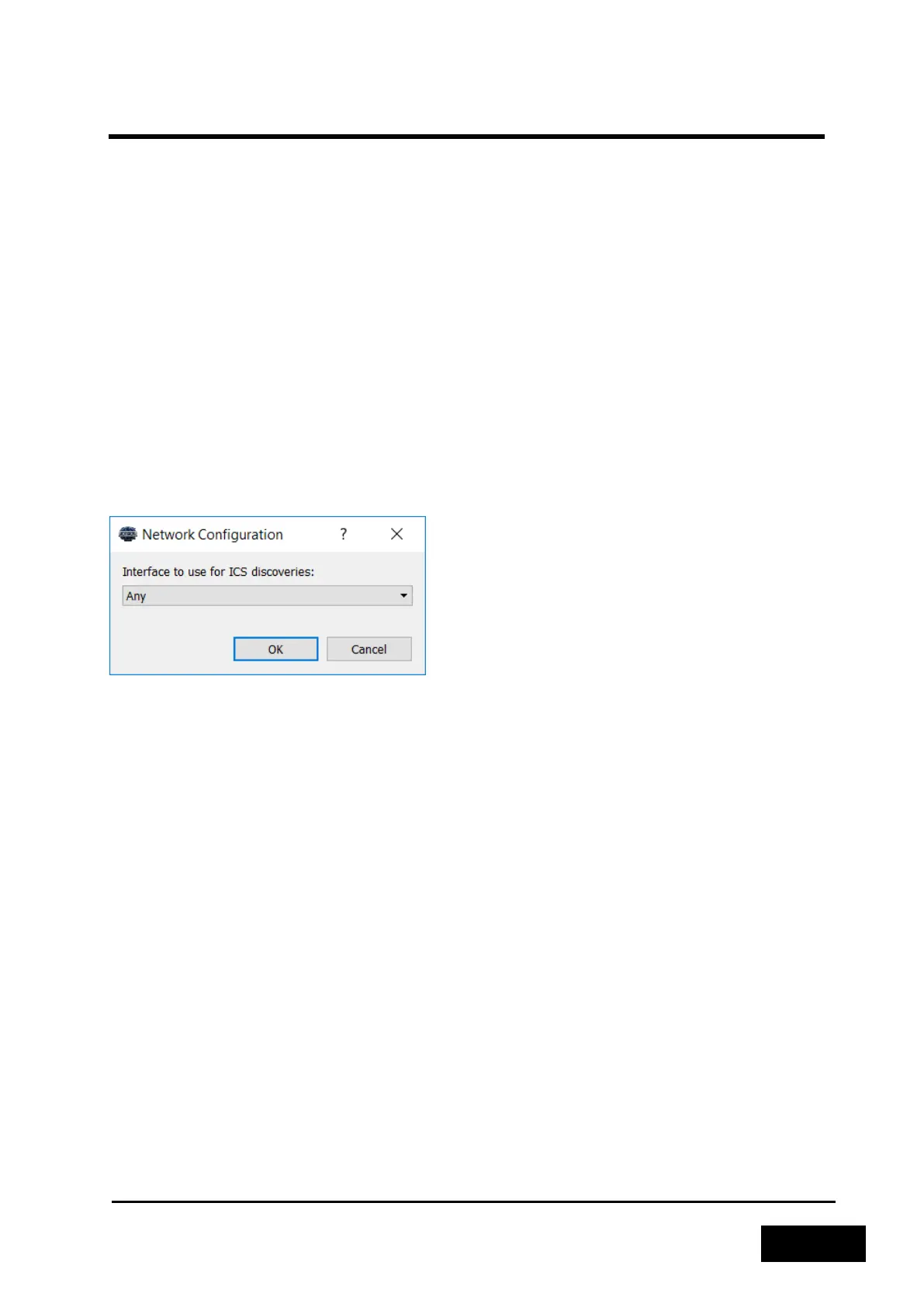
This function can be useful if you have multiple network interfaces connected to different networks.
This may cause the configuration application to not be able to discover your Phontech 6200 network.
The dialog present under "Tools -> Network Configuration" allows you manually select the correct
network interface. By doing this, you will instruct the Phontech 6200 Configuration Application to
send discovery requests to the correct network instead of the more generic fallback.
This setting is stored across restarts of the application. The default value is the "Any"-setting.
Figure 2-60 - Setting a Network Interface
2.3.6.6 Creating an Information Package
If you require additional support for your Phontech 6200 System, please enclose an Information
Package with your support request. The Information Package can be created using the "Help -> Info"
dialog, simply press the "Export Information" button. This will create a single file containing logs from
the application and any Phontech 6200 unit in the network, the configurations of each unit and
information concerning the software versions used for the Configuration Application and each
Phontech 6200 unit.



 To Next Page