p/n 4000087299 v.I
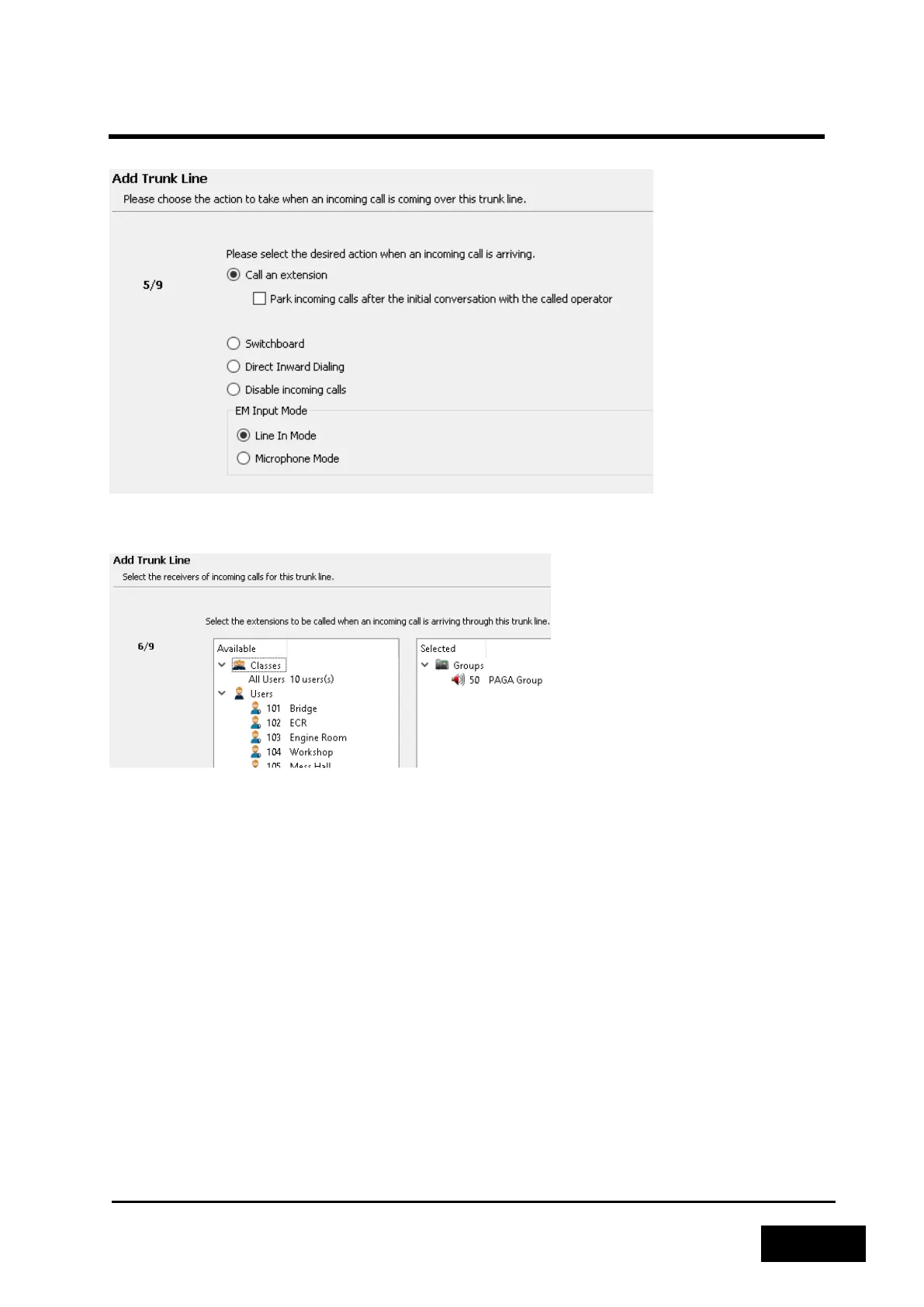
Set Incoming action to Call an extension and select Line In Mode as EM Input Mode.
Figure 2-123: Select incoming call action
Select the group created in (ref ch 2.7.1) as the incoming call handler for the trunk line.
Figure 2-124: Select incoming destination
Disable the outgoing actions for this trunk line. Alternatively, a Dial Out Extension can be selected if
telephone stations should be allowed to send PA messages through the E&M interface and to the
PAGA system. This requires additional wiring of the E&M output as described in (ref ch 1.12) and (ref
ch 3.2.1.3.1).



 To Next Page