Doc.No.: 03118-000
-OP
Page 5 of 8
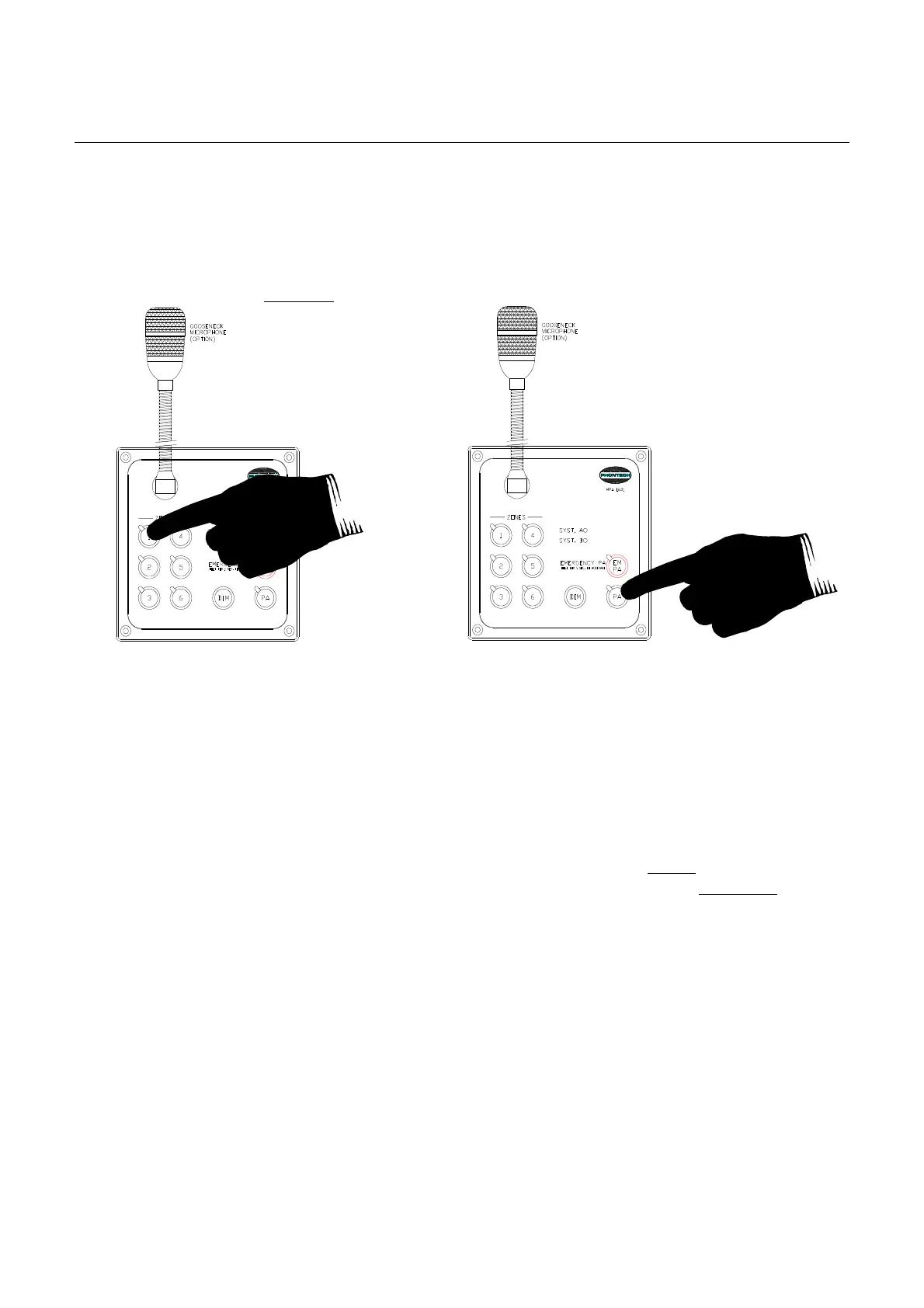
Normal PA can
also be activated from external microphones or other similar equipment. In that case
the pre-programmed zone selection is activated.
Figure 2-2
2.3 ALARM (General Alarm)
• GA overrides any other audible alarm in the system
• GA overrides any external entertainment systems by means of an entertainment mute signal
while active (see documents 03118-025-EC)
• GA overrides any volume controls (entertainment) while active
• GA overrides normal paging (PA)
• GA overrides Emergency PA temporary in case EM PA is active before GA is turned on as
a temporary guarantee for GA notification. (EM PA will then be able to re-ac
tivate and
override GA as normal and with highest priority).
• Other s
ystem alarms (Alarm 2-4) will, if configured, behave as GA but with priority below
GA.
• GA is always broadcasted to all zones/areas in the system.
The General Alarm is initiated from the MPA 1603, 1605, 1606, or 1643 by means of Alarm button 1
– GA.
This button is marked by red colour.
The GA is activated by a single push operation of the button and must be released by the Cancel (C)
button.
To avoid unauthorised use, the GA button must be kept pressed for one second to activate.
Also to avoid unauthorised cancellation, the C (Cancel) button must also be kept pressed for one
second to activate.
Optional:
Activate any zone
combination
Keep pressed continuously
during the PA mess
age.
Without any optional pre-
selection of zones, the zone
selection is according to the pre-
programmed setup



 To Next Page