Doc.No.: 03118-000
-OP
Page 6 of 8
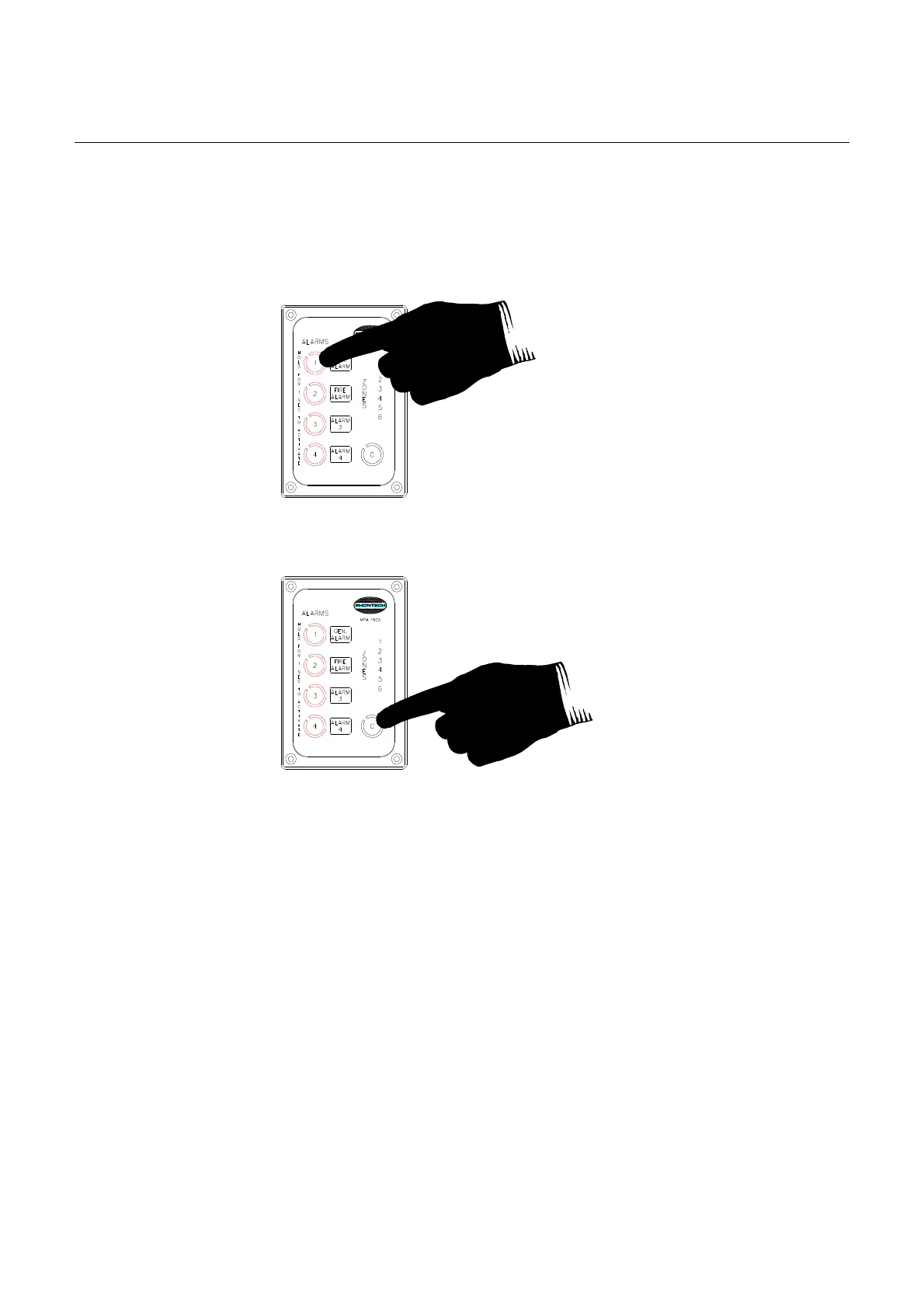
The MPA 1603, 1605, 1606 and 1643 is also equipped with 3 additional Alarm buttons for activation
of optional alarms. These
alarms will all have lower priority than the GA and thus be overridden
whenever a GA is initiated.
Figure 2-3
Figure 2-4
2.4 PRIORITY
The MPA 1600 system is subject to a priority configuration. This configuration is somehow flexible,
but certain rules are to be maintained (highest priority on top of the list and downwards):
• Emergency PA initiated from the Bridge (MPA 1601/1605/1606/1643 – EM PA)
• Emergency PA initiated from a secondary vital position (MPA 1601/1605/1606/1643 –
EM_PA)
• Emergency PA initiated from other optional positions (MPA 1601/1605/1606/1643 – EM
PA)
• General Alarm (MPA 1603/1605/1606/1643 )
• Additional alarms (optional) (MPA 1603/1605/1606/1643)
• Normal PA from the Bridge position (MPA 1601/1605/1606/1643 – PA)
• Normal PA from a secondary vital position (MPA 1601/1605/1606/1643 – PA)
• Normal PA from other optional positions (MPA 1601 or MPA 1604 – PA)
Keep the GENERAL ALARM button
pressed fo
r 1 sec. to activate
Keep the CANCEL button pressed for
1 sec. to de-
activate the alarm



 To Next Page