1
2
4
3
6
7
8
5
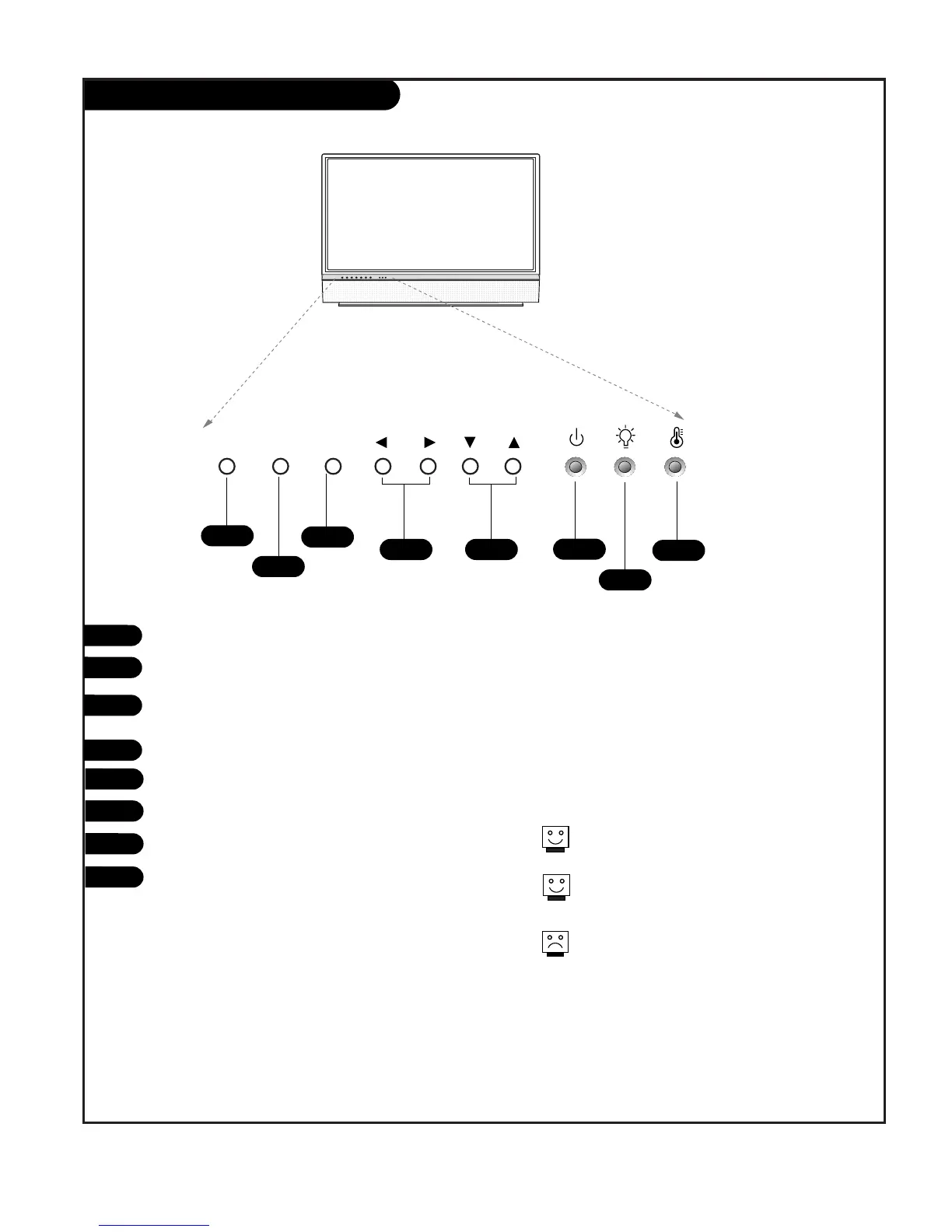
POWER
MENU
ENTER (Same as ENTER button on your remote
control)
VOLUME UP / DOWN
CHANNEL UP / DOWN
Operation indicator. (See page 6).
Lamp indicator. (See page 6).
Temperature indicator. (See page 6).
1
2
3
4
5
6
7
8
See menu pages for instructions on using the on-
screen menus.
The POWER, MENU, ENTER, VOLUME, and CHANNEL
buttons work just as they do on your remote control.
If TV is moved from cold to normal room tempera-
ture, condensation may form inside TV, wait 3 hours
the TV to adjust to room temperature before turning
it on.



 To Next Page