PAGE 45
EZ Demo
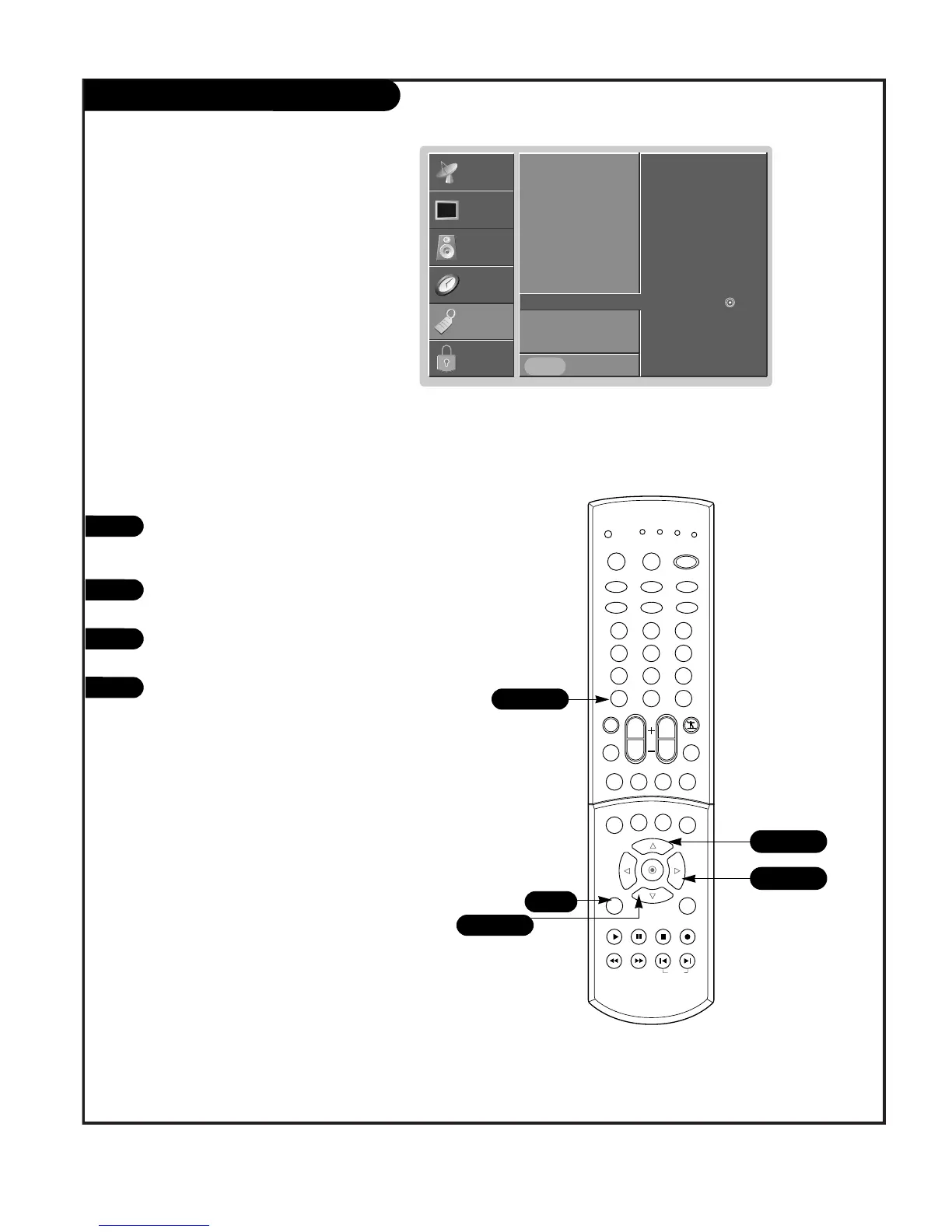
Press the MENU button on the remote
control, then use the UP/DOWN arrow
button to select the Special menu.
Press ENTER or the RIGHT arrow to acti-
vate the Special menu.
Use the UP/DOWN arrow to select EZ
Demo.
Press ENTER or the RIGHT arrow button
to start the EZ Demo.
1
2
3
4
EZ Demo Use to scan the features and
menu options available on your TV.
Aspect Ratio
Language
Captions
Caption/Text
Key Lock
Cinema
EZ Demo
G
Prev.
SETUP
SETUP
VIDEO
VIDEO
AUDIO
AUDIO
TIME
TIME
LOCK
LOCK
SPECIAL
SPECIAL



 To Next Page