PAGE 44
206-04006
Cinema Mode Setup
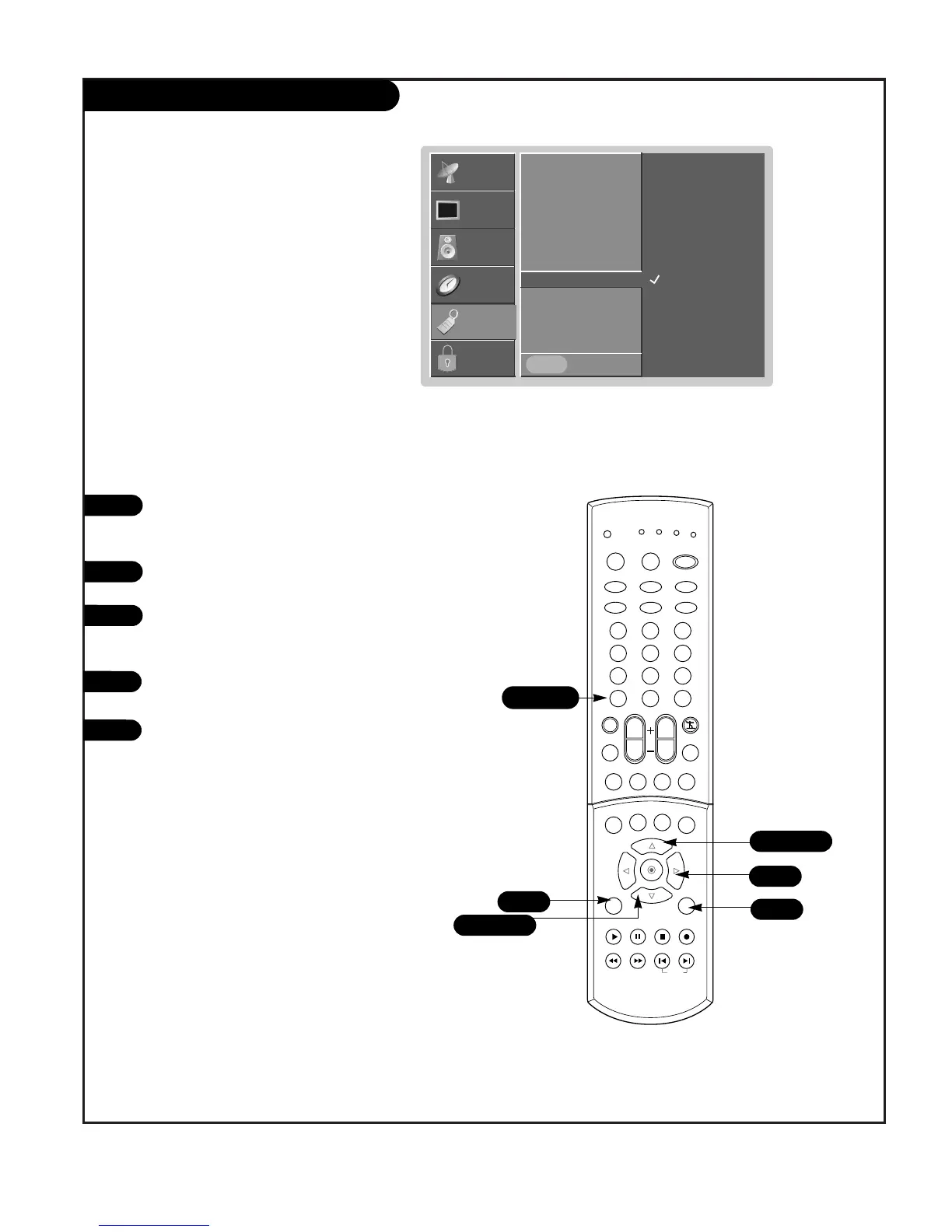
Press the MENU button on the remote
control, then use the UP/DOWN arrow
button to select the Special menu.
Press ENTER or the RIGHT arrow button
to activate the Special menu.
Use the UP/DOWN arrow to choose
Cinema, then press ENTER or the Right
arrow button.
Use the UP/DOWN arrow to choose On or
Off.
Press EXIT to save and return to TV
viewing or press the ENTER button to
save and return to the previous menu.
1
2
3
Set up the TV for the best picture appearance for viewing
movies.
SETUP
SETUP
VIDEO
VIDEO
AUDIO
AUDIO
TIME
TIME
LOCK
LOCK G



 To Next Page