MFL34797058-en-simple 11/6/07 4:52 PM Page ii
--I
COMP1
COMP2
HDMI 1
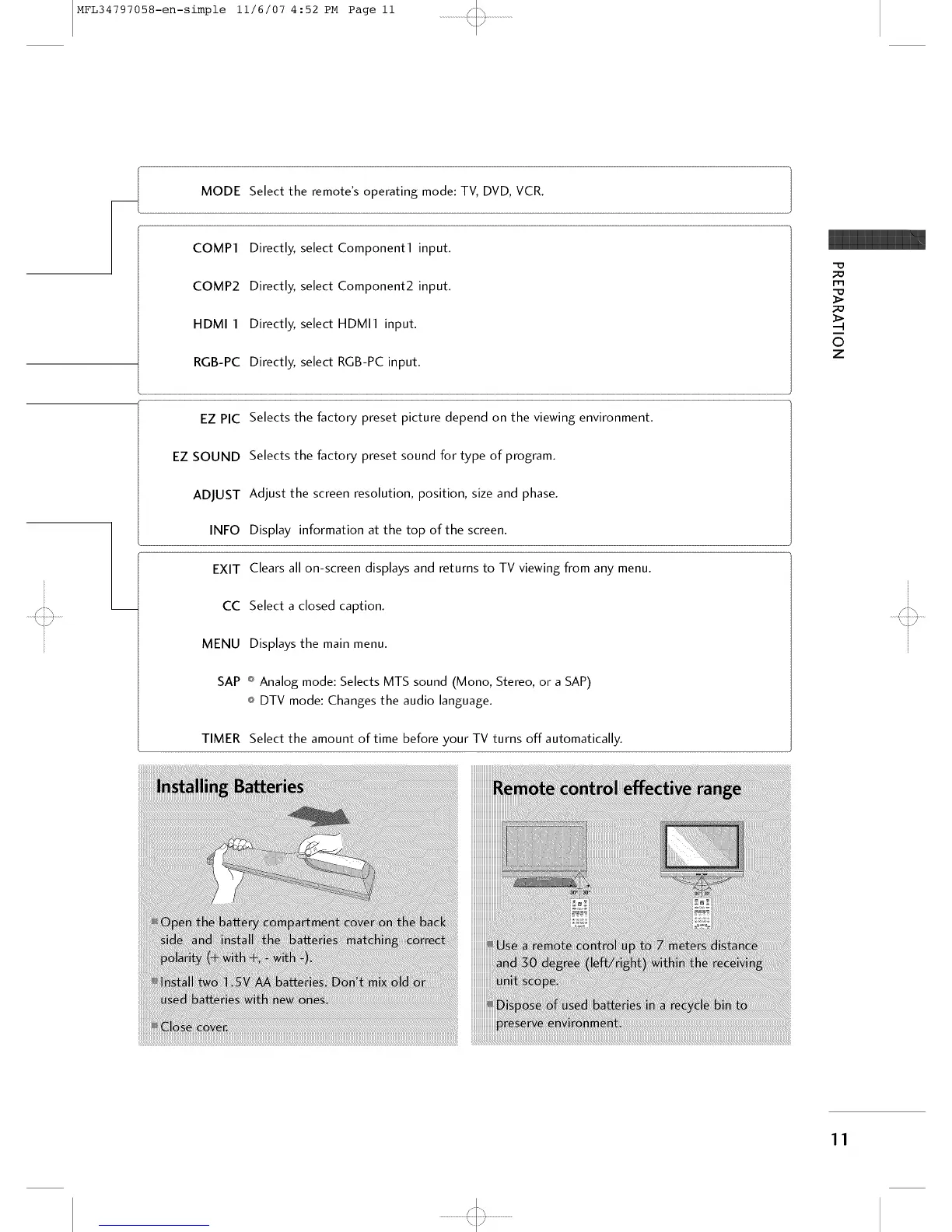
MODE Select the remote's operating mode: TV, DVD, VCR.
Directly, select Component1 input.
Directly, select Component2 input.
Directly, select HDMI1 input.
RGB-PC Directly, select RGB-PC input.
EZ PIC Selects the factory preset picture depend on the viewing environment.
EZ SOUND Selects the factory preset sound for type of program.
ADJUST Adjust the screen resolution, position, size and phase.
INFO Display information at the top of the screen.
EXIT Clears all on-screen displays and returns to TV viewing from any menu.
CC Select a closed caption.
MENU Displays the main menu.
SAP _ Analog mode: Selects MTS sound (Mono, Stereo, or a SAP)
o DTV mode: Changes the audio language.
TIMER Select the amount of time before your TV turns off automatically.
-O
i-m
©
z
11
'<::3



 To Next Page