MFL34797058-en-simple 11/6/07 4:52 PM Page 12
;m
m
;m
©
z
BACK COVER FOR WMREARRANGEMENT
Here shown may be somewhat different from your TV.
Plasma TV Model
ZSOP3 only
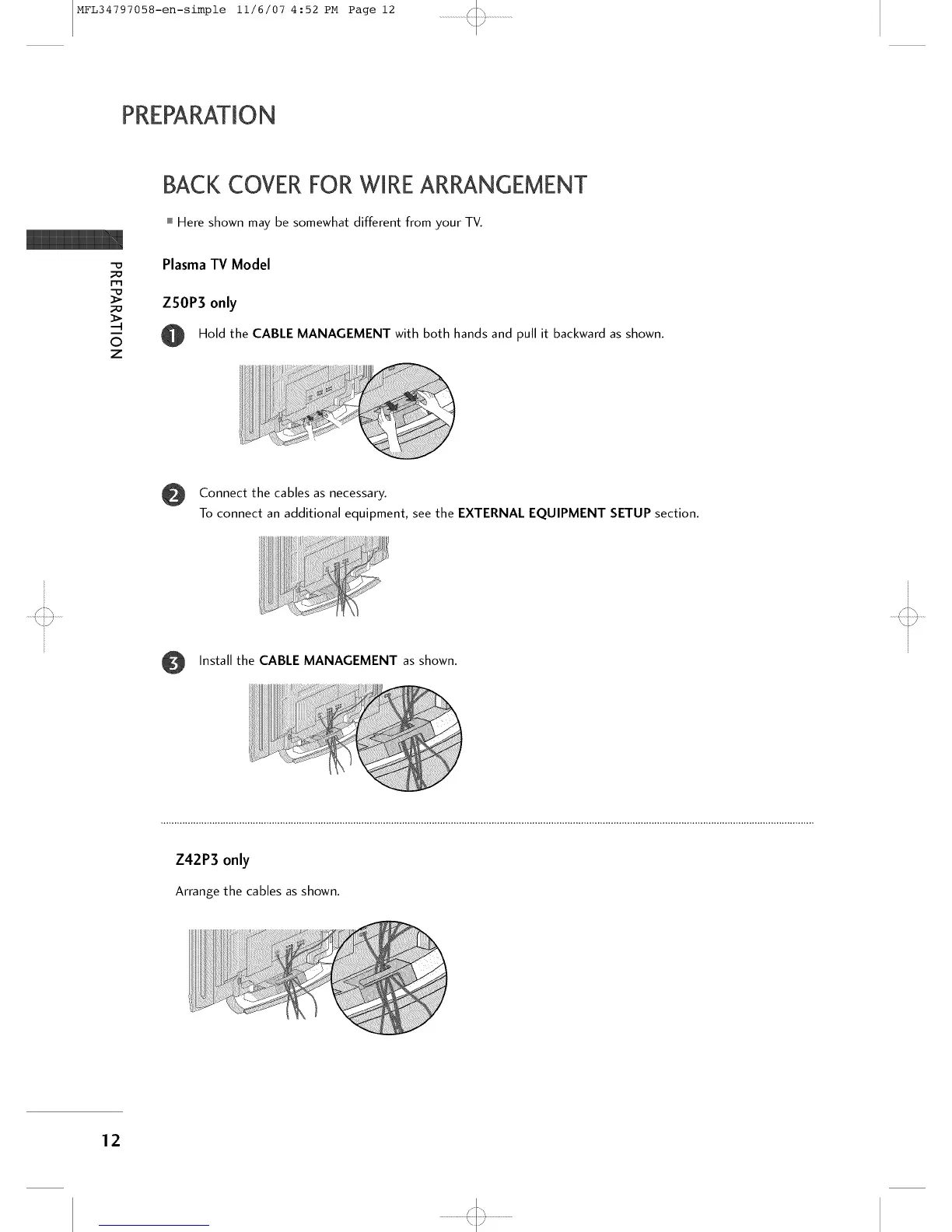
Hold the CABLE MANAGEMENT with both hands and pull it backward as shown.
i !!ill ii
ililiiii!_Ii!iii!iiiiiiii_iiiii_iii!!!!!!!!!i!I _!ii!!:
Connect the cables as necessary.
To connect an additional equipment, see the EXTERNAL EQUIPMENT SETUP section.
Install the CABLE MANAGEMENT as shown.
Z42P3 only
Arrange the cables as shown.
12
'<::3



 To Next Page