11
• Be aware of the sharp edges on the blades. Please handle them with care.
• Only use the Zero-X Pro Evolved 4K Blades.
Do not mix with other blades.
• To avoid injury do not touch the blades when they are spinning.
• Only use blades that are in good condition. If they are chipped or
broken replace them as this may compromise the flight.
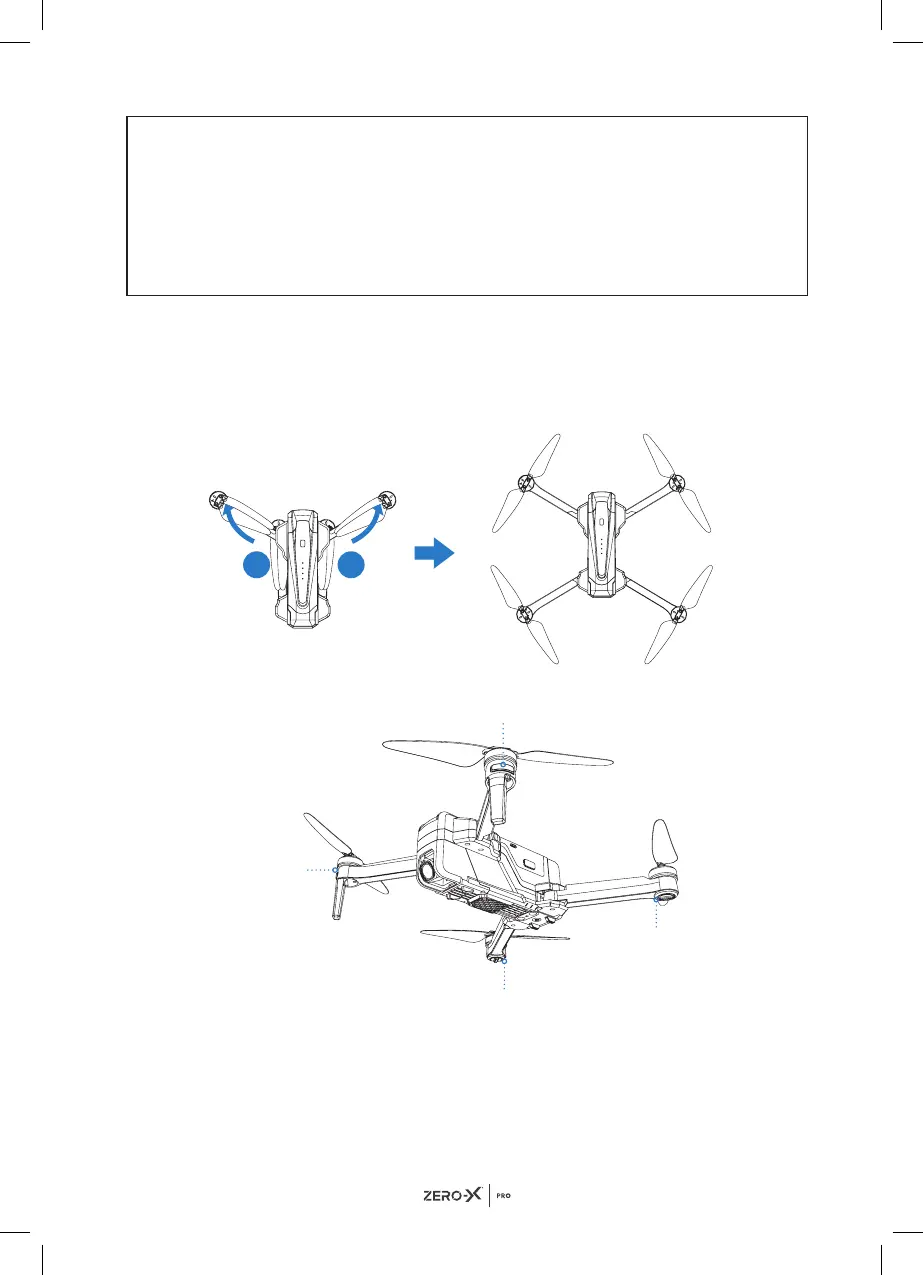
5.2 FOLDING/UNFOLDING THE EVOLVED 4K DRONE
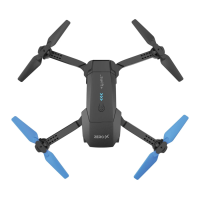
The Evolved 4K can be folded for easy storage and transport.
The Evolved 4K's arms are designed to fold out in a specific order with the
front arms folding outward first and the back arms folding outward second.
To fold down, fold in back arms first and then front arms second.
6.0 STATUS INDICATOR LIGHTS
1 1
Front light
Front light
Rear light
Rear light


 To Next Page